Ginger Writer
Published by Ginger Software Inc. on Mar 16, 2014
Genre: Productivity
Ratings: 4.60
Version: 7.3.1
Updated: Jun 05, 2024
Downloads: 690
Ginger Writer is a productivity app developed by Ginger Software. Available as a free download, it was updated to v7.30 on June 05, 2024, and currently holds a 4.6 out of 5 rating based on 3.5K reviews. Before downloading, make sure your device has at least 35 MB of free space and runs Android 12+ or iOS 13.0+.
Grammar Checker, Paraphraser
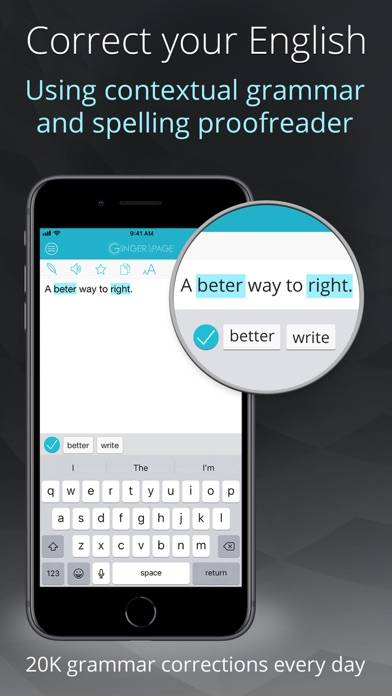
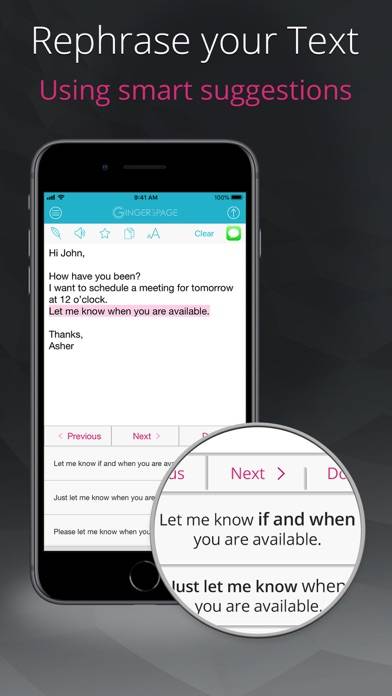
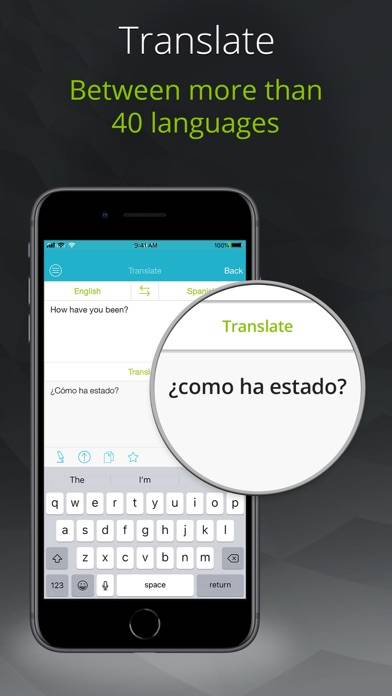
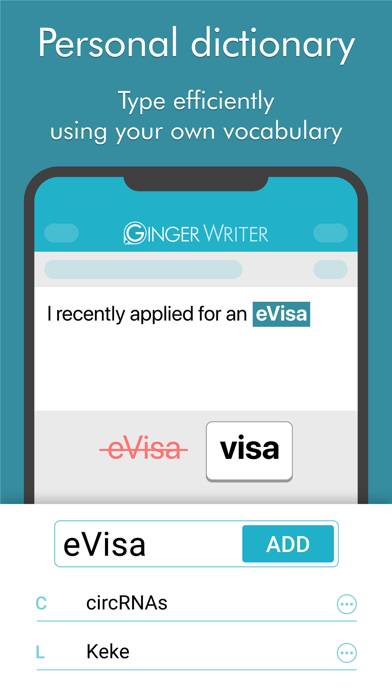
Video: Ginger Writer Overview
Description
Write better and faster with Ginger's AI-powered writing assistant, trusted by over 8 million users.
Show more
Download Ginger Writer
Scan to Get the App!

Using Ginger Writer on PC or Mac
Ginger Writer can be played on Windows and macOS using Android emulators such as BlueStacks. Download an APK version and follow our BlueStacks installation guide to get started. For help with downloading or installing APK files, visit our forums.
User Reviews and Ratings
★★★★★ It’s working well now!
Thank you for correcting the issue I was having! I appreciate it very much! 😉
★★★★☆ Can't wait for the new version that support new gens ipad pros
Unfortunately!
★★★★★ Excellent and useful App
I have found this app to be very useful. In case I'm too lazy to write something elegant, I can simply type in the sentences and Ginger will give me multiple options to choose from. Thank you Ginger.
★★★☆☆ Has problems with the Magic Keyboard
A lot of things seem to be nice about this app, and with this update it doesn't crash as often. The suggestions are generally very good and it's fast compared to some of the others I've tried.
Thankfully the issue with the blank area when using the iPad Pro + Magic Keyboard seems to have been fixed, but there’s still an issue there. Most of the time the rephrase tool is only active if the onscreen keyboard is showing. Once I click it I can hide the keyboard again, but it’s a bit annoying that w
★★★★☆ Great App.. Needš Folders, Súb Folders
Read all reviews
Hi !
You have as great app, you do! However, u need to be able to make folders even sub-folders! I know, you can ⭐️Save Text! But I want folders and font choices, MONO CURSIVE & BLACK CHANCERY.
I use them all the time. I hope you'll add them. As well as, Folders!
Countess, Mitsy
Similar Productivity Apps
Importass Seguridad Social
gTasks Pro

Correos
WiFi Camera for OBS
BabyCheck - Todos and Task