Glazba – Music Player
Published by Pavel Alekseev on Jan 21, 2016
Genre: Music
Ratings: 4.59
Version: 2.5.0
Updated: Feb 08, 2023
Downloads: 944
Glazba – Music Player is a music app developed by Pavel Alekseev. Available as a free download, it was updated to v2.50 on February 08, 2023, and currently holds a 4.59 out of 5 rating based on 108 reviews. Before downloading, make sure your device has at least 41 MB of free space and runs Android 8.3+ or iOS 9.3+.
Cloud drives and WiFi upload
Description
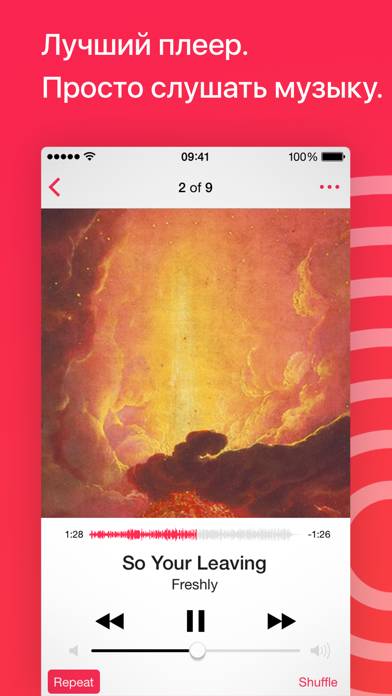
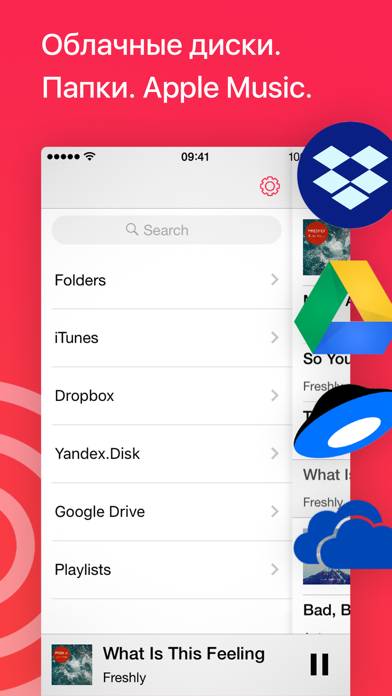
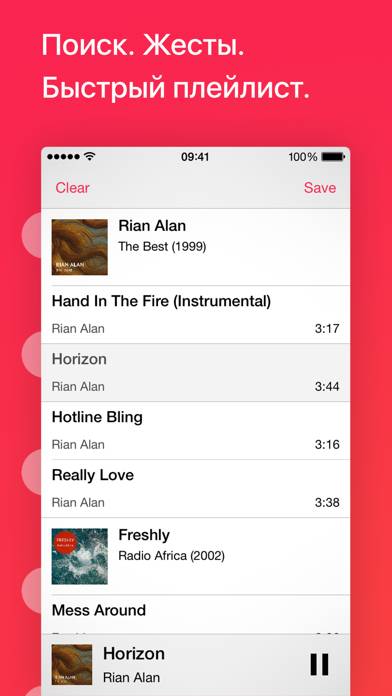
Listen music from your favourite cloud storage service (Google Drive, Dropbox, OneDrive, Yandex.Disk), download tracks for offline access. Or upload music from PC/Mac directly using WiFi or cable.
Show more
Download Glazba – Music Player
Scan to Get the App!

Using Glazba – Music Player on PC or Mac
Glazba – Music Player can be played on Windows and macOS using Android emulators such as BlueStacks. Download an APK version and follow our BlueStacks installation guide to get started. For help with downloading or installing APK files, visit our forums.
User Reviews and Ratings
★★☆☆☆ Dont working for me
Looks great but Waste of money I hope to add a youtube playlist and I can't open the file app through the app I have to go to the file app and share and hope it solves these two problems
★★★★★ Phenomenal
I haven’t every written a review, but this is the best thing I’ve ever spent a dollar on. No ads, the ability to upload songs, a sleep timer, shuffle, did I mention no ads? Offline use, and no ads. This is my new music player.
★★☆☆☆ Use share instead of login
There is really no good reason that this app should require your account login credentials to be entered in order to access music in a cloud share. Instead, it should just be possible to input a share link, which would keep login credentials far more secure.
I created a whole separate account in order to test functionality since I would not trust entering my “real” account credentials.
Also, how do this app make music help in a Google Drive or OneDrive location available to the native iOS musi
★★★★★ best player
Easy to use app
★★★★☆ playing speed icon on top, plz
Read all reviews
Thank you for your app!
The text-based interface is good enough to handle audio files.
However, adjusting playing speed is difficult when playing by going backwards.
Similar Music Apps
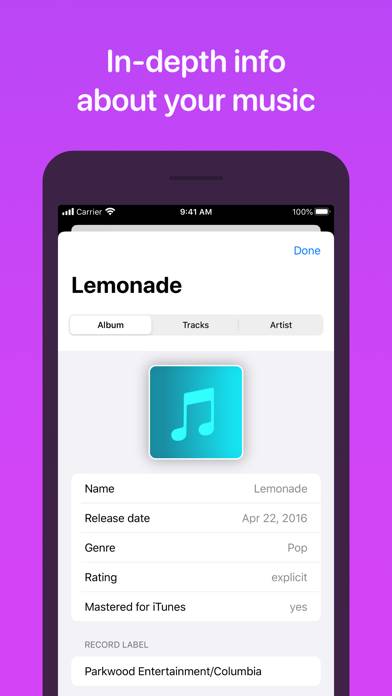
MusicSmart - Liner Notes
DigiStix Drummer AUv3 Plugin
Ravenscroft 275 Piano
Top #56 in Music Apps
bedr Pro alarm clock radio
mimiCopy - Slow Down Player
BluRemote Controller