GoPro Quik

Published by GoPro, Inc. on Oct 08, 2012

GoPro Quik icon

Genre: Photo & Video

Ratings: 4.78

Version: 13.1

Updated: Sep 19, 2024

Downloads: 970

GoPro Quik is a photo & video app developed by GoPro. The last update, v13.10, released on September 19, 2024, and it’s rated 4.78 out of 5 based on the latest 747K reviews. GoPro Quik is FREE and requires iOS 16.0+ and Android 15 or newer to download.

Video Edit & Movie Maker

Video: GoPro Quik Overview

Description

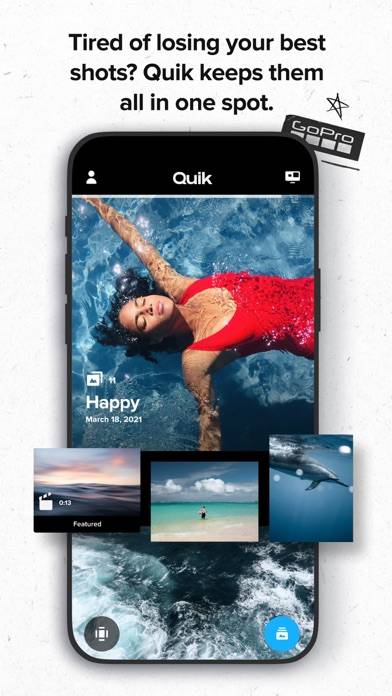
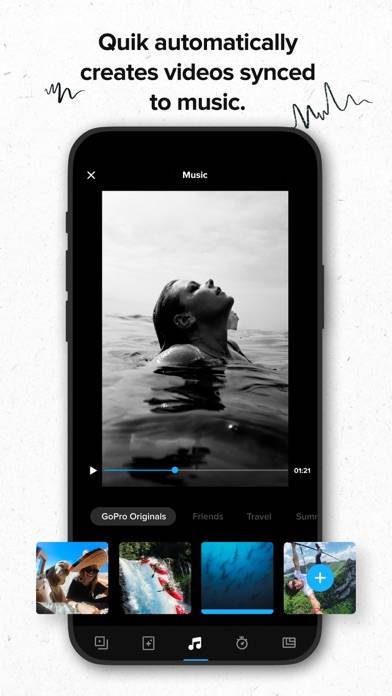
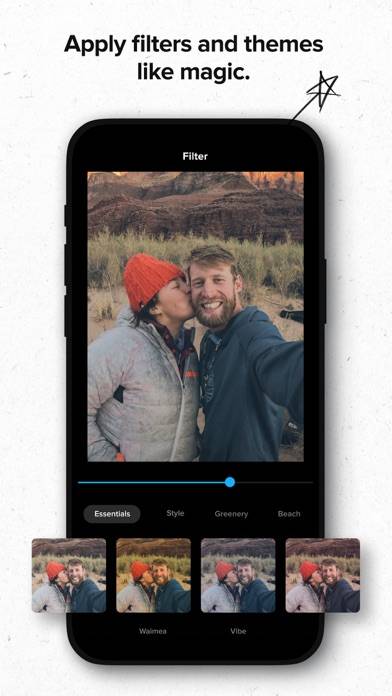
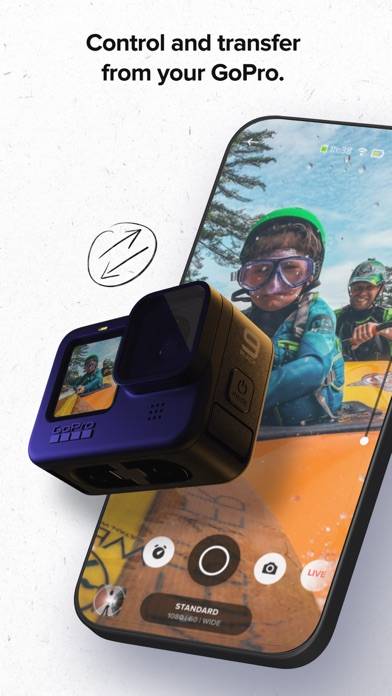
---KEY FEATURES [1]--- AUTOMATIC EDITS The Quik app picks your best shots, syncs them to music, adds cinematic transitions, and creates a shareable video. HIGHLIGHT VIDEOS SENT TO YOU - AUTOMATICALLY
Show more

Available In-App Purchases

Subscribe to GoPro

$4.99

Subscribe to GoPro - 1-Year

$49.99

Subscribe to Quik

$1.99

Subscribe to Quik - 1-Year

$9.99

Download GoPro Quik

Scan to Get the App!
QR code for GoPro Quik

How to Use GoPro Quik on Your PC or Mac

Want to enjoy GoPro Quik on your desktop? Download the latest APK (13.10, 288 MB) or choose your preferred version, and follow our Bluestacks emulator guide for easy installation on Windows or macOS. For any assistance with downloading or installing APK files, feel free to visit our forums!

User Reviews and Ratings

★★★★☆ Good feature that needs to be added
They need to make it so you can track your GoPro from the Quik app on your mobile device.
★★★★★ I’m new
I’m new to this and have a lot to learn. The learning is fun
★★★★★ Abousulty amazing
It makes my my edits so much cooler, like I took a picture of a fat cow, and it put a SONG in the picture. A REAL SONG. WHAT¿¿¡ and I LOVE how the it makes random videos, so I never have to do work. I mean now all I have to do is screen record a random video, put it in the app, and post it on my own channel. So much more helpful
★★★★☆ Why 300%
Great app, who the hell wants their video audio at 300% please take that grange off the app, it auto saves to 300% if you choose no music while editing..just dumb….also needs more editing tools for cuts and transitions.
★★☆☆☆ Acceptable in some way, terrible in others
It works ok for the actual process of editing a 360 video. They put zero effort in any of the other workflow process like being able to in any way note (like a highlight or star) which videos you want to work on. Its like the put just enough effort into doing the bare minimum functionality but nothing else.
Read all reviews

Related Apps

Mega Photo: Real-Time Effects screenshot
Mega Photo: Real-Time Effects
Apollo: Отличное освещение screenshot
Apollo: Отличное освещение
Head - AI Headshot Generator screenshot
Head - AI Headshot Generator
Top #78 in Photo & Video Apps
Private Videos Safely Locked screenshot
Private Videos Safely Locked
fororing screenshot
fororing
GoPro Quik App Alternatives