GPX-Viewer
Published by William Modesitt on May 24, 2014
Genre: Navigation
Ratings: 4.50
Version: 3.8.70
Updated: Sep 20, 2024
Downloads: 1,216
GPX-Viewer is a navigation app developed by William Modesitt. Available as a free download, it was updated to v3.80 on September 20, 2024, and currently holds a 4.5 out of 5 rating based on 1.6K reviews. Before downloading, make sure your device has at least 5 MB of free space and runs Android 11.4+ or iOS 12.4+.
View GPX files
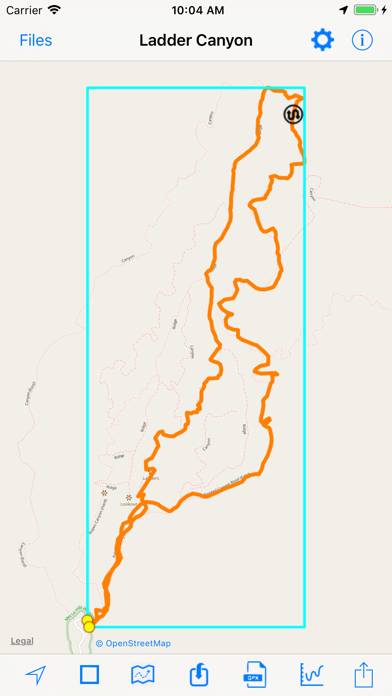
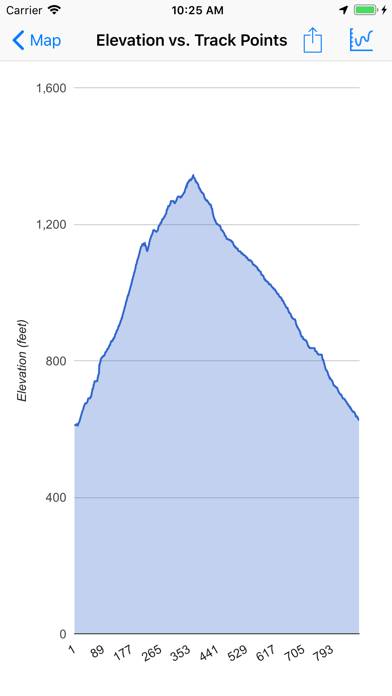
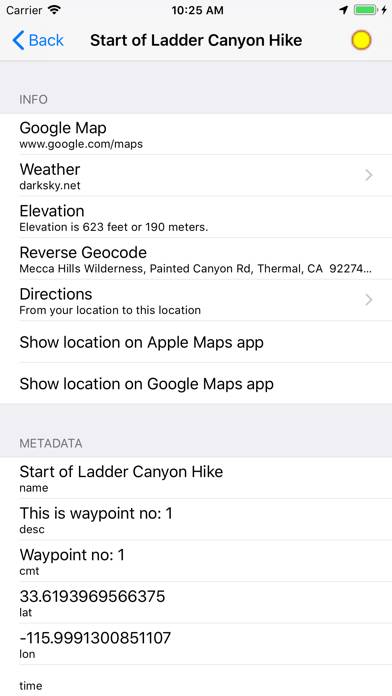
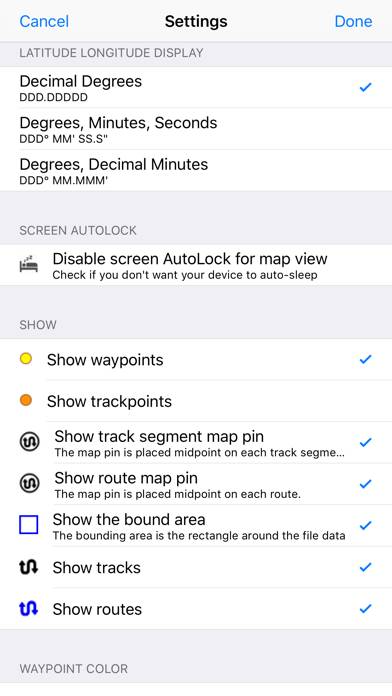
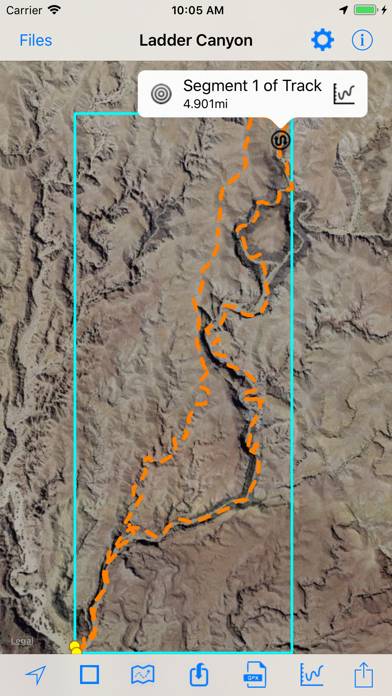
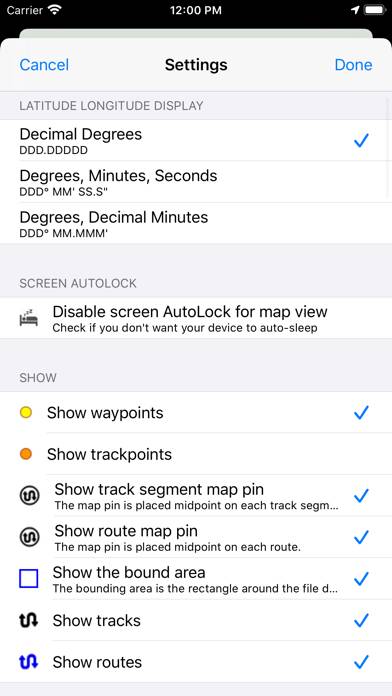
Video: GPX-Viewer Overview
Description
Import and view GPS eXchange format (GPX) files. GPX-Viewer views GPX files exported from many GPS devices and other apps that create GPX files.
Show more
Download GPX-Viewer
Scan to Get the App!

Using GPX-Viewer on PC or Mac
GPX-Viewer can be played on Windows and macOS using Android emulators such as BlueStacks. Download an APK version and follow our BlueStacks installation guide to get started. For help with downloading or installing APK files, visit our forums.
User Reviews and Ratings
★★★★☆ Any way to fully download a map so it is usable when there is no phone service
I really like the app and it does most of what I’m looking for. Only problem is when I was out of cell range any area of the map that I had not zoomed in on was unavailable. Is there any way to download a complete map of the defined area for offline use?
★★★★☆ Please add the ability to change unit
The App is OK to use, very cheap compare to all other apps that offer the similar feature. However I cannot change the unit from Imperial to Metric. Please add a button so I can switch to Metric system. Thanks
Edit: after I change my phone location to a metric country, the unit in the app did switch to metric. However I want to keep my current country and be able to change unit with a button or switch inside the app.
Thank you for replying.
★★★★★ Can’t see files uploaded
Can’t see files uploaded
★★☆☆☆ Nope
It takes over a dozen clicks to import a track. If you have 20 tracks to do, it takes forever. Not that it matters, if you get a few of them imported it’ll crash and you’ll lose your work.
Don’t reply, I won’t read it.
★★★☆☆ I like this app
Read all reviews
It took a bit to figure out how to load the GPX files only because it was the first time I had to use the iOS file system. It was a short learning curve and I am using the iCloud for storing my files. This would be an incredible app if it could provide turn by turn navigation. It still is good for viewing if I am staying on the route or have varied off the route.
Similar Navigation Apps
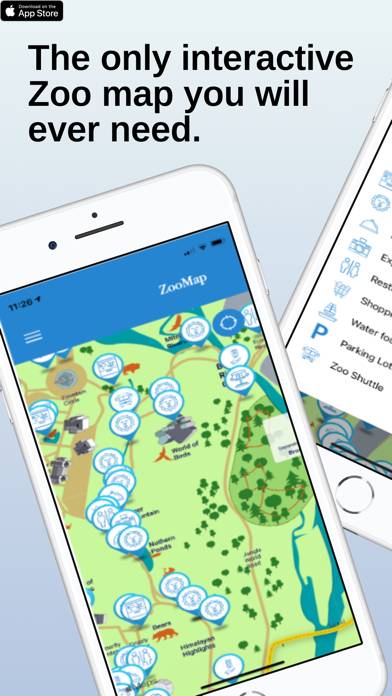
Los Angeles Zoo - LA ZooMap
Top #29 in Navigation Apps
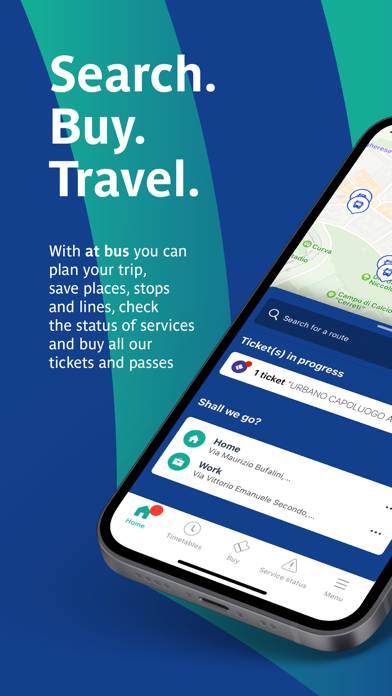
at bus

Abb Mezarlıklar Bilgi Sistemi
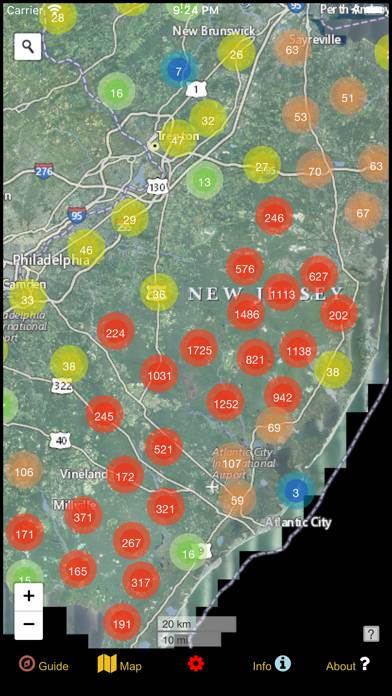
New Jersey Mushroom Forager
Top #86 in Navigation Apps

Car's Speedometers & Sounds
Top #95 in Navigation Apps

Number Tracker: Family Locator
Top #67 in Navigation Apps