Graphing Calculator Plus

Published by An Truong on Oct 02, 2017
Graphing Calculator Plus icon

Genre: Education

Ratings: 4.63

Version: 3.2.2

Updated: Sep 06, 2024

Downloads: 841

Graphing Calculator Plus is an education app developed by IncptMobis. Available for $5.99, it was updated to v3.20 on September 06, 2024, and currently holds a 4.63 out of 5 rating based on 11.5K reviews. Before downloading, make sure your device has at least 11 MB of free space and runs Android 11+ or iOS 12.0+.

Scientific Graphing Calculator
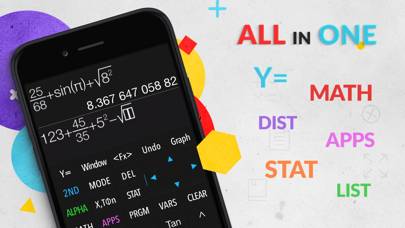
Video: Graphing Calculator Plus Overview

Description

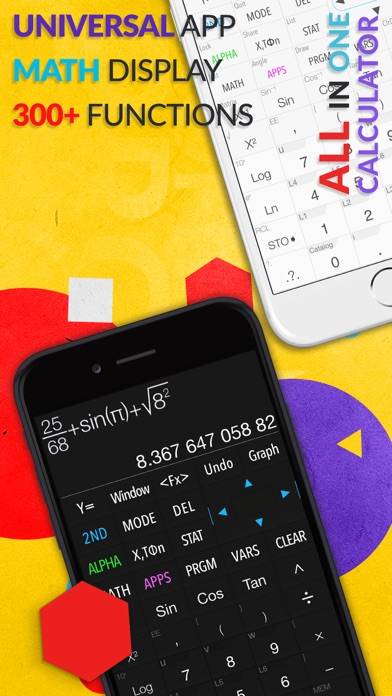
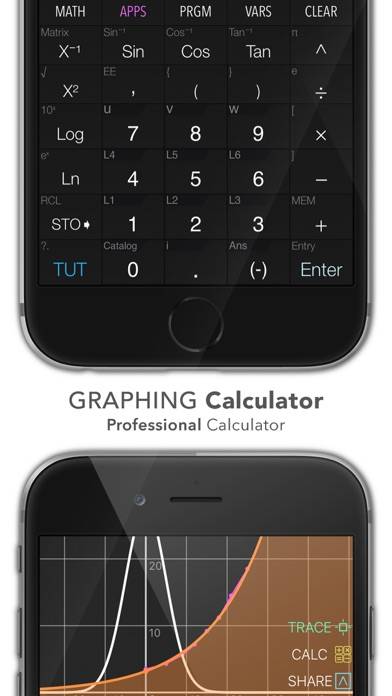
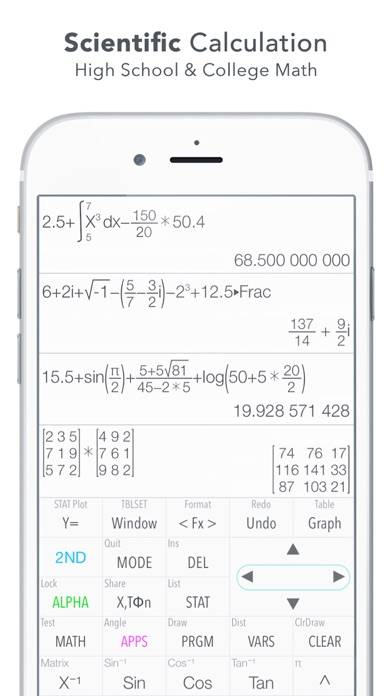
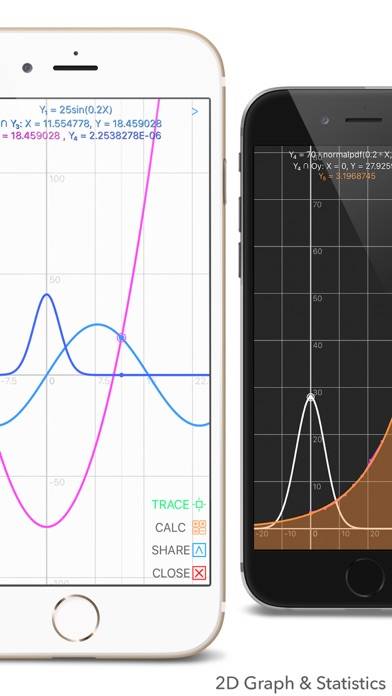
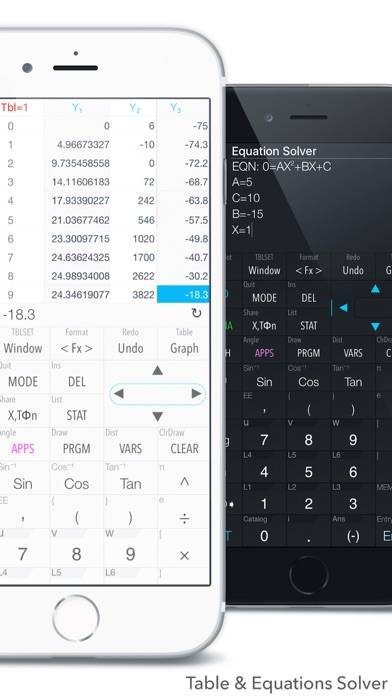
Graphing Calculator has a formidable reputation of being the top alternative to heavy complex hardware calculators.
Show more

Download Graphing Calculator Plus

Scan to Get the App! QR code for Graphing Calculator Plus

Using Graphing Calculator Plus on PC or Mac

Graphing Calculator Plus can be played on Windows and macOS using Android emulators such as BlueStacks. Download an APK version and follow our BlueStacks installation guide to get started. For help with downloading or installing APK files, visit our forums.

User Reviews and Ratings

★★★★★ Great TI Simulator
This is the perfect calculator app for high school math. Affordable one time purchase and no ads. I used to carry around a TI-83 but now I have one on my phone! So much better than the native calculator app. Pro tip: If you are using square root or powers and you want to get out of the radical or out of the superscript, just hit the right arrow key.
★★★★☆ Widget
Can you please make a widget for the Lock Screen for quick access? I use this app daily for school and hate the iPhone calculator. But the way I organize my phone is by folders so I have to unlock my phone, swipe to the right page, click the school folder, then click the app to use it. Which sounds stupid but if I could have it on my Lock Screen I’d be so grateful to save the steps lol.
★★★★★ Helped in college
Helped when I couldn’t afford it
★★★★★ Cool cool cool
Best little complex calculator I’ve found yet. Everything seems to work properly, including the “PRGM” button. Unlike some of the other 84 ports I’ve seen. Only caveat I have is the non fixed proportional font size. Just a minor thing though. Anyway, good work guys.
★★☆☆☆ Ugly UI, Hard to use, save your money
Title says it all. Not worth it.
Read all reviews

Similar Education Apps

itslearning new screenshot
itslearning new
ClarityCue screenshot
ClarityCue
Consulting Case Interview Prep screenshot
Consulting Case Interview Prep
Word Cross: Find Words Search screenshot
Word Cross: Find Words Search
Ducklas: It's Recycling Time screenshot
Ducklas: It's Recycling Time
FastMath - Take Photo & Solve screenshot
FastMath - Take Photo & Solve