Guru Maps - Offline Navigation is a navigation app developed by Evgen Bodunov. The last update, v5.60, released on August 09, 2024, and it’s rated 4.68 out of 5 based on the latest 1.2K reviews. Guru Maps - Offline Navigation is FREE and requires iOS 15.0+ and Android 14 or newer to download.
GPS Tracker & Route Planner
Video: Guru Maps Overview
Description
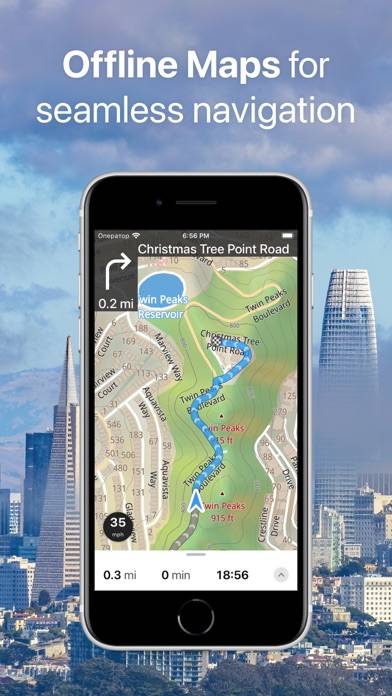
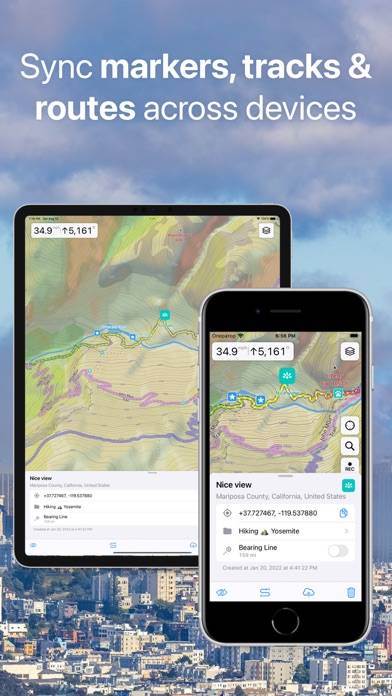
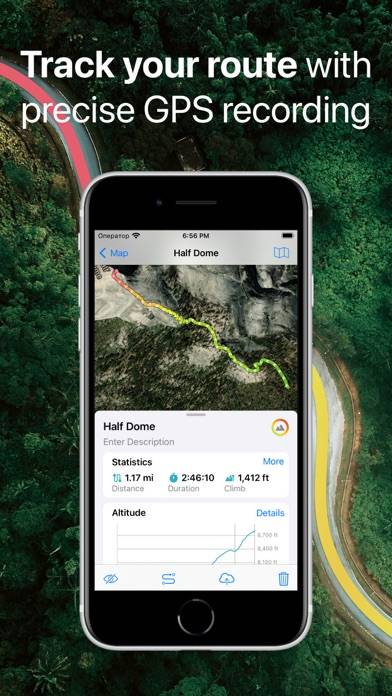
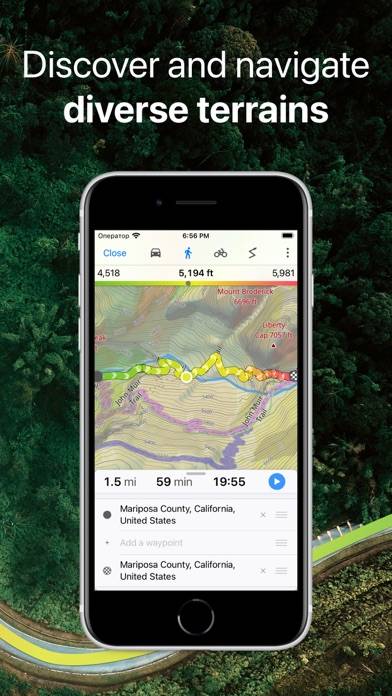
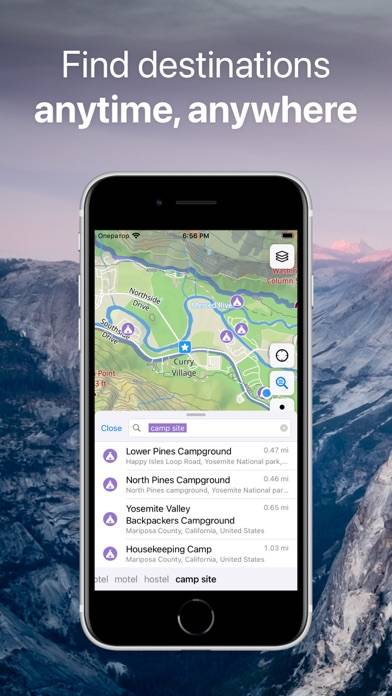
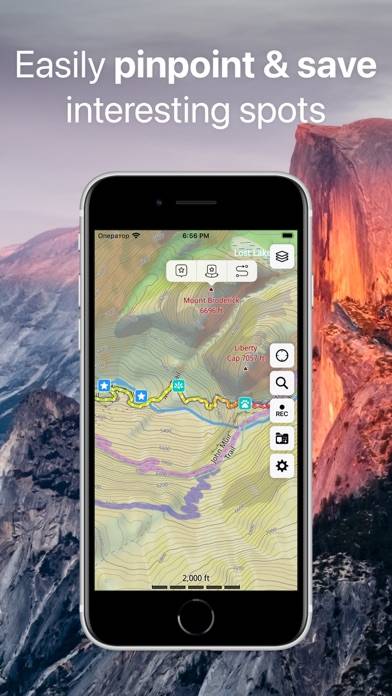
Detailed and easy-to-use offline maps. We have millions of points of interest (POI) on our maps. Record your GPS tracks and bookmark your favorite locations.
Want to enjoy Guru Maps - Offline Navigation on your desktop? Download the latest APK (5.60, 107 MB) or choose your preferred version, and follow our Bluestacks emulator guide for easy installation on Windows or macOS. For any assistance with downloading or installing APK files, feel free to visit our forums!
User Reviews and Ratings
★★★★★Great Map App!!
Worldwide downable maps, offline functionality and quick tech support. Easy and intuitive to use. The too-fast-talking issue was an iOS problem resolved by going to Settings->Accessibility->Spoken Content and adjusting the Speaking Rate slider. So impressed that I gladly paid for the pro license.
★★★★☆Almost perfect
Years waiting for an app that was easy to use but powerful.
Simple, elegant screen and useful controls, you can configure the main screen a little bit, great maps offline, layers and overlays depending on your current activity, and you can navigate main roads and trails…
Very close to be perfect….
Now I can throw away my garming and have all on my phone
★★★★★بغداد
برنامج ممتاج يحتاج الى بعض التوضياحت البسيطة مثل تحديد مسار الطريق وتغير اللوانه
★★★★★FABULOUS OFFLINE MAPS!
Love this app! Shows ALL trails, large and small, you can easily set a bearing line to ANYWHERE and it recaluculates with every step to get you bushwacking to exactly where you want or need to go. Being able to simply record your tracks is a great feature for hiking alone in unfamiliar territory - can't get lost, just back track if need be. Cant speak highly enough. LOVE IT!
★★★☆☆Poor quality
The map quality in sat is poor when zoomed in, I am trying to cross multiple bearings to find where they intersect and with the quality so poor its useless for that purpose. Is there a way I do not see to improve it?