Handy Art Reference Tool is an education app developed by Belief Engine. The last update, v5.00, released on April 28, 2023, and it’s rated 4.85 out of 5 based on the latest 1.2K reviews. Handy Art Reference Tool costs $1.99 and requires iOS 11.0+ and Android 10 or newer to download.
3D Lit Reference for Artists!
Video: Handy Art Reference Tool Overview
Description
"Thanks to this useful app, drawing realistic hands can become a whole lot easier" - ImagineFX
"Pencillers, inkers, and colorists should all give this a look!" - Tony Moore, co-creator of The Walking Dead
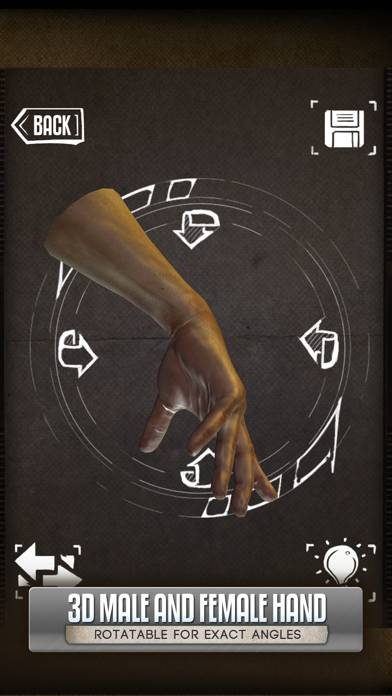
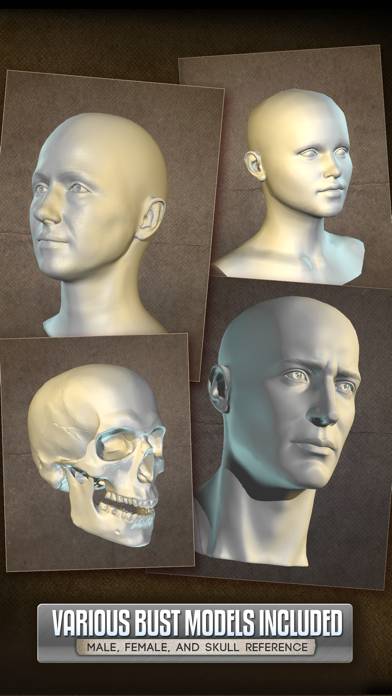
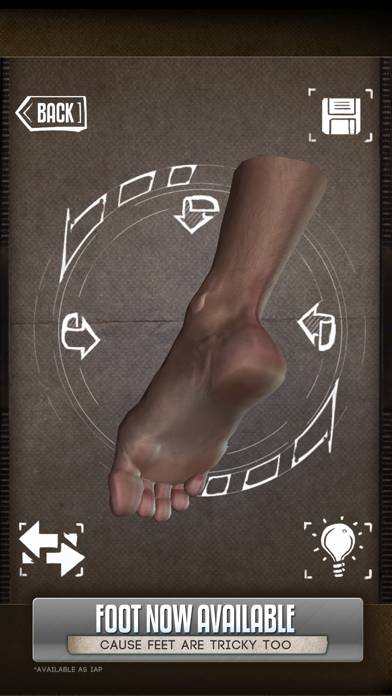
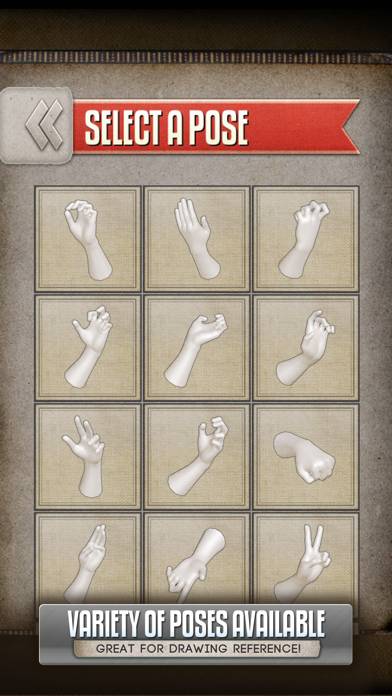
If you're an artist and ever wanted just quick and easy drawing reference for hands, heads, or even feet (IAP) without having to awkwardly pose your limbs in front of a mirror, this app is for you!
How to Use Handy Art Reference Tool on Your PC or Mac
Want to enjoy Handy Art Reference Tool on your desktop? Download the latest APK (5.00, 245 MB) or choose your preferred version, and follow our Bluestacks emulator guide for easy installation on Windows or macOS. For any assistance with downloading or installing APK files, feel free to visit our forums!
User Reviews and Ratings
★★★★★Amazing!!
Love it!! Helps tremendously!!
★★★★☆Holding hands
This is my go to reference for hands. The only ask I have is for option for both hands in a pose.
★★★★★Wonderful app!
I was introduced this app by my partner and have used it for just about every drawing since then. I haven’t seen anything even come close to the level of customization this app has, definitely my all time favorite reference tool!
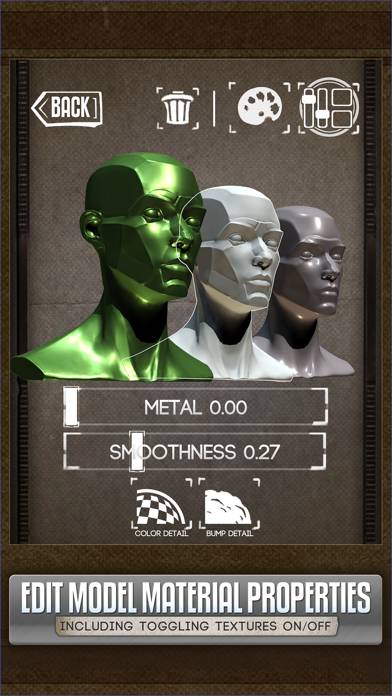
My only complaint would be with posing, I had an issue today manipulating a skull on top of the mannequin head where I couldn’t anchor the skull down to be center aligned. This is really a small issue in the grand scheme of things and it definitely wont revoke any point
★★★★☆Necessary tool for artists!!
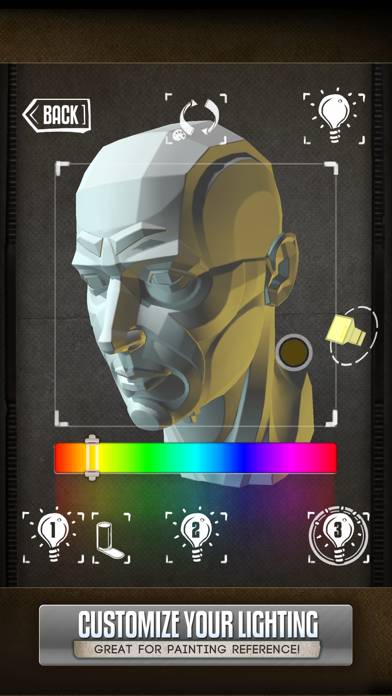
This app is an absolute dream for referencing, especially for artist like me who like to do dynamic hand gestures and interesting lighting. The only minor negative i’ve had is that sometimes the controls for moving around the objects can be finicky, especially if i’m trying to place multiple objects in one scene. However I do still think that this is definitely one of the best free tools for artists on the app store!!