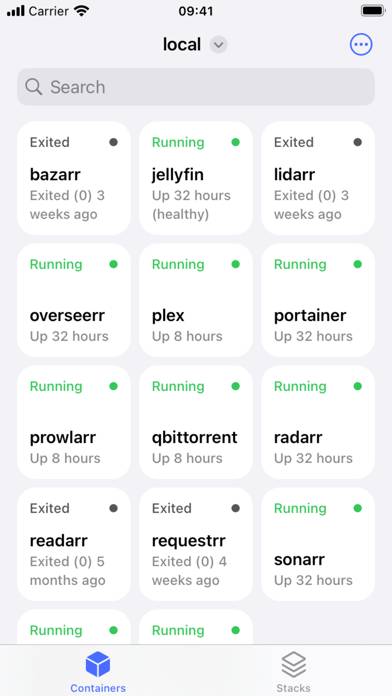
Harbour - Docker Manager is a developer tools app developed by Kacper Kaczmarzyk. Available for $2.99, it was updated to v4.10 on June 11, 2024, and currently holds a 5 out of 5 rating based on 5 reviews. Before downloading, make sure your device has at least 9 MB of free space and runs Android 16+ or iOS 17.0+.
Manage containers with ease
Video: Harbour Overview
Description
Meet Harbour - Docker/Portainer Management App for iOS! Multiple Servers & Endpoints
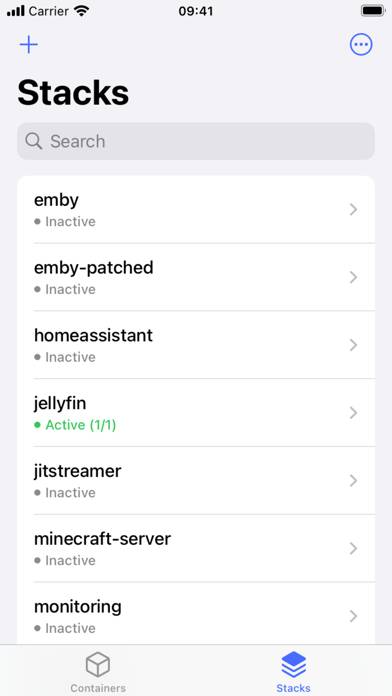
Effortlessly manage multiple Docker servers and endpoints from one centralized platform.
Harbour - Docker Manager can be played on Windows and macOS using Android emulators such as BlueStacks. Download an APK version and follow our BlueStacks installation guide to get started. For help with downloading or installing APK files, visit our forums.
User Reviews and Ratings
★★★★★Instant buy for me
Having used the app for months while it was on TestFlight, has been a lifesaver multiple times, especially when the portainer web interface crashes. Thank you for making this app!
★★★★★Super Helpful
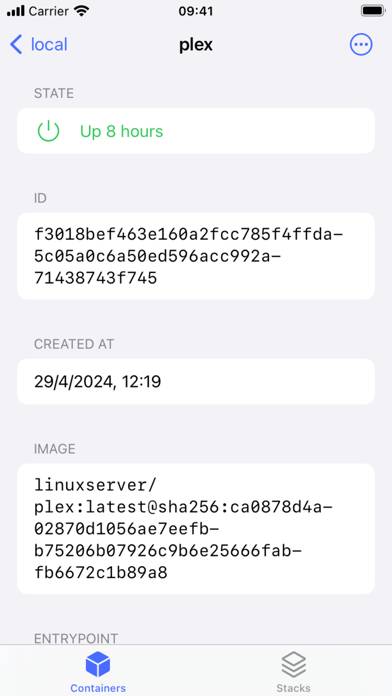
I have had this app for some time now and it has came in so handy. The steps I had to take prior to this were to remote in then use a tiny screen to navigate to my containers. Now I have access to all my containers to check on status, stop, start, and remove. This is super easy to setup and I recommend any one using docker to get Harbour.
★★★★★Good stuff
Been using this since the beta, great looking app with solid features.
Going forward I’d love to see some more display options, e.g. view a network and the container ip addresses within.
★★★★★Best app I’ve seen in a while
I truly enjoy using my services with docker but there was never a good app for it. All of them were riddled with ads, but not Harbour. Not only is it open source but the developer puts so much hard work into it. I 100% recommend buying and using.
★★★★★Sleek and easy to use!
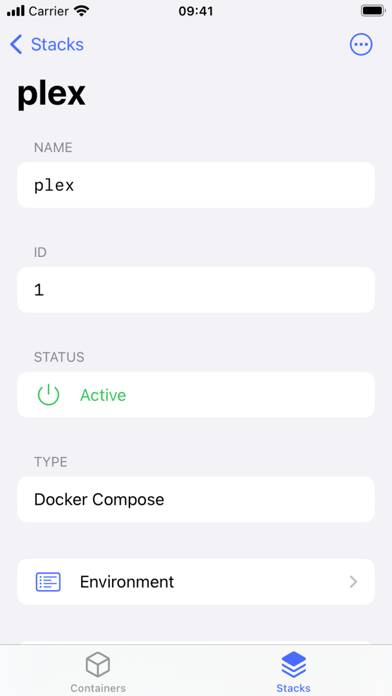
I use Harbour with a UTM Linux VM that’s running Docker Engine. The UX is a lot cleaner than Docker Desktop for Mac and I get similar performance. Harbour is much nicer to use than other Docker manger GUIs that I’ve tried. Overall a great experience, my only suggestion would be to keep adding more Portainer features to build out Harbour’s usefulness so people don’t have to switch into the web UI.