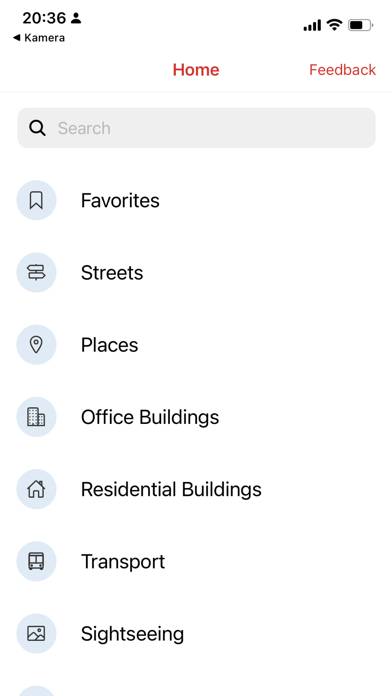
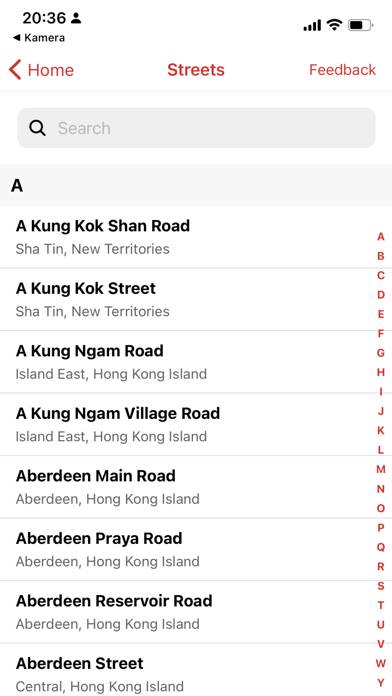
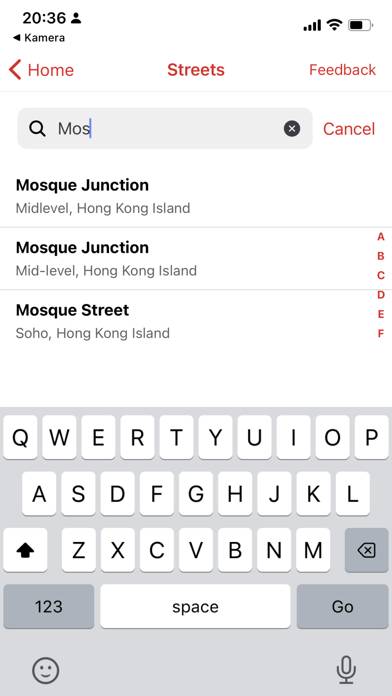
Hong Kong Taxi Translator is a travel app developed by Suter Studios. The last update, v4.10, released on May 05, 2024, and it’s rated 2.43 out of 5 based on the latest 14 reviews. Hong Kong Taxi Translator costs $1.99 and requires iOS 15.0+ and Android 14 or newer to download.
No1 Taxi Card App in Hong Kong
Description
“The Hong Kong Taxi app is a very well designed and developed app that every Hong Kong, non-Canto speaking visitor or resident should, scratch that, must have.” - App of the week, Chatty Brains Hong Kong
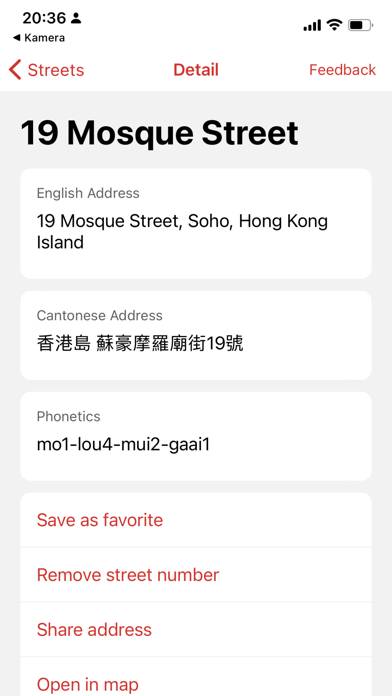
The Hong Kong Taxi Translator is a powerful tool for finding and translating addresses in Hong Kong into written Chinese and phonetic Cantonese.
How to Use Hong Kong Taxi Translator on Your PC or Mac
Want to enjoy Hong Kong Taxi Translator on your desktop? Download the latest APK (4.10, 15 MB) or choose your preferred version, and follow our Bluestacks emulator guide for easy installation on Windows or macOS. For any assistance with downloading or installing APK files, feel free to visit our forums!
User Reviews and Ratings
★★★★★Excellent!
This app is a Hong Kong survival must have whether you're a tourist or an expat. Great functionality and interface.
★★★★★A Must Have when in Hong Kong
Essential App if you are leaving in HK / visiting HK.
Easy to use and very very convenient if you do not speak Chinese and want to get anywhere by Taxi
★★☆☆☆Needs more work
Yes it's great to have the taxi card but this app is missing some really important places. I think it is local content translated as opposed to someone crafting listings for Expat.
It lists the Panda Hotel but missing the Peninsula Hotel.
It lacks all the theaters. The Academy for Performing Arts, The Fringe Club, the a Arts Centre. Please at least get the LCSD stuff in here.
★★★★☆Great idea for a app!
Fantastic app. Needs more entries but that is easily solved by making suggestions to the developers.
★★★★☆Update to previous review
While the app is lacking many addresses it is easy enough to add one. I didn't realize this at first, but if you have the address in English then all you need to do is open the App and select the street then click the "add number" button and add your street number and voila you are done.
Not really that intuitive but with a little playing around it seems easy enough.