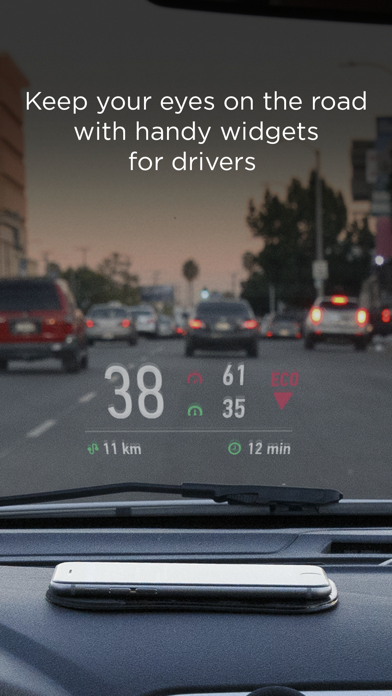
HUD Widgets is a navigation app developed by HUDWAY LLC. Available as a free download, it was updated to v2.10 on July 15, 2024, and currently holds a 3.5 out of 5 rating based on 107 reviews. Before downloading, make sure your device has at least 54 MB of free space and runs Android 12+ or iOS 13.0+.
Non-distracting driving assist
Video: HUD Widgets Overview
Description
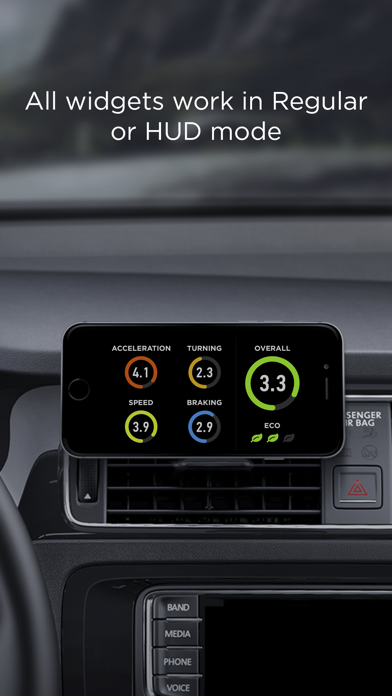
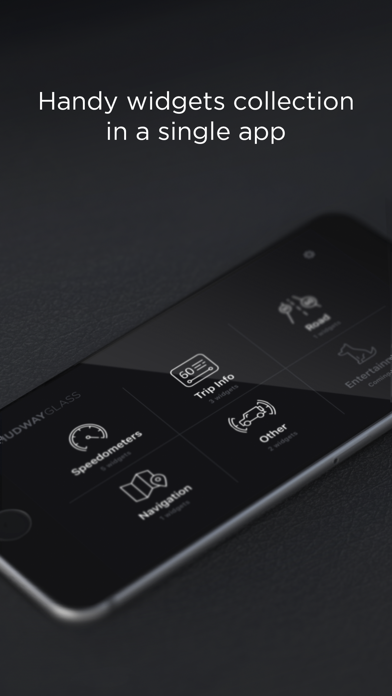
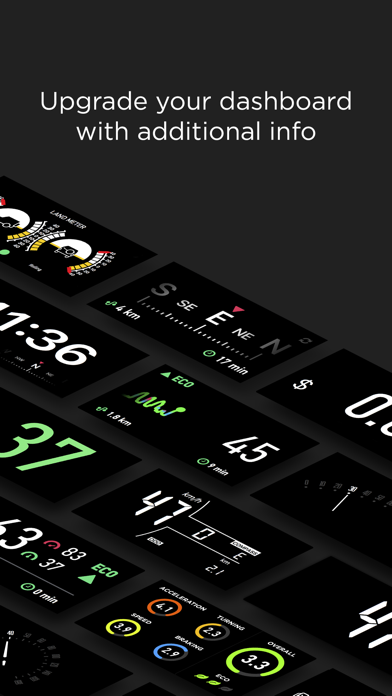
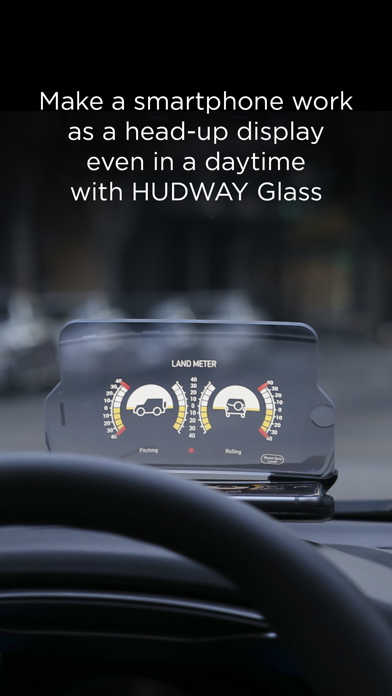
HUD Widgets app is a set of handy and popular navigation widgets, like speedometers, trip info, landmeter, weather, eco-driving, etc... All widgets work in regular or head-up display (HUD) mode.
HUD Widgets may be playable on Windows and macOS using Android emulators such as BlueStacks. Follow our BlueStacks installation guide to get started. Looking for HUD Widgets APK? Visit our forums for help finding authorized downloads, installing APK files, and troubleshooting installation issues.
User Reviews and Ratings
★★☆☆☆Orientation issues
The app only works in one orientation. I mount my iPad a certain way for the charger cable to pass through the mounting bracket and the app is upside down. I can’t find a way to flip it 180 degrees.
★★★★☆Very useful / user friendly
Enjoy the app very much! Does it work with Apple CarPlay?
★★★★☆CarPlay compatibility
Excellent app for the phone but I would love to see this as a app compatible with CarPlay head units.......I have a electric classic car and these digital gauges would solve a lot of challenges with telemetry is such conversions.
★★★★☆Looks promising
I’ve gone through a lot of similar apps and this one is the one that fits the profile of what I’m looking for. The only thing that was a bummer was that this app does not support portrait mode (so like your phone up straight) only landscape and that’s not how my phone holder works in my car....
But other than that it looks promising!
★★★★★Better than I thought
Let’s get this straight,
I am very skeptical and very picky
I downloaded a whole bunch of HUD apps to see how they were
A lot of them made me pay a lot of money for premium features for this one you watch one ad and get premium features all of them for a day
I am very happy with this.