HVAC Decoder
Published by Charles Cope on Mar 05, 2018
Genre: Utilities
Ratings: 4.07
Version: 3.81
Updated: Sep 18, 2025
Downloads: 766
HVAC Decoder is a utility app developed by Charles Cope. Available for $9.99, it was updated to v3.81 on September 18, 2025, and currently holds a 4.07 out of 5 rating based on 27 reviews. Before downloading, make sure your device has at least 18 MB of free space and runs Android 11+ or iOS 12.0+.
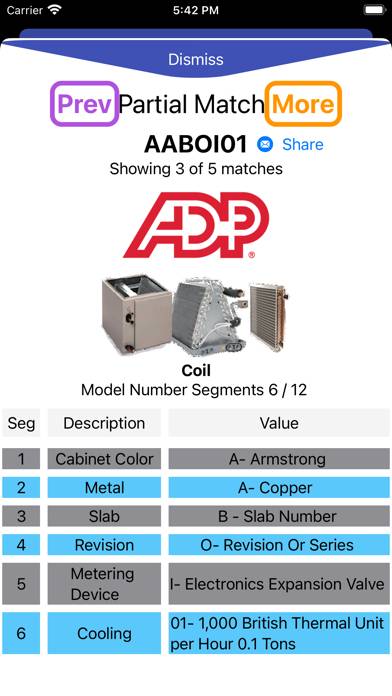
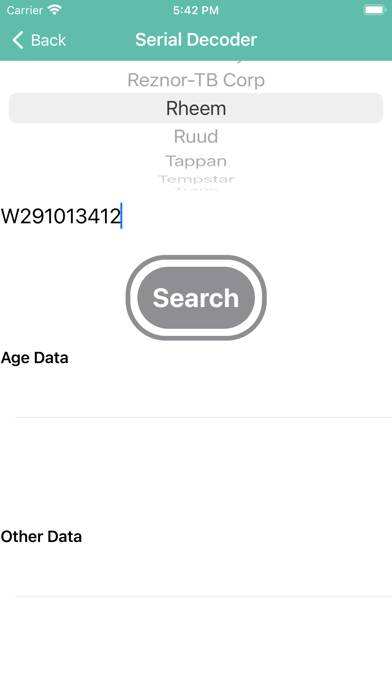
Video: HVAC Decoder Overview
Description
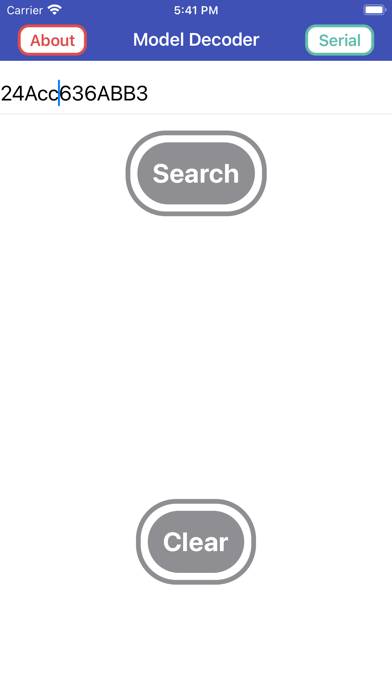
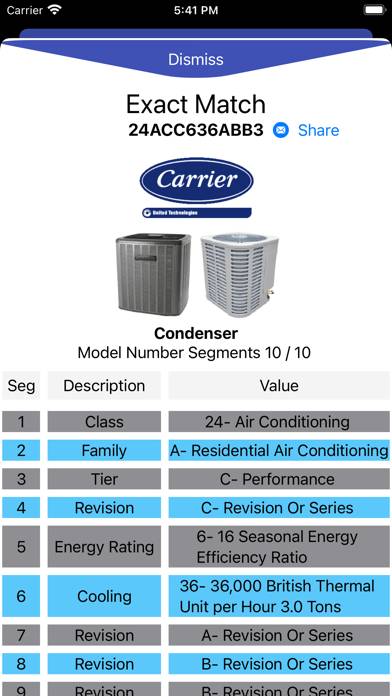
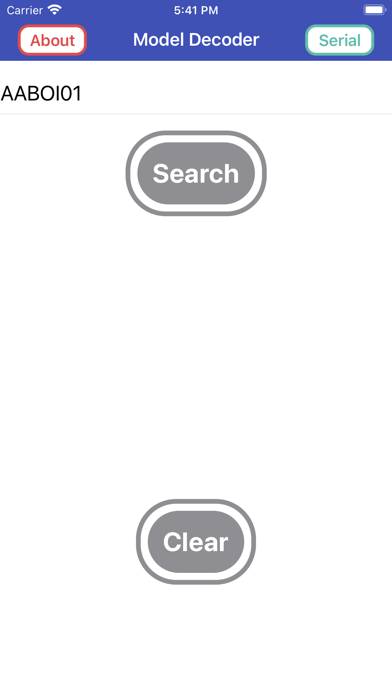
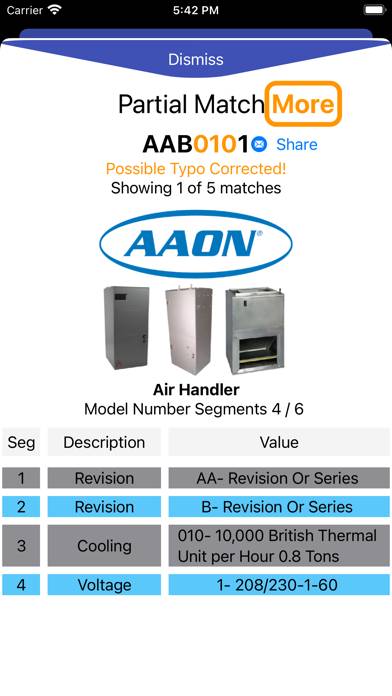
This app will decode the model number nomenclature of most HVAC companies. It has all the major brand names with many thousands of model numbers. It will also decode the serial number for many HVAC companies.
Show more
Download HVAC Decoder
Scan to Get the App!

Using HVAC Decoder on PC or Mac
HVAC Decoder can be played on Windows and macOS using Android emulators such as BlueStacks. Download an APK version and follow our BlueStacks installation guide to get started. For help with downloading or installing APK files, visit our forums.
User Reviews and Ratings
★★★★★ VERY HELPFUL!!!!!!!
Thank you for this amazing app, well worth the couple bucks!! I went through my work pics and found a bunch of model numbers of units and looked them all up and it worked perfectly every time. I’m gonna use this a lot. THANKS
★★★★★ Informative app
This app is full of useful information. When info is missing, I got a very quick response giving me all the info I was looking for. Worth every penny
★★★★★ Good App
Colleagues and I bought phone version and windows version. Simple app that works great. Developer is very responsive to questions and inputs also.
★★★☆☆ Residential & Small commercial
This app has been helpful for residential & small commercial, but doesn’t seem to have chiller info or Info for many off-brands.
★★★☆☆ Loved it until the new update
Read all reviews
App is great at finding many residential model info. Unfortunately with new update the info screen changed. Not sure if it’s my phone I have iPhone 12pro. But I don’t care to see a pic of the equipment I know what it looks like I want to see the information and not just on two small lines at bottom of screen. Hope you can help. I will move rating up to five star if it were back to the way it was.
Similar Utilities Apps
Eventium

Baby AI Generator • Face Maker
UrmetCloudFull

Codice Lotteria Scontrini App

Rocket Protect VPN
Protern Clock: LTC Generator