iDOS 3
Published by 潮激 李 on Aug 09, 2024
Genre: Utilities
Ratings: 4.70
Version: 3.1
Updated: Sep 09, 2024
Downloads: 918
Idos 3 is a utility app developed by 潮激 李. Available for $1.99, it was updated to v3.10 on September 09, 2024, and currently holds a 4.7 out of 5 rating based on 30 reviews. Before downloading, make sure your device has at least 7 MB of free space and runs Android 11+ or iOS 12.0+.
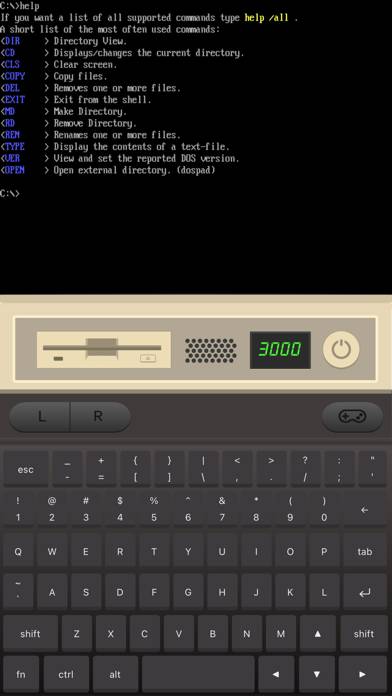
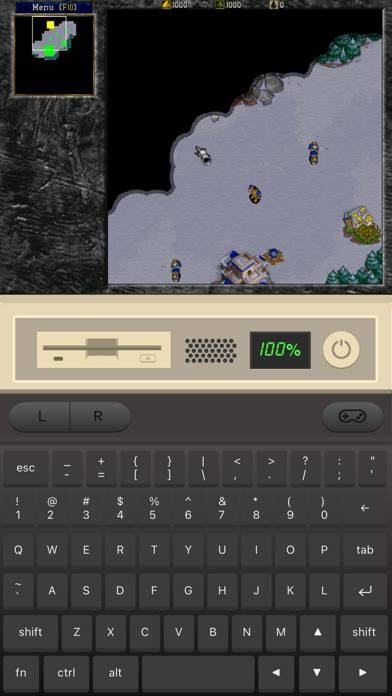
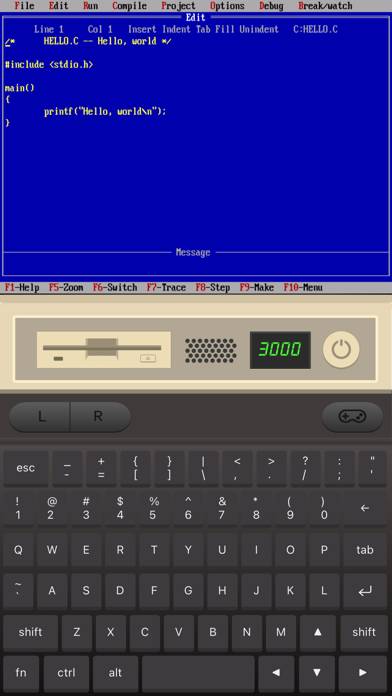
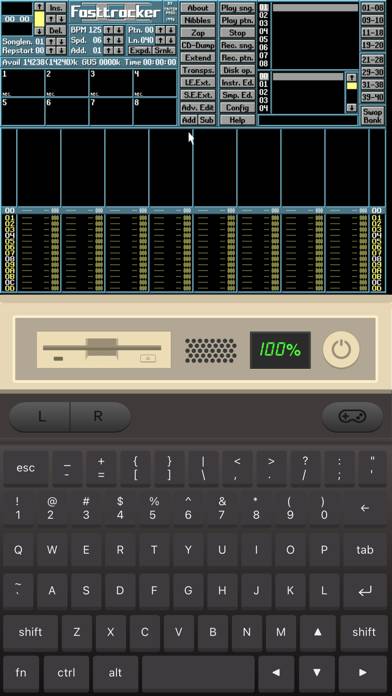
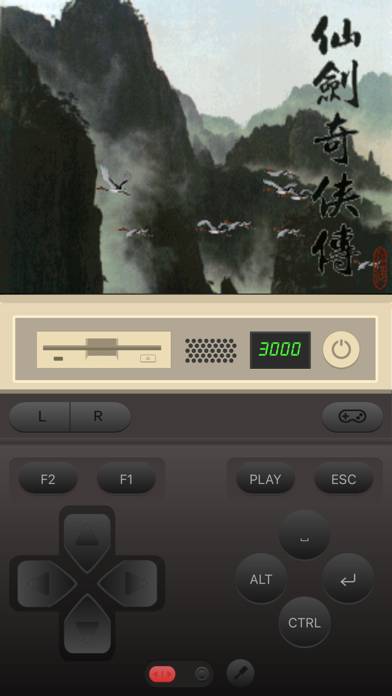
Play Classic DOS Games
Video: Idos 3 Overview
Description
Play classic DOS games on your iPhone and iPad! iDOS turns your device right into a powerful DOS gaming PC, with modern game control to make your old favorites as playable as possible.
Show more
Download Idos 3
Scan to Get the App!

Using Idos 3 on PC or Mac
Idos 3 can be played on Windows and macOS using Android emulators such as BlueStacks. Download an APK version and follow our BlueStacks installation guide to get started. For help with downloading or installing APK files, visit our forums.
User Reviews and Ratings
★★★★★ Awesome app
This is a great app, but it does have a learning curve. For example, 1 reviewer here said that it doesn’t work with iso files, but it absolutely does. You just have to know how to mount disks (Select disk drive in portrait mode, choose your iso file location, type D: to select it, and press enter to select disk.) and navigate directories (such as typing dir to check files). It has been a great app and I love learning how to use it. The only minor complaint I have is that it doesn’t seem that you
★★★☆☆ Multiple floppy disk installers
Many installers which use multiple floppy disks expect you to eject and insert another floppy image. There’s no way to do this, if you select a second floppy image it says there’s already an image mounted on the a: drive. You can’t unmount it without running the umount command, which is not possible during an installer. The ctrl-f4 shortcut doesn’t work when multiple floppies are selected. A UI for mounting multiple floppies and switching between them with the existing dosbox ctrl-f4 functionali
★★☆☆☆ ctrl alt del
I am trying to install some games, and they require to press ctrl alt del to finish setup. ctrl alt del is super hard to do and it doesnt do anything. Besides that, this app will most likely have a great future overtime.
★★★★★ Pure perfection
I almost lost faith that I could play old games on my iPad normally, and here iDos is back in business. Thanks for your work, man!
★★★★★ Please hide cursor when using iPad Magic trackpad!
Read all reviews
It would be great if you could automatically hide the iPad cursor when using the trackpad on the iPad Magic Keyboard. Other apps can do this, and the previous iDOS did this properly. It kind of kills the experience to have a double cursor. Thanks! [Update: seems to be triggered by hitting the ESC key on the keyboard, as the cursor is hidden until then]