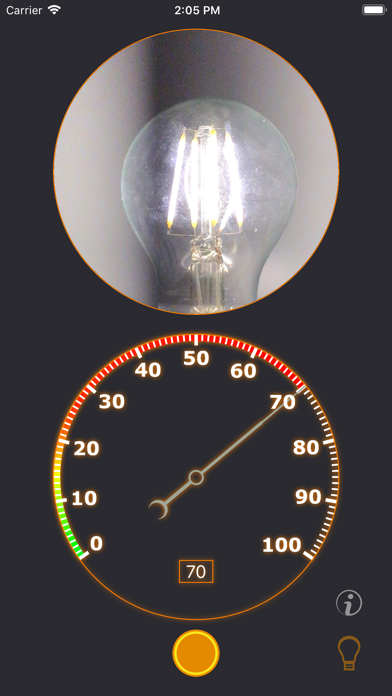
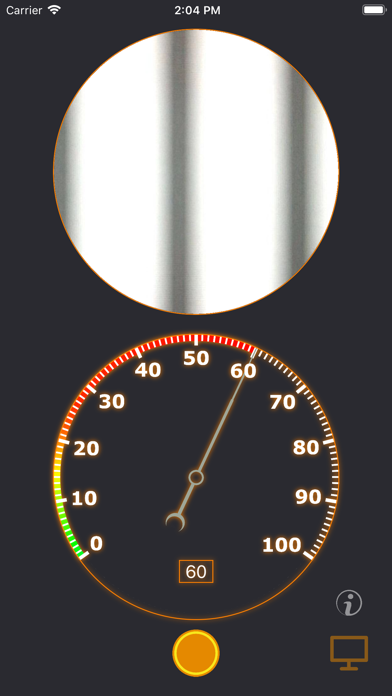
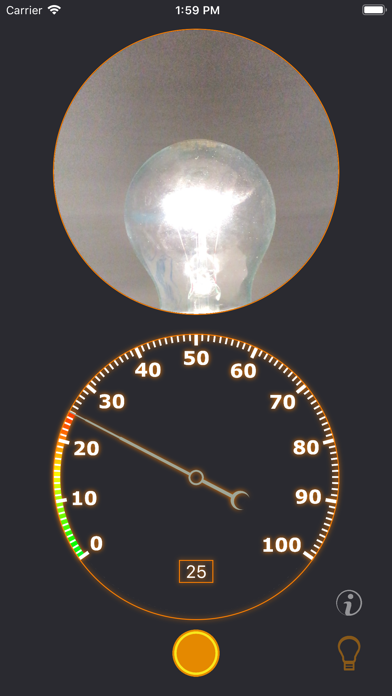
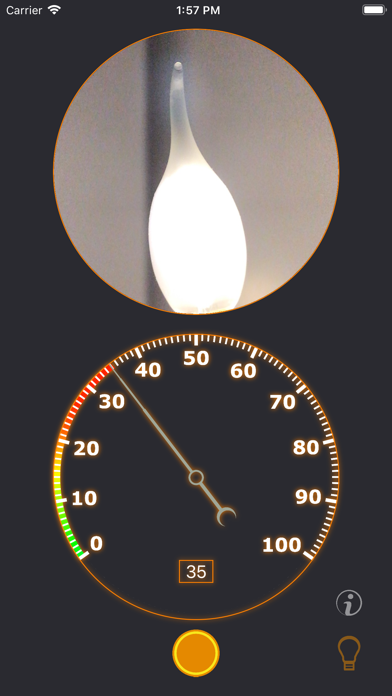
Illuminance Pulsation Meter is a utility app developed by ALEXEY KOZLOV. Available for $3.99, it was updated to v1.20 on February 03, 2020, and currently holds a 4.39 out of 5 rating based on 28 reviews. Before downloading, make sure your device has at least 11 MB of free space and runs Android 11+ or iOS 12.0+.
Find the flicker of light
Description
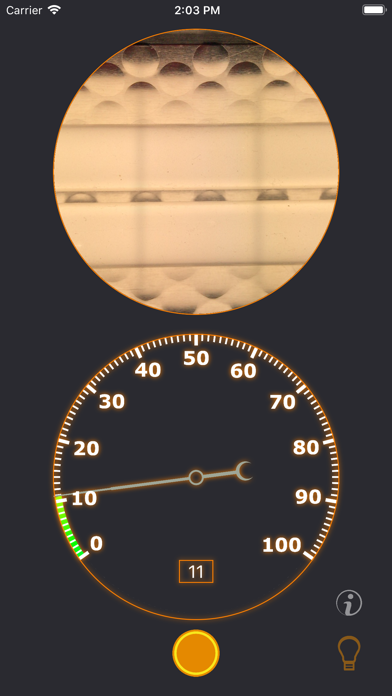
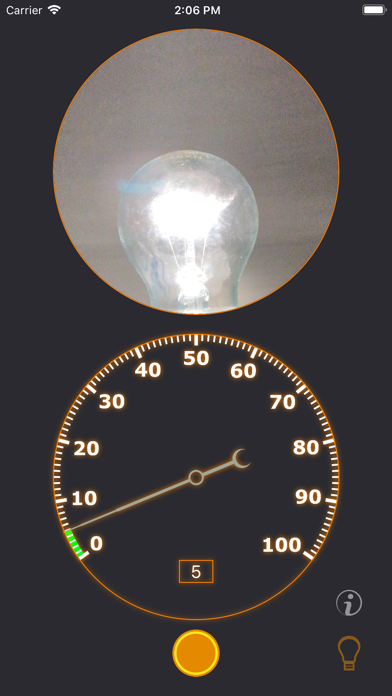
The application will help you choose a lamp, monitor or laptop with a screen without pulsations. A high coefficient of pulsation can affect fatigue, well-being and eye strain.
Illuminance Pulsation Meter may be playable on Windows and macOS using Android emulators such as BlueStacks. Follow our BlueStacks installation guide to get started. Looking for Illuminance Pulsation Meter APK? Visit our forums for help finding authorized downloads, installing APK files, and troubleshooting installation issues.
User Reviews and Ratings
★★★★★Great app!
I use this app to tell me if my light bulbs, computer monitors, and TVs are junk or not. This app is easy to use. Most monitors are flicker-free, but most LED lightbulbs are not. I would love it if the developer could provide even more information about this topic. This app is well worth the money. Protect your eyes and health.
★★★★★Finally, one that works
I use this for my work to easily identify LED’s that are flickering. I can check one hundred LED’s in under one minute whereas before it took several minutes. A great utility.
★★☆☆☆Confused
You say the average error percentage could be greater than 10%.
Is there an upper limit?
I am testing a flicker free light bulb and i her a reading of 38%.
★★☆☆☆Background information
I like the app but not totally sure what it is telling me. More strobing is bad I’m sure but more info on what should I be thinking about doing based on the readings I’m getting?
★★☆☆☆Not clear what it does
It outputs a number from 0 to 100. What does it mean? Main frequency? Intensity? Something else?