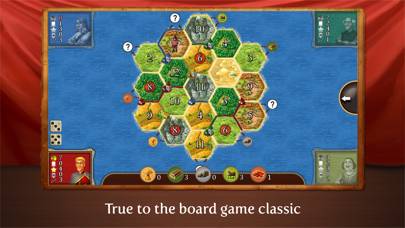
Imperial Settlers Roll & Write

Published by Portal Games sp zoo on May 27, 2020

Imperial Settlers Roll & Write icon

Genre: Board

Ratings: 3.94

Version: 1.0.16

Updated: Jul 24, 2020

Downloads: 828

Imperial Settlers Roll & Write is a board casual game developed by Portal Games. Available for $3.99, it was updated to v1.00 on July 24, 2020, and currently holds a 3.94 out of 5 rating based on 31 reviews. Before downloading, make sure your device has at least 339 MB of free space and runs Android 8+ or iOS 9.0+.
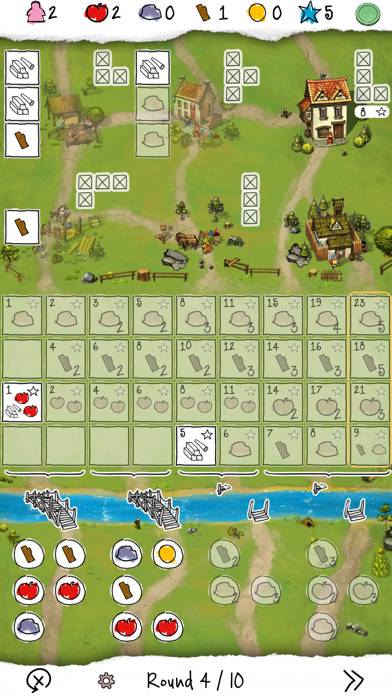
Imperial Settlers Roll & Write Gameplay Overview

Description

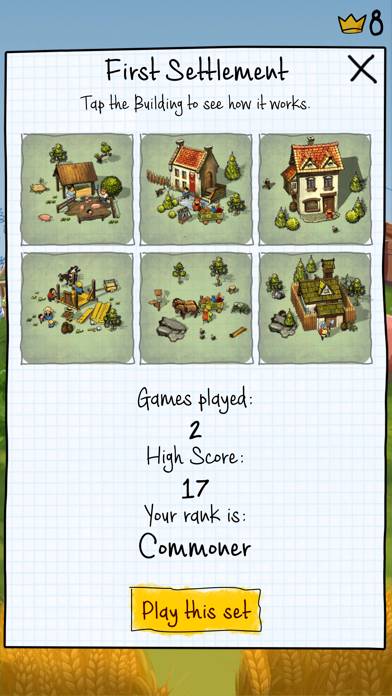
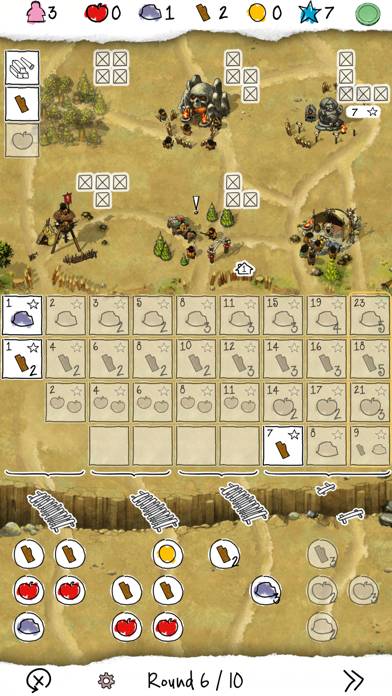
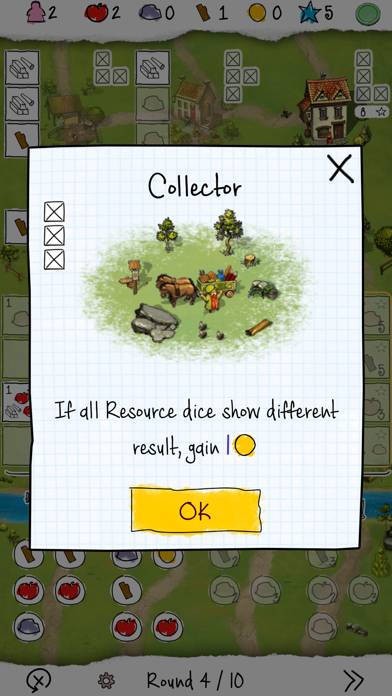
The digital version of popular board game – Imperial Settlers Roll & Write from Portal Games. The app contains settlements from Competition Set and 8 Adventure sets from classical board game.
Show more

Download Imperial Settlers Roll & Write

Scan to Get the App! QR code for Imperial Settlers Roll & Write

How to Play Imperial Settlers Roll & Write on PC or Mac

Imperial Settlers Roll & Write can be played on Windows and macOS using Android emulators such as BlueStacks. Download an APK version and follow our BlueStacks installation guide to get started. For help with downloading or installing APK files, visit our forums.

Version: 1.0.16

User Reviews and Ratings

★★★★★ Great implementation of a fun RandW game!!
Title says it all. This is a solid and fun implementation / adaptation.
★★★★★ Superb and easy!
I rarely rate games anymore but I so surprised and excited about this. The op game was terrible if you didn’t have the wooden pieces from Imperial Settlers to help you track how many resources you had. This app is even easier and very fast playing. One of the best roll and writes!
★★★★☆ Great game
Really good implementation overall. Wish the cloud save functionality was working so my progress would follow me between iPhone and iPad. When they fix this it will be a 5 star rating.
★★★☆☆ Settlement Reroll
Sadly, when automatically offered a reroll (Canteen) in Settlement #2, it is not possible to view your play area to be able to better decide how to proceed. Working mechanics is already in place on other screens (tap and hold outside of the dialog box to hide it temporarily). Why in some place but not in another? :^(
★★★☆☆ What score do I need to get to a new level?
What score do I need to get to a new level?
Read all reviews

Similar Board Apps

Memphis Chess Club screenshot
Memphis Chess Club
Speedy Stacks screenshot
Speedy Stacks
Isle of Skye screenshot
Isle of Skye
Top #47 in Board Apps
Wooden Puzzle Bliss screenshot
Wooden Puzzle Bliss
Top #49 in Board Apps
Chess Prime Pro screenshot
Chess Prime Pro
Love Letter - Card Game screenshot
Love Letter - Card Game
Top #45 in Board Apps
Roll & Write App Alternatives