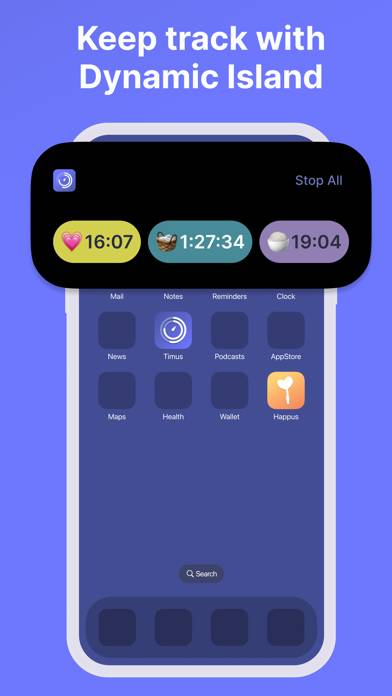
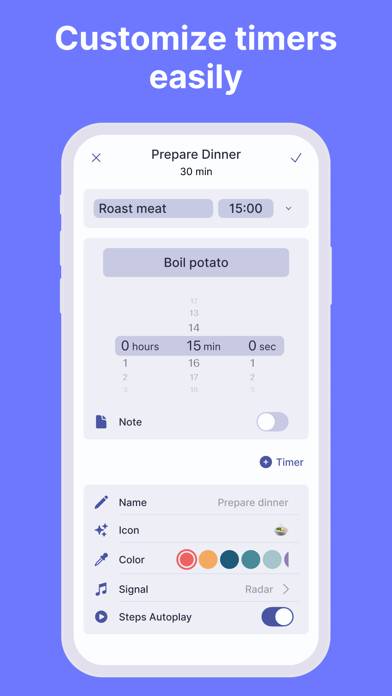
Visual Multi Timer: Timus is a utility app developed by HAPPUS LLC. Available as a free download, it was updated to v1.20 on June 11, 2024, and currently holds a 4.75 out of 5 rating based on 107 reviews. Before downloading, make sure your device has at least 71 MB of free space and runs Android 11+ or iOS 12.0+.
Multiple Interval Timers Free
Video: Visual Multi Timer: Timus Overview
Description
Manage your time better with Timus. Cook your favorite dish with the help of cooking timers, become more productive with a Pomodoro timer, stay healthy by working out with HIIT or Tabata timers or even create custom timers to help you throughout the day
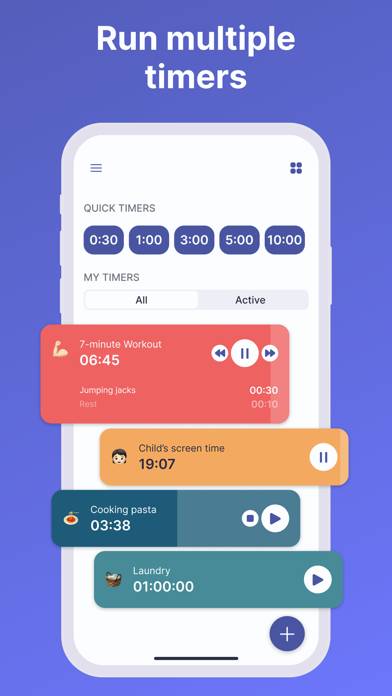
MULTIPLE TIMERS AND MULTIPLE STEPS
Create separate timers for every task you need and run them all at once.
Visual Multi Timer: Timus can be played on Windows and macOS using Android emulators such as BlueStacks. Download an APK version and follow our BlueStacks installation guide to get started. For help with downloading or installing APK files, visit our forums.
User Reviews and Ratings
★★★★★Excellent timer for work cycles
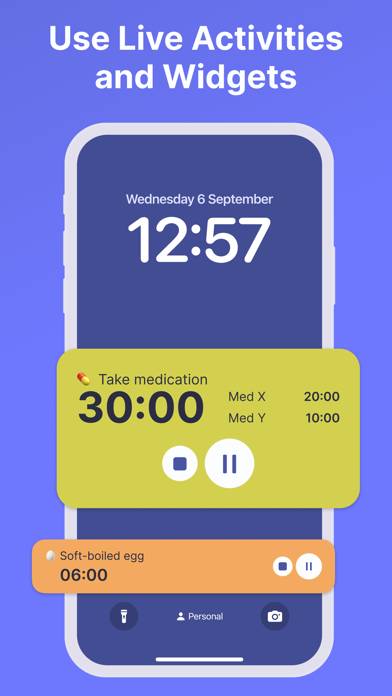
Unlike a standard pomodoro apps, this app doesn’t try to do more than one thing (i.e. calendar, planner, habit tracker, etc). It makes it easy to set, save, edit, start, and view your custom timer template. Live notifications on the lock screen put this app in the top tier of timer apps. My one suggestion for the UI is to include the ability to view the timer not only as a cycle, but as a progress bar (two progress bars, a big one indicating the current interval timer, and a thinner one for the
★★★★★Me encanta
Me gustaría mucho que de modo gratis pudiera tener más programas, pero hago buen uso de él para programas de meditación
¡Gracias! :)
★★★★★Reliable
I like it simple and easy to use
★★★★★Easy to use, super handy timer app!
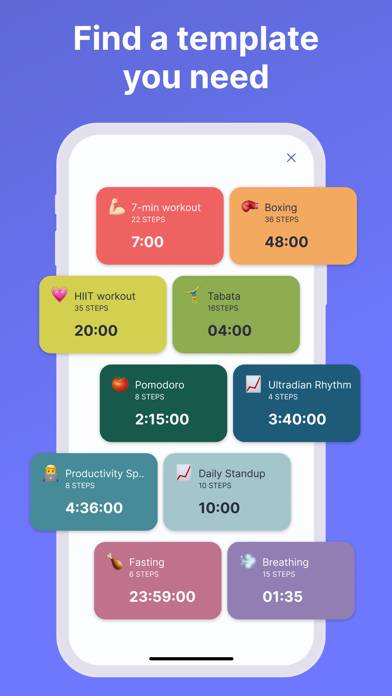
Super simple to navigate, no complications whatsoever! The templates given are incredibly useful, and the ability to customize colors, icons, and sounds is just the icing on the cake.
★★★★★Great app
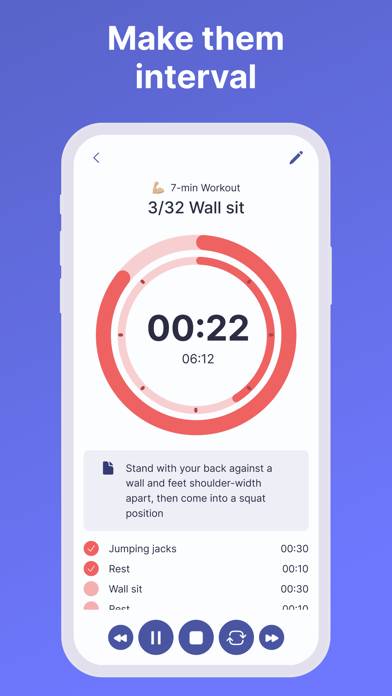
I’ve looked for something similar before and finally found it. I love the steps feature where the timer will automatically move on to the timer for the next step and that the steps can be different lengths. I also like the concentric circles as a visual timer. If possible, it would be awesome if those could appear on the widget as well.