iRemoteDesktop
Published by Hana Mobile LLC on Dec 23, 2009
Genre: Utilities
Ratings: 2.60
Version: 1.4.2
Updated: Nov 27, 2018
Downloads: 572
IRemoteDesktop is a utility app developed by Hana Mobile. Available for $4.99, it was updated to v1.40 on November 27, 2018, and currently holds a 2.6 out of 5 rating based on 5 reviews. Before downloading, make sure your device has at least 13 MB of free space and runs Android 7+ or iOS 8.0+.
Access Windows from iPhone
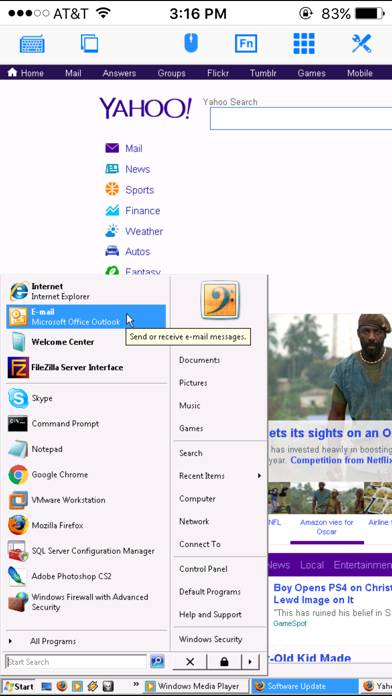
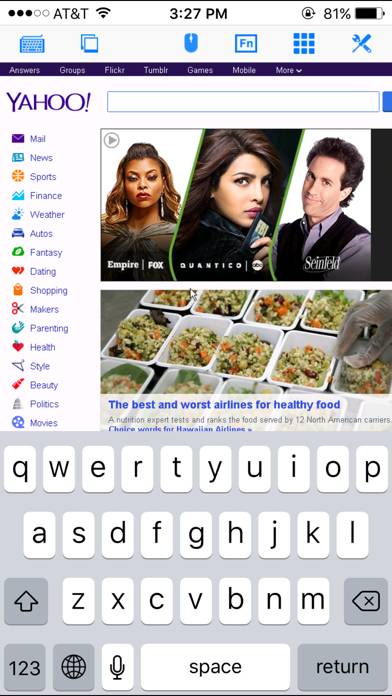
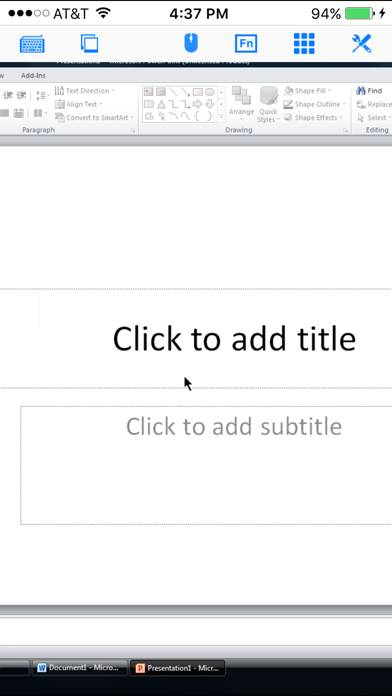
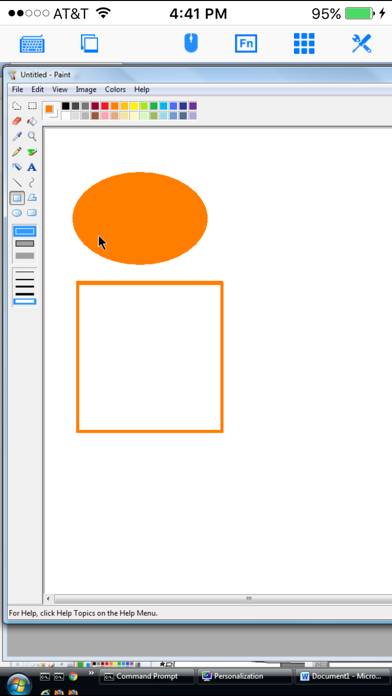
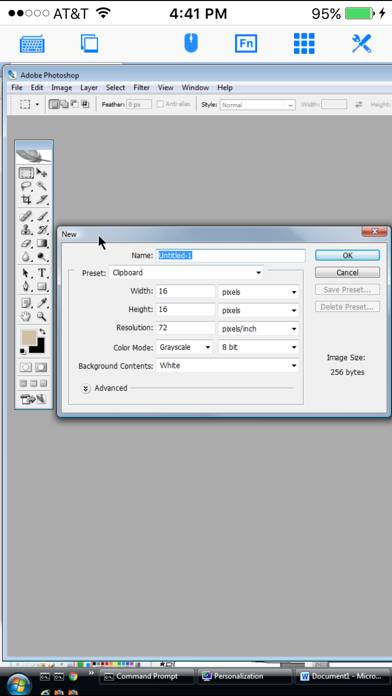
Video: IRemoteDesktop Overview
Description
Specifically designed for both iPad and iPhone!! Optimized to use iPhone 4.0's HD screen! If you want to access Windows PC from iPad/iPhone/iPod Touch, this is the app for you!
Show more
Download IRemoteDesktop
Scan to Get the App!

Using IRemoteDesktop on PC or Mac
IRemoteDesktop can be played on Windows and macOS using Android emulators such as BlueStacks. Download an APK version and follow our BlueStacks installation guide to get started. For help with downloading or installing APK files, visit our forums.
User Reviews and Ratings
★★★★☆ Good tool
Works fairly well. Wish someone would figure out how to make bt mouse work without jb. Then iPad truly is killer app.
★★★★☆ User
God app. Does everything as intended as well as it can.
★★★★★ Works well
Works well overall, my only complaint is that when using a Bluetooth keyboard, the arrow keys don't work
★★★★☆ Works well enough
A little clunky working a remote computer that is mouse based with the iPhone touch screen. But does well enough to access remote database at the home office for a quick check of something.
★★★★★ Works great
Read all reviews
This is the real thing. Other apps that want you to load clients on your target machines are bogus. This app is great. And much better than loading extra apps on every PC you want to connect to. Rdp is built in to pc's already, why load anything else
Similar Utilities Apps
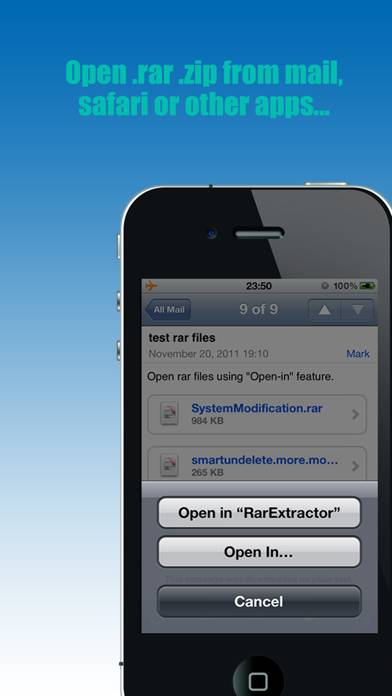
RarExtractor - Extract RAR,ZIP
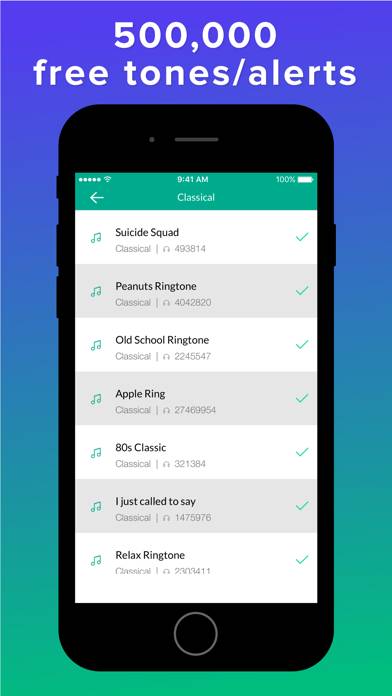
Ringtone for iPhone - Create Ringtones & Music
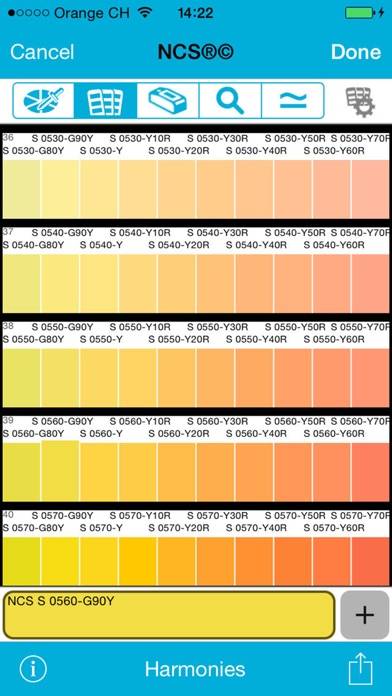
Colorix.com Pro
Turkcell
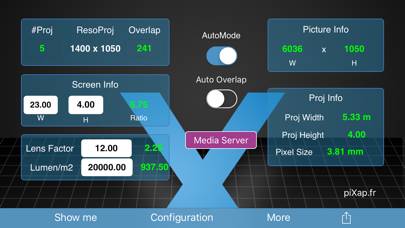
WScreenPros
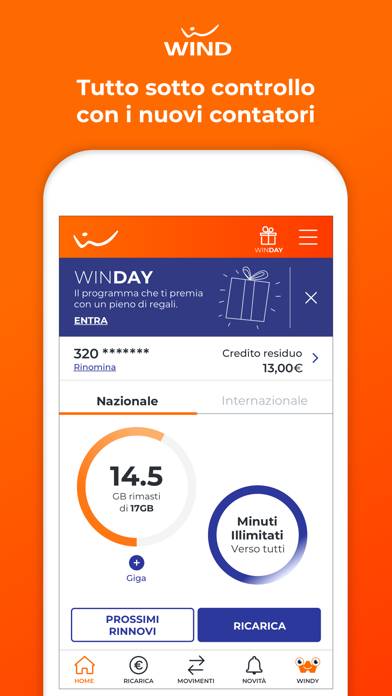
MyWind (App ufficiale Wind)