iSetSquare
Published by Peter Breitling on Jul 22, 2010
Genre: Utilities
Ratings: 3.17
Version: 1.7
Updated: Dec 12, 2017
Downloads: 448
ISetSquare is a utility app developed by Peter Breitling. Available for $1.99, it was updated to v1.70 on December 12, 2017, and currently holds a 3.17 out of 5 rating based on 6 reviews. Before downloading, make sure your device has at least 13 MB of free space and runs Android 8+ or iOS 9.0+.
Geometry Drawing Triangle
Video: ISetSquare Overview
Description
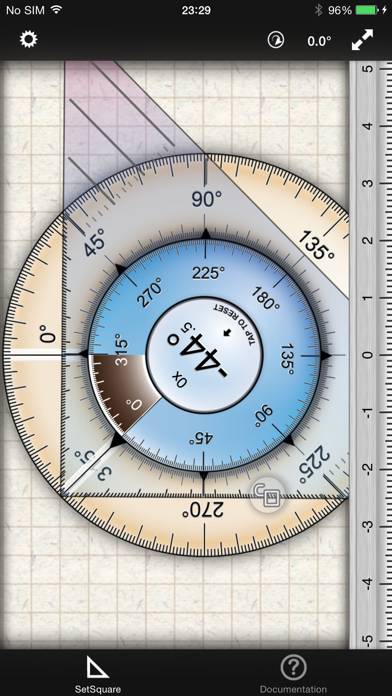
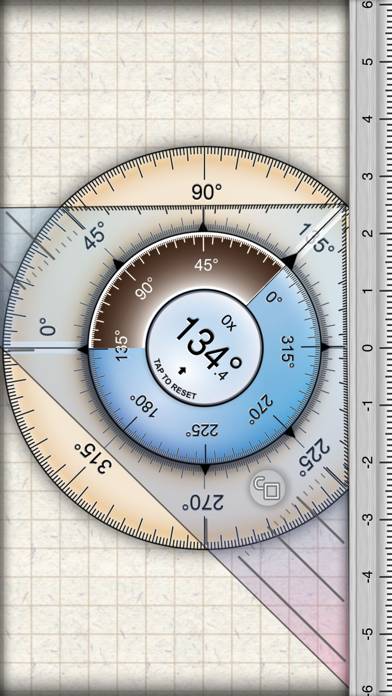
Goniometer tool using the gyroscope sensor. Features:
- Measure relative angles and rotation counter
Show more
Download ISetSquare
Scan to Get the App!

Using ISetSquare on PC or Mac
ISetSquare can be played on Windows and macOS using Android emulators such as BlueStacks. Download an APK version and follow our BlueStacks installation guide to get started. For help with downloading or installing APK files, visit our forums.
User Reviews and Ratings
★★★★★ Great!
Very good use of the gyroscope as a level. Looks great and responds well. Unfortunately it has to be calibrated after every use, as it seems the gyroscope has a tendency to lose track after moving it around. I think it might be an issue with the hardware itself since I see it in other gyro apps, such as gun range. Does anyone else have this problem? (calibrate to a surface, then tilt it left and right a few times and put it back)
★★★★☆ Good First Use of Gyro
Has a lot of potential. Calibration is either not working or the documentation is unclear. Looking forward to the update.
★★★★☆ Set square has a few problems
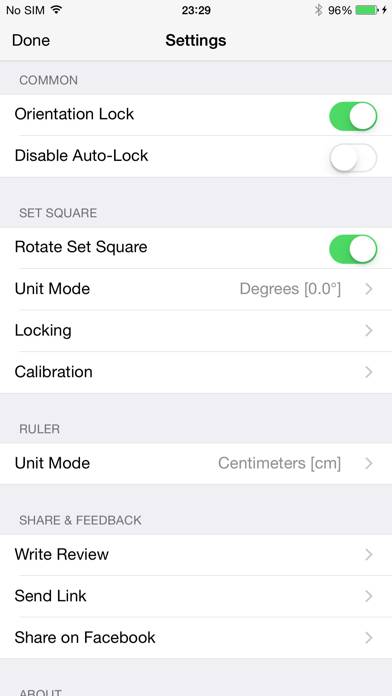
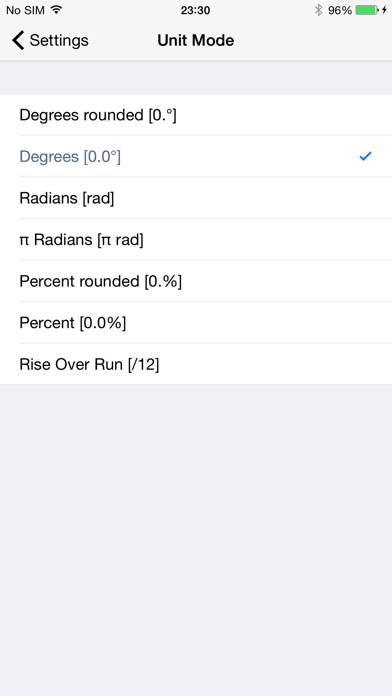
I like the presentation and the accuracy it shows and can see this is useful in a number of ways. I have a proble, switching between inches and centimeters. It get stuck in cm and will not switch back to inches. Perhaps it favors metrification.
★★★★★ It's great
I use it all the time while reverse engineering parts and testing equipment.
★★★★★ I like it.
Read all reviews
I must say the accuracy is excellent. I used it to get an angle for my compound mitter saw. I drew the line on the board at the angle I needed and use this app as a protractor. Then set up my saw and put the board on it. The line and the saw where exactly the same.
I haven't used it in to many situations yet but if ever lets me down I will change my review. But I thinks it's worth money.
I even tried it where I new it wasn't going to work like a compass just to see if you needed any special exte