iWriter
Published by Sergey Zorin on Oct 21, 2011
Genre: Productivity
Ratings: 4.39
Version: 5.2
Updated: Sep 19, 2021
Downloads: 2,092
IWriter is a productivity app developed by Serpensoft Group. Available for $2.99, it was updated to v5.20 on September 19, 2021, and currently holds a 4.39 out of 5 rating based on 76 reviews. Before downloading, make sure your device has at least 5 MB of free space and runs Android 13.5+ or iOS 14.5+.
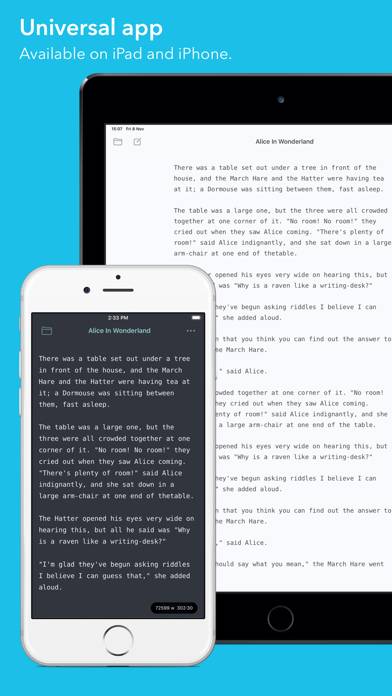
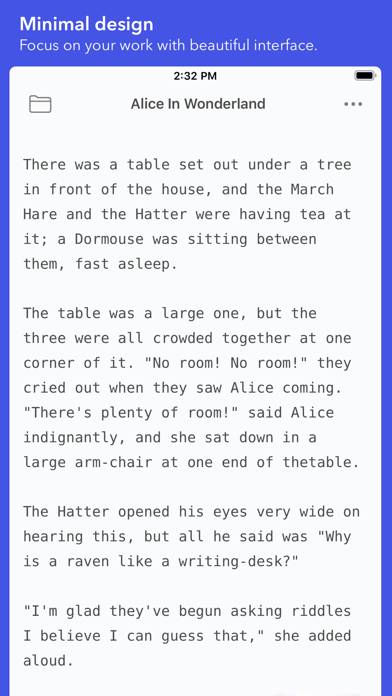
Simple and elegant text editor
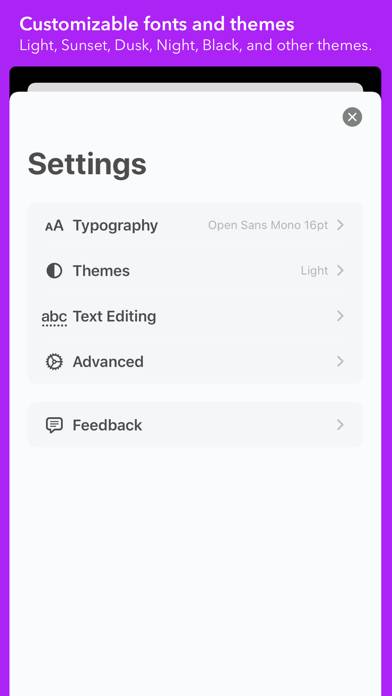
Video: IWriter Overview
Description
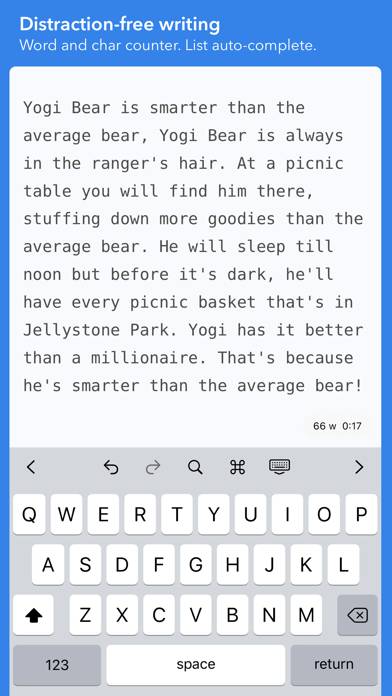
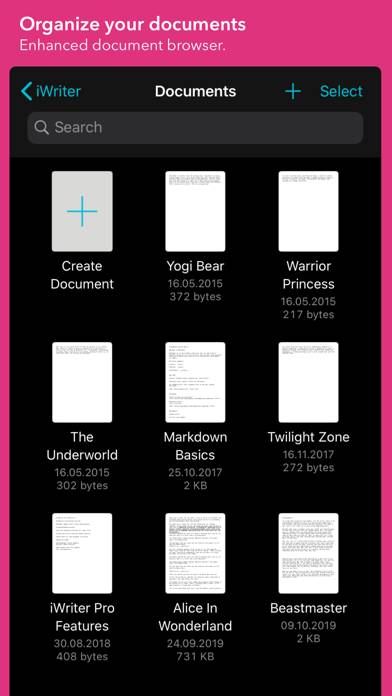
Simple and elegant text editor if you want to write an article or take a note. Key features:
- No subscription required.
Show more
Download IWriter
Scan to Get the App!

Using IWriter on PC or Mac
IWriter can be played on Windows and macOS using Android emulators such as BlueStacks. Download an APK version and follow our BlueStacks installation guide to get started. For help with downloading or installing APK files, visit our forums.
User Reviews and Ratings
★★★★★ Great!
This is one of the best apps to use for writing. Whether it is for notes, writing a novel, etc. This is a great app for it all. But, even the best things can use some improvements. If you could think of adding in the future a "bold, italicize, underline" option and a picture for the cover of your documents. Other than that, this app is wonderful. It's clean and sleek, and isn't distracting.
★★★★☆ Great. My go-to app! (One feature missing)
3 months ago this app unusable, but I kept it because I hoped it would eventually get fixed. I had hopes that it would become my go-to writing app.
The bugs have been squashed and it works wonderfully. Simple, sleek, and almost painless.
My one gripe is one of convenience. I rely heavily on dropbox or box cloud storage, and unfortunately it is a major hang up having to pause and save and save and re-save instead of simply syncing from the external file. Maybe this isn't even up to the iwriter
★★★☆☆ Can’t find character count
I bought this app to replace my very old original version because that one was freezing up. I saw, on some of the examples above, that it the app shows word AND character count but I cannot find the character count and I cannot find any settings. I need the character count and it was my favorite thing about the original program.
★★★★★ It’s my best write tool.
Easy simply useful
★★★★★ More themes please!
Read all reviews
Since replacing my IPad I am using the app more and loving it. Particularly the terminal green feature. Would love it even more if the app had more nostalgic themes from the 80’s. To give some examples the orange letters with black background (as seen in jumping Jack flash) or the white letters with blue background (as seen in Doogie Howser, M.D.). Big nostalgia nerd.
Similar Productivity Apps
Watch 4 my Phone - Lost Alert

ChatGPT: AI GPT Chatbots
SBC Micro Browser Lite by Saia-Burgess Controls AG
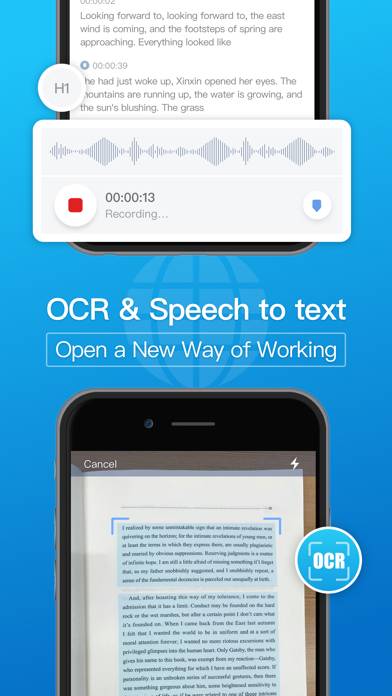
Notehot - notes&voice text
oneSafe+ password manager