Keybuild is a utility app developed by James Froggatt. Available for $3.99, it was updated to v1.70 on April 22, 2022, and currently holds a 4.43 out of 5 rating based on 28 reviews. Before downloading, make sure your device has at least 2 MB of free space and runs Android 14+ or iOS 15.0+.
Build your own keyboard
Video: Keybuild Overview
Description
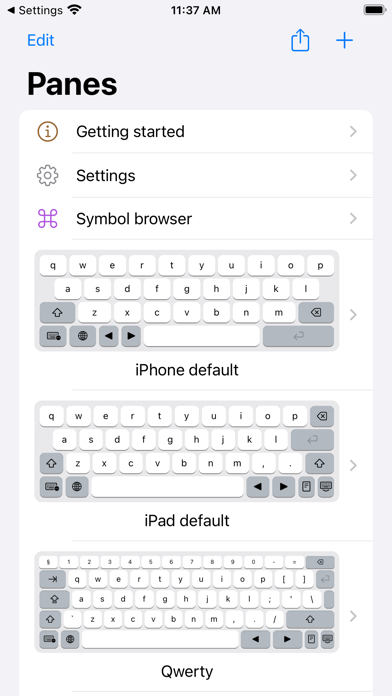
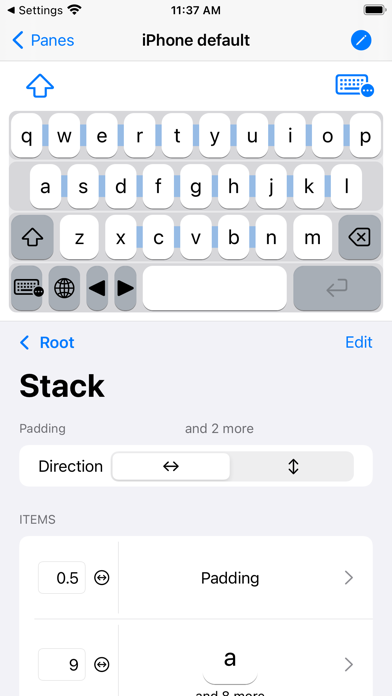
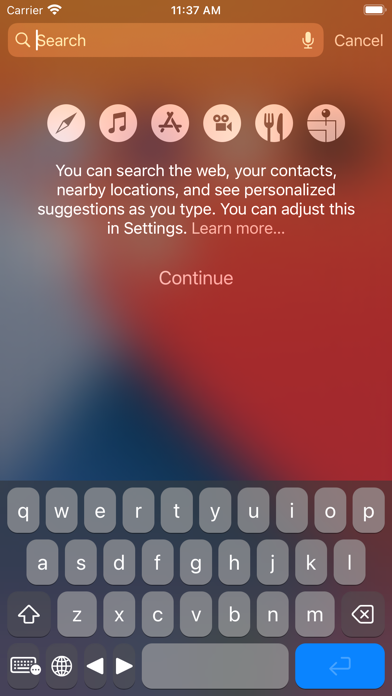
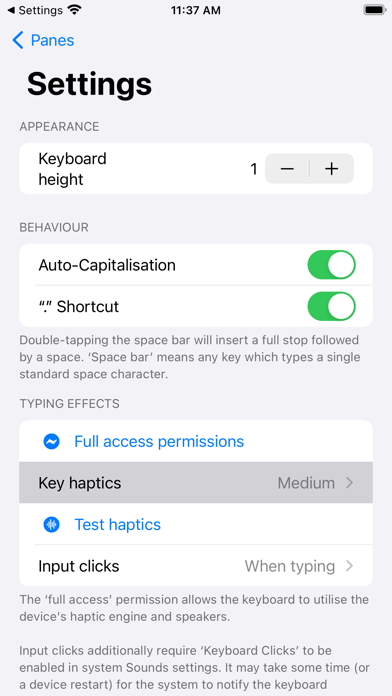
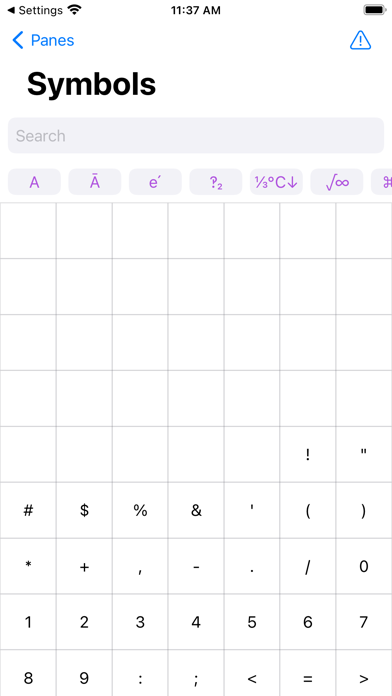
Build your own keyboard! Touchscreen keyboards don't need to be one-size-fits-all, so let's change that! With Keybuild, you choose the layout, the keys, everything.
Keybuild may be playable on Windows and macOS using Android emulators such as BlueStacks. Follow our BlueStacks installation guide to get started. Looking for Keybuild APK? Visit our forums for help finding authorized downloads, installing APK files, and troubleshooting installation issues.
User Reviews and Ratings
★★★★★Very Satisfied
This is everything that i wanted from a keyboard making app! This is perfect for creating keyboards using unconventional unicode symbols, has for sure been worth the cost!
only suggestion is perhaps making switching layouts more smoother, kinda like having the symbols button on the default IOS one, maybe it can be like a secondary caps lock function-wise.
★★★★★Great for Conlanging!
It's very customizable and you can have it place different keys for a simple tap or a long press, and you can make it jump to different layouts with a button.
The only thing it’s missing is the ability to choose a custom font to have the keys display as.
★★★★★Perfect
literally everything i wanted and for me personally i thought it was really easy to work. the only thing i was wondering if could be added was colors for the keyboard background or keys. otherwise i love this very much
★★☆☆☆Customizability questions
Does the app support swipe typing, auto corrections? iPad default layout doesn’t seem to support basic extra features like those
★★★★★App works wonderfully
App does everything it says it does and more but I wish the sga symbols where included