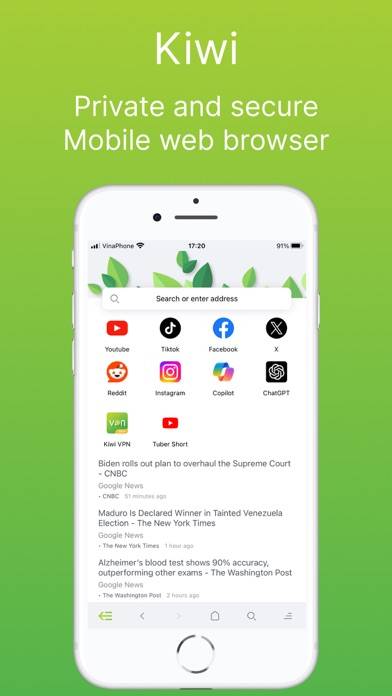
Kiwi - Browser, Document, VPN is a utility app developed by TIMON SOFTWARE. Available as a free download, it was updated to v20.00 on September 08, 2024, and currently holds a 3.57 out of 5 rating based on 21 reviews. Before downloading, make sure your device has at least 104 MB of free space and runs Android 13+ or iOS 14.0+.
Private Browser, Kiwi AdBlock
Video: Kiwi Overview
Description
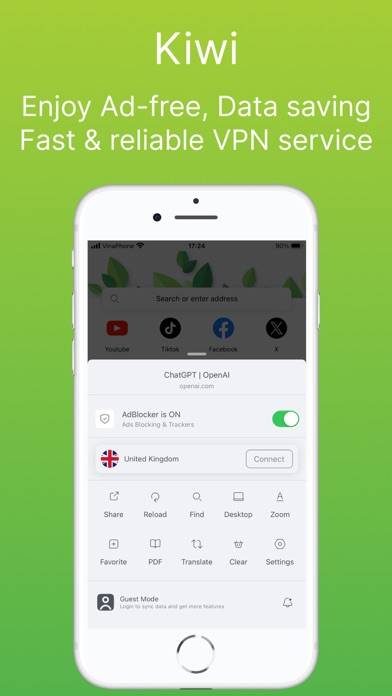
Automatically block various online trackers, a safe and private browser that can prevent you from being tracked by ads. Go VPN Browser.
Kiwi - Browser, Document, VPN can be played on Windows and macOS using Android emulators such as BlueStacks. Download an APK version and follow our BlueStacks installation guide to get started. For help with downloading or installing APK files, visit our forums.
User Reviews and Ratings
★★★☆☆Best app
Pretty good browser
★★★★☆Please add a tab button & list for mobile users
Good stability, relatively quick to load pages, and a well-thought out look to make it look pretty. However, without an option to have multiple tabs open at once it becomes extremely limiting, reducing it to nothing but a single search page that has to be repeatedly managed. The addition of a tab list would be the last step required to make this a full-fledged search engine. Oh, I almost forgot that the photo saving capabilities could also use improvements.
★★★★★Love kiwi
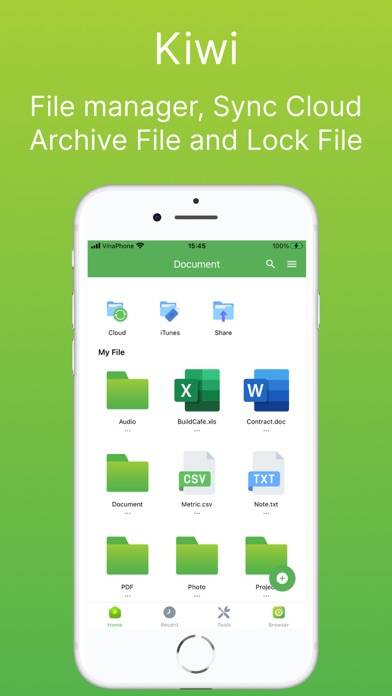
Love it just it safe my pdfs
★★★★☆Good app
Allows me to use this app for all types of searches. Keeps data short and terse. Doesn’t give me the same data multiple times.
★★★☆☆Awesome. Needs paid option.
Seems fast and has many features. Blocks web ads nicely. However, I would love a paid version (not a subscription) to eliminate Kiwi’s own ads. They aren’t very frequent and seem to pop up only when you open the browser, but I would pay to have those removed. Also, it needs an “Add to Home Screen” option to pin websites to your Home Screen on iPhone.
Update: I am removing one star since there is no way to make Kiwi your default browser. It is not listed as one of the options in iOS settings.