Launchify Custom LockScreen AI

Published by Niels van Straaten on Sep 12, 2022

Launchify Custom LockScreen AI icon

Genre: Utilities

Ratings: 3.49

Version: 2.0

Updated: Sep 24, 2023

Downloads: 694

Launchify Custom LockScreen AI is a utility app developed by Niels van Straaten. Available as a free download, it was updated to v2.00 on September 24, 2023, and currently holds a 3.49 out of 5 rating based on 175 reviews. Before downloading, make sure your device has at least 22 MB of free space and runs Android 15+ or iOS 16.0+.

Open any app from Lock Screen

Video: Launchify Custom LockScreen AI Overview

Description

Launchify is the ultimate app launcher that lets you instantly open any app straight from your Lock Screen.
Show more

Available In-App Purchases

Lifetime

$16.99

Lifetime Offer

$3.99

Monthly

$0.99

Yearly

$7.99

Download Launchify Custom LockScreen AI

Scan to Get the App! QR code for Launchify Custom LockScreen AI

Using Launchify Custom LockScreen AI on PC or Mac

Launchify Custom LockScreen AI may be playable on Windows and macOS using Android emulators such as BlueStacks. Follow our BlueStacks installation guide to get started. Looking for Launchify Custom LockScreen AI APK? Visit our forums for help finding authorized downloads, installing APK files, and troubleshooting installation issues.
User Reviews and Ratings

★★★☆☆ One issue
The only issue so far is, if I have three app shortcuts on the bar on my Lock Screen, the icons for the third shortcut automatically changes the icon for the second shortcut to the same. Can’t figure out how to change it. Delete them both and retry only does the same thing again.
★★★★★ Very good app👍
Hi it’s me Eyad and this app already helped me a lot thanks for making this app it’s a 5 stars keep up the good work👍
★★★☆☆ Nice app but still need improvement
I particularly like the latest update with live activities but it still unstable. I had live activities showing different apps i was using and the next day it was gone…no more live activities. Please fix it
★★★★★ Great App
It does work just like the tutorial video instructs. You need to pay close attention to the video and it works like a charm. I love it.
★★★★★ Best thing
Best app ever
Read all reviews

Similar Utilities Apps

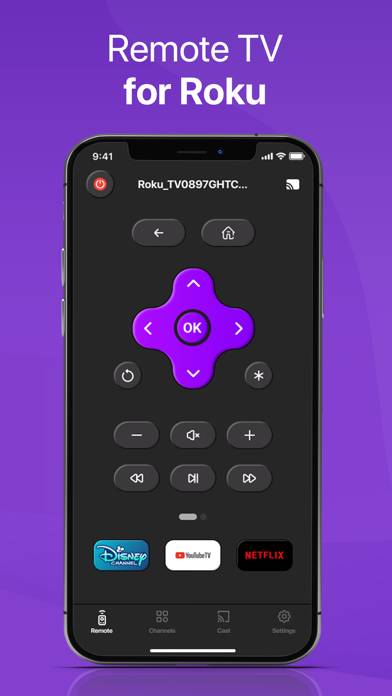
Remote for RokuTV, Smart TV screenshot
Remote for RokuTV, Smart TV
Top #87 in Utilities Apps
Swear Jar Pro - Track everyone screenshot
Swear Jar Pro - Track everyone
Top #92 in Utilities Apps
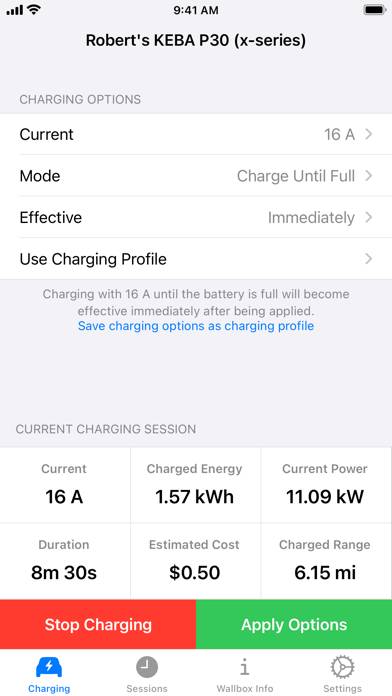
Wallbox Control screenshot
Wallbox Control
Amazon Fire TV screenshot
Amazon Fire TV
Top #31 in Utilities Apps
Best Amharic Keyboard screenshot
Best Amharic Keyboard