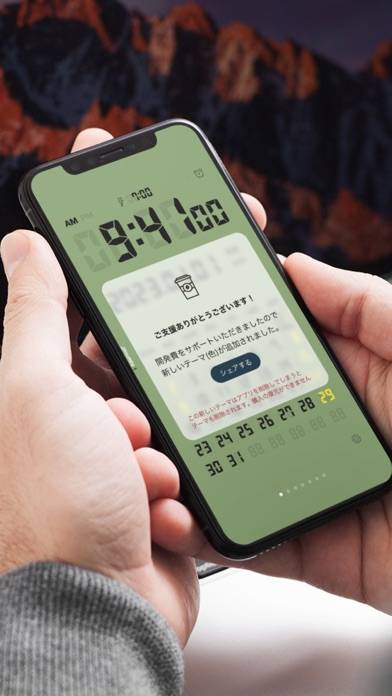
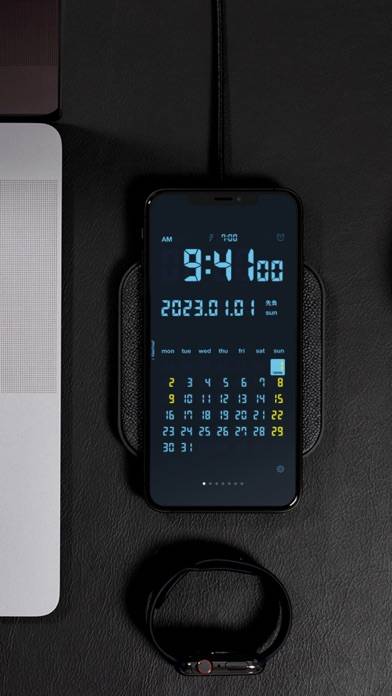
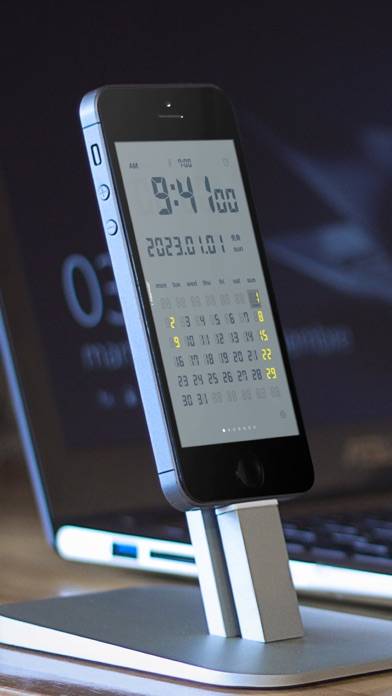
LCD Clock - Clock & Calendar is a utility app developed by forYou. The last update, v25.00, released on October 07, 2024, and it’s rated 4.60 out of 5 based on the latest 10 reviews. LCD Clock - Clock & Calendar costs $1.99 and requires iOS 9.0+ and Android 8 or newer to download.
Clock & Calendar
Video: LCD Clock Overview
Description
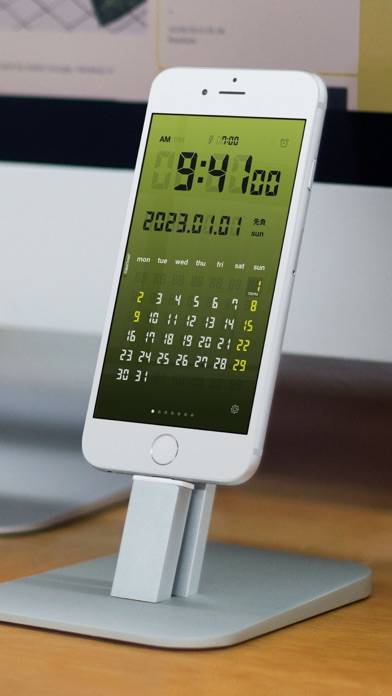
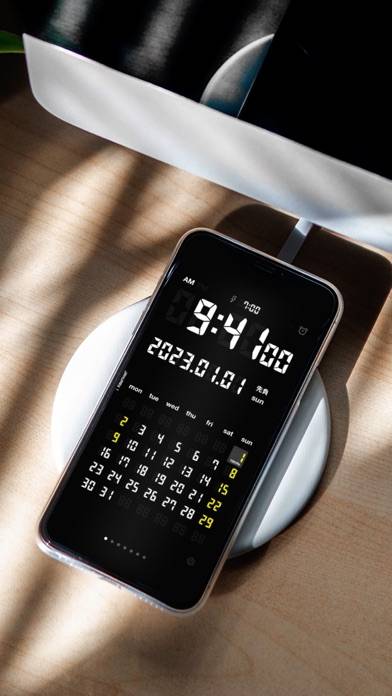
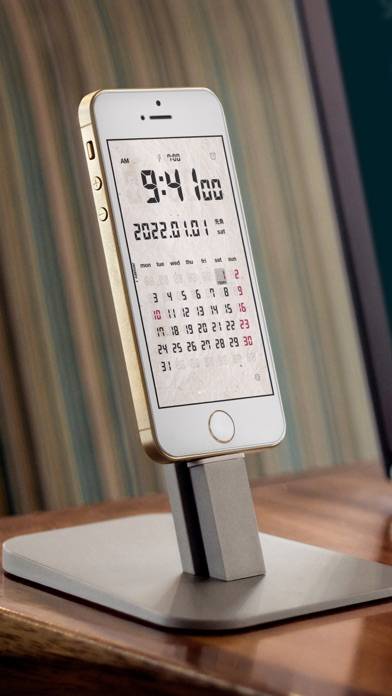
Now there is no need to purchase an expensive LCD clock or desk calendar! A variety of settings and color themes are available, so it can be personalized for your use.
Want to enjoy LCD Clock - Clock & Calendar on your desktop? Download the latest APK (25.00, 29 MB) or choose your preferred version, and follow our Bluestacks emulator guide for easy installation on Windows or macOS. For any assistance with downloading or installing APK files, feel free to visit our forums!
User Reviews and Ratings
★★★★★Very good, but....
The graphic design is REALLY nice and the green LCD looks almost perfect but the whole effect is ruined by the yellow numbers for Sundays. LCD clocks don't have anything like that! What were they thinking??? And why would anyone want Sundays highlighted anyway? So weird. And the sliding calendar isn't realistic at all either... just make it change months like a real display. Other than that and the fact that the 'special red' is actually horrible pink I love it.
★★★☆☆Ok app, one big issue
A somewhat great app -- used it on vacation and worked perfectly until I received a txt message while asleep. After the txt appeared on screen, the app just went black / phone went to sleep. You'd think this would have been tested or updated already -- please fix.
★★★★★Great app, with one question.
Is there a way to leave your phone on silent (so I don't hear email notifications at night) but still hear the alarm? When the phone is set to silent the alarm cannot be heard. Is this an Apple app rule that cannot be overridden?
Otherwise, very nice, clean app. Thanks!
★★★★★Fantastic APP BUT....
The sleep button needs to be the entire screen IMHO, not just a button that pops up. Other alarm apps have this, and I think its a fantastic feature to have since to "turn off" the alarm, you simply exit the application, obviously. So there is no need for any other button there, just make the screen a giant sleep button like with goodNite, and you will have a 5-Star solid application here. Also, make the snooze adjustable time wise (in 1 minute increments). Again, do that, and its a 10-Star app!
★★★★☆Travel Function
It would be great if the next version has the ability to display times from two time zones, a local one and a home time.