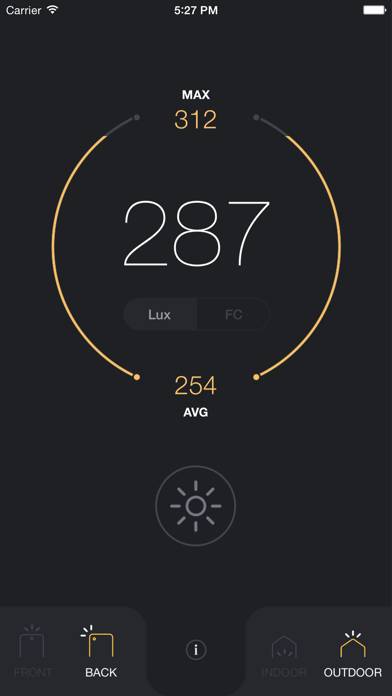
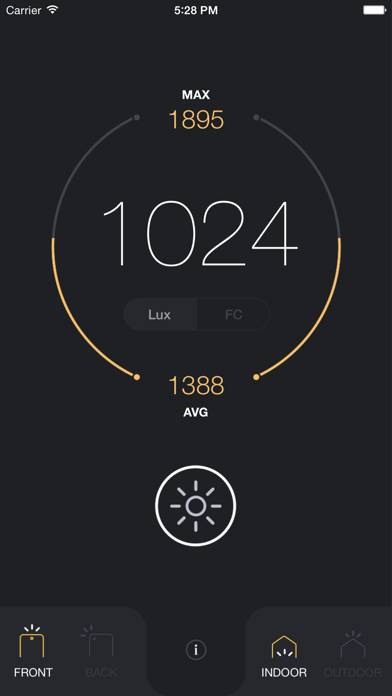
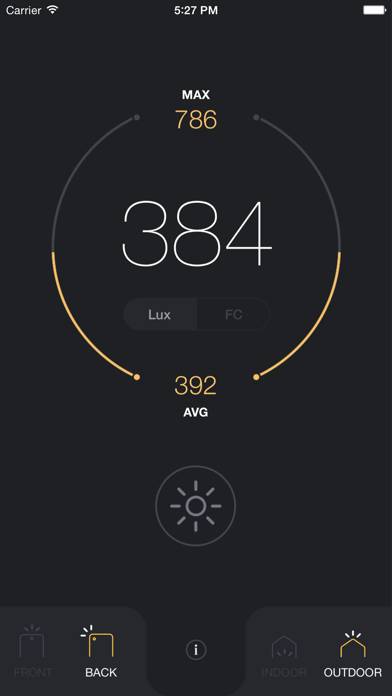
Light Meter - lux and foot candle measurement tool

Published by Marina Polyanskaya on Sep 16, 2015

Light Meter - lux and foot candle measurement tool icon

Genre: Utilities

Ratings: 3.78

Version: 1.1

Updated: Sep 09, 2016

Downloads: 618

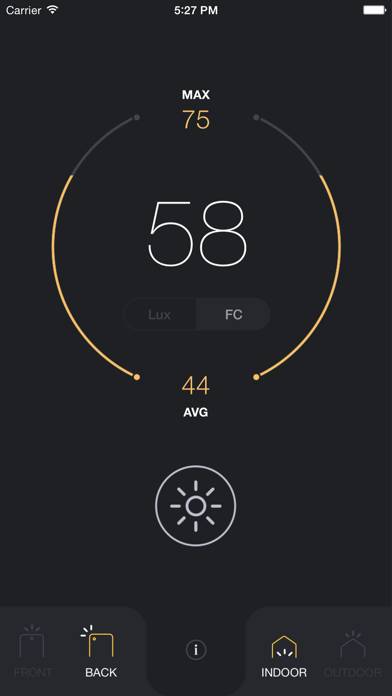
Light Meter - lux and foot candle measurement tool is a utility app developed by Marina Polyanskaya. The last update, v1.10, released on September 09, 2016, and it’s rated 3.78 out of 5 based on the latest 117 reviews. Light Meter - lux and foot candle measurement tool costs $1.99 and requires iOS 7.0+ and Android 6 or newer to download.
Video: Light Meter Overview

Description

Light meter in your pocket! The only app you really need to measure light intensity. Calibrated with professional Illuminometer.
Show more

Download Light Meter

Scan to Get the App!
QR code for Light Meter

How to Use Light Meter on Your PC or Mac

Want to enjoy Light Meter - lux and foot candle measurement tool on your desktop? Download the latest APK (1.10, 24 MB) or choose your preferred version, and follow our Bluestacks emulator guide for easy installation on Windows or macOS. For any assistance with downloading or installing APK files, feel free to visit our forums!

User Reviews and Ratings

★★★★★ Light meter very good
I spent over 60 years in electro optical engineering, and this is by far the best two dollars I ever spent. I agree the color temperature would be a big plus, and to be able to see the image would be very helpful to get things pointed the right way.
★★★★★ Helpful app
Gives consistent readings. I use it to compare lighting in different rooms and comparing different fixtures.
★★★★★ Personal Injury metet
As an investigator of tripping injury accidents, the ability to get a light intensity reading with my phone cuts down on a lot of equipment to lug onto a job site. Love this app.
★★★★★ The best app for measuring illumination. WeHave tried several. We use this in el
Electronic testing. Accurate, easy to use. Simply the best.
★★☆☆☆ Could be user error but
It’s totally possible that I’m using it wrong, but since there’s no instructions, I don’t know how else to do it. It seems pretty arbitrary, like I’ll hold it up to one spot and it will give me a light range from like 18 fcs to 2,000 fcs so idk.
Read all reviews

Related Apps

YouTube Dislike Checker screenshot
YouTube Dislike Checker
Top #35 in Utilities Apps
Eventium screenshot
Eventium
Consignor Login by Peeps screenshot
Consignor Login by Peeps
Top #89 in Utilities Apps
E2 EDID screenshot
E2 EDID
Easy Contacts Manager screenshot
Easy Contacts Manager
Cálculo Térmico Gráfico screenshot
Cálculo Térmico Gráfico
Light Meter App Alternatives