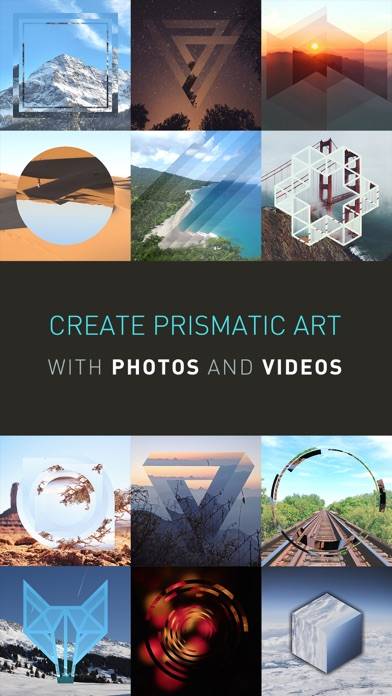
Like A Frame is a photo & video app developed by Nicholas Bedford. Available as a free download, it was updated to v4.10 on August 25, 2024, and currently holds a 4.54 out of 5 rating based on 13 reviews. Before downloading, make sure your device has at least 9 MB of free space and runs Android 15+ or iOS 16.0+.
Frame your photos for social!
Video: Like A Frame Overview
Description
Edit your photographs into lifelike frames with text layers and share them on social media effortlessly. Like A Frame is crafted by a photographer for photographers and digital artists.
Like A Frame may be playable on Windows and macOS using Android emulators such as BlueStacks. Follow our BlueStacks installation guide to get started. Looking for Like A Frame APK? Visit our forums for help finding authorized downloads, installing APK files, and troubleshooting installation issues.
User Reviews and Ratings
★★★★★Very useful!
Excellent app, purposeful, really responsive developer, nice features in the pipeline, super value for the money — all apps should be this price.
★★★★★Finally a simple app to put white borders on photos!
It works! Simple elegant app to put white borders on your fotos. I e been searching for years! Multiple sizes, hi-res exports, perfect!
★★★★★Time Saver!
Amazing for on the fly content creation for those who don’t want to be lugging a whole laptop or tablet around, develop your photos in any aspect ration you’d like, send them to your cloud storage and run them through here to add an “Instagram Safe” aspect ration while keeping all you photo in frame. Note: I haven’t notice hardly any compression, as that can be adjusted through the settings so good on the developer for that!
★★★★★Finally!
I have been searching for an app just like this for ages. Simple way to add a small clean white border to an instagram 8x10 crop. One time purchase and not some monthly subscription. Easy to use and edit. This ticked all the boxes. Couldn’t be happier with this app.
★★★★★Eres el mejor!
Me gusta la facilidad para usar las herramientas de trabajo, y la nueva actualización con las capas de texto permite trabajar en la imagen sin tener que preocuparse por modificar todo.