Litur - Color Library is a graphics & design app developed by Ephod. Available for $2.99, it was updated to v11.00 on October 19, 2024, and currently holds a 4.65 out of 5 rating based on 20 reviews. Before downloading, make sure your device has at least 13 MB of free space and runs Android 14+ or iOS 15.0+.
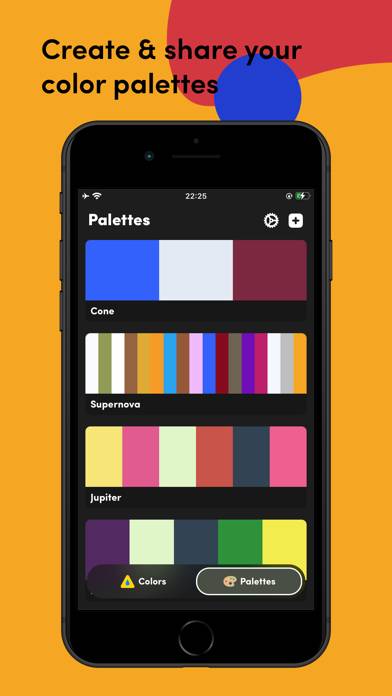
Picker & Create color palettes
Video: Litur Overview
Description
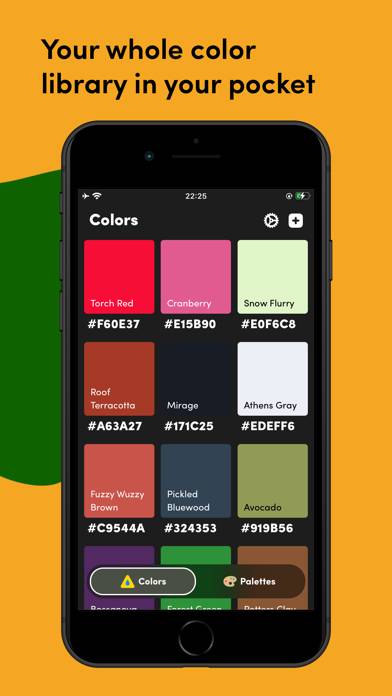
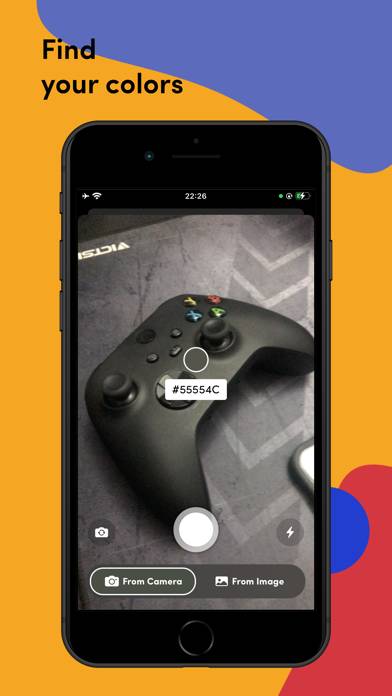
A color picker for the real world. Litur helps you find and collect all the colors around you. -- REAL-TIME PREVIEW --
As soon as you launch Litur, you start seeing the beautiful colors around you
Litur - Color Library can be played on Windows and macOS using Android emulators such as BlueStacks. Download an APK version and follow our BlueStacks installation guide to get started. For help with downloading or installing APK files, visit our forums.
User Reviews and Ratings
★★★★★The designer’s pocket app!
I used to rely on Adobe Capture, but they ruined it by turning it into an Illustrator sidekick and adding a subscription fee. I really missed having a quick way to grab colors and create palettes for my designs. I can’t believe I didn’t discover this gem sooner—this app is perfect! Thank you!
★★★☆☆Nice color manager
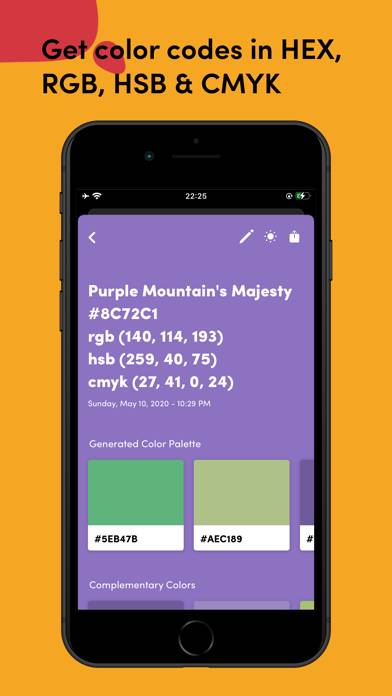
I like the features and wealth of color data presented, but the reticle for selecting color from the camera field of view is terrible. It’s huge and apparently averages out the colors in the entire circle, making it impossible to successfully collect a color. If I point the camera at a complex color pattern with multiple bright colors, the reticle is just a muddy blob and I can’t ever get it to land on one of the bright colors I see, so live capture is pretty useless for me. Make it a crosshair
★★★★★So simple, but so great!
This is such a simple idea, but it’s done really well, and is very useful. Very easy to use - love it!
★★★★★Fantastic app
The is such a great idea and a well designed app. How did I not find this gem earlier??
★★☆☆☆Missing Basic Features
You cannot manually type in a HEX code. The color changes 100x a second through my camera, I want the exact color code that is displayed on the screen 3” in front of the camera. Why do we have to take a photo?? It is really ridiculous! Why is there not a ‘add’ button where I can pick my color from a chooser, spectrum, or any other basic entry method including text? Waste of money.