Live Focus
Published by Tae ho Lee on May 27, 2016
Genre: Photo & Video
Ratings: 3.47
Version: 1.9.3
Updated: Dec 08, 2018
Downloads: 682
Live Focus is a photo & video app developed by Tae ho Lee. Available for $1.99, it was updated to v1.90 on December 08, 2018, and currently holds a 3.47 out of 5 rating based on 36 reviews. Before downloading, make sure your device has at least 41 MB of free space and runs Android 8+ or iOS 9.0+.
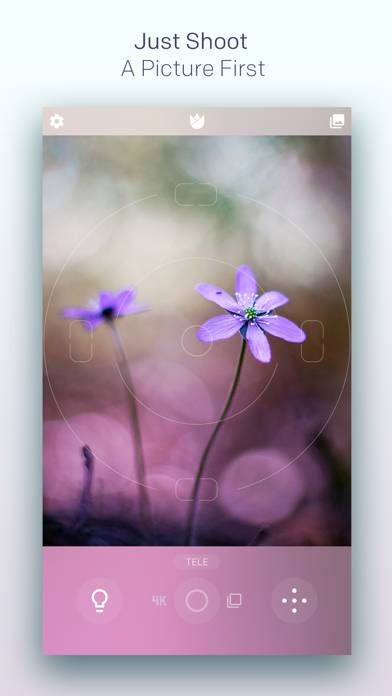
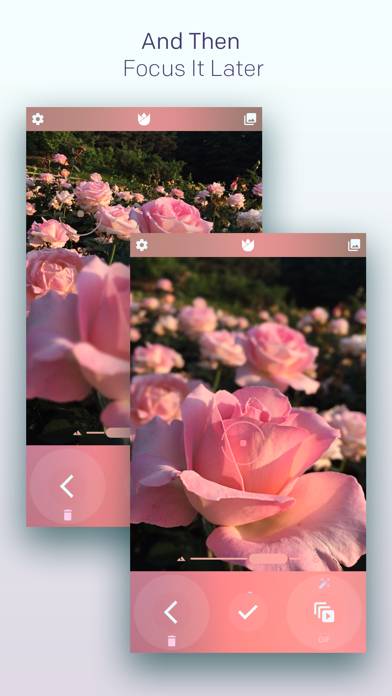
Shoot First, Focus Later
Video: Live Focus Overview
Description
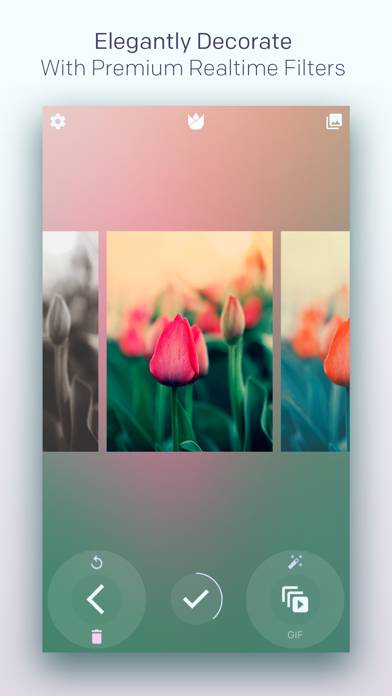
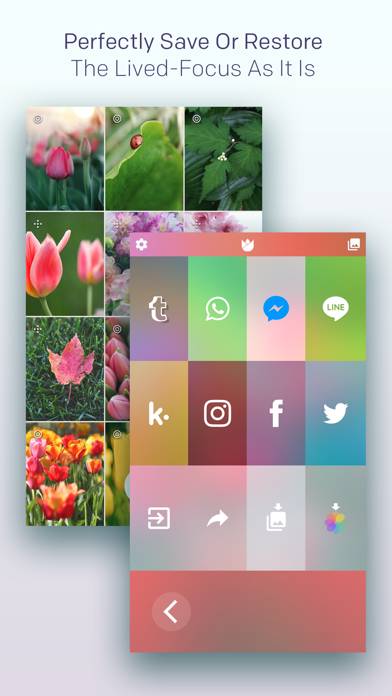
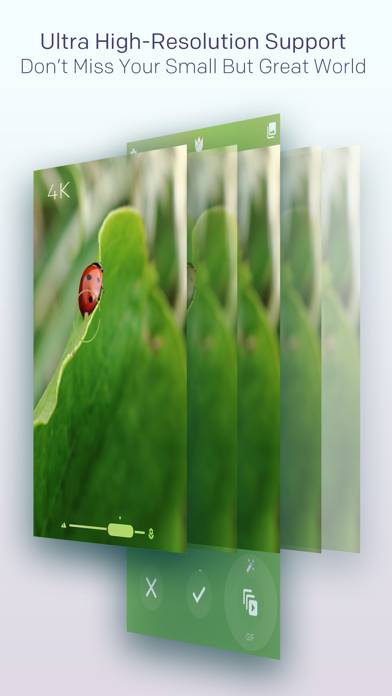
The world's #1 mobile post-capture focus camera, Live Focus lets you can take a picture immediately and then change the focus point later. From now on, Do not miss your small precious moments.
Show more
Download Live Focus
Scan to Get the App!

Using Live Focus on PC or Mac
Live Focus can be played on Windows and macOS using Android emulators such as BlueStacks. Download an APK version and follow our BlueStacks installation guide to get started. For help with downloading or installing APK files, visit our forums.
User Reviews and Ratings
★★★☆☆ Ok... But
This is like taking a photo with an antique camera. Works great providing subject and photographer are still as a rock. Otherwise, not so good.
★★★★★ Macro lens
Very pleased. I’m using a clip on macro lens. The depth of field is so shallow, often difficult to get the correct focal point. Let the app take all the ranges, then pick the best one. Also making some interesting GIFs with the macro lens. Thank you!
★★★★☆ Potrait Mode Capability
I will actually give it 5 stars if it has potrait mode or supports more complex object, not only tied to circles, 5dots, and 5lines. Keep the good work.
★★☆☆☆ Slow
Taking the image seems to take much longer than I thought
★★★☆☆ No instructions
Read all reviews
No instructions on how to use app
Similar Photo & Video Apps

PosterizeImager
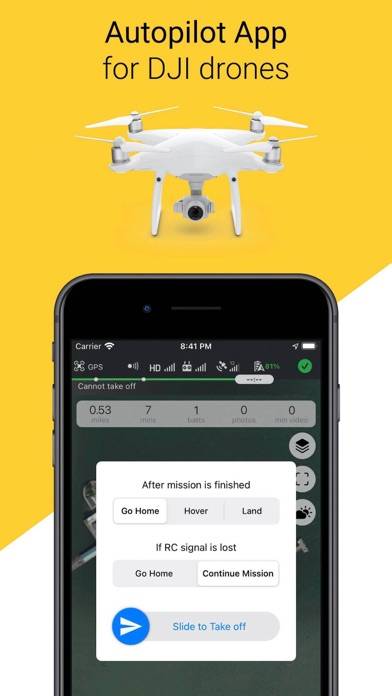
Copterus #1 Autopilot for DJI
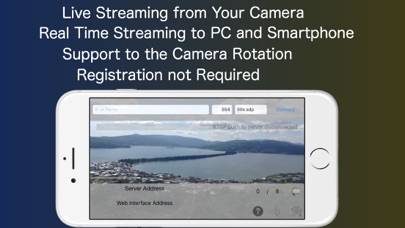
Live-Reporter+ Live Camera

Video & TV Cast + Roku Player