Magic Packet - Wake On Lan WOL is a utility app developed by Nikita Somenkov. The last update, v2.90, released on November 10, 2022, and it’s rated 4.53 out of 5 based on the latest 95 reviews. Magic Packet - Wake On Lan WOL costs $1.99 and requires iOS 14.1+ and Android 13.1 or newer to download.
Shutdown, reboot, wake up PC
Video: Magic Packet Overview
Description
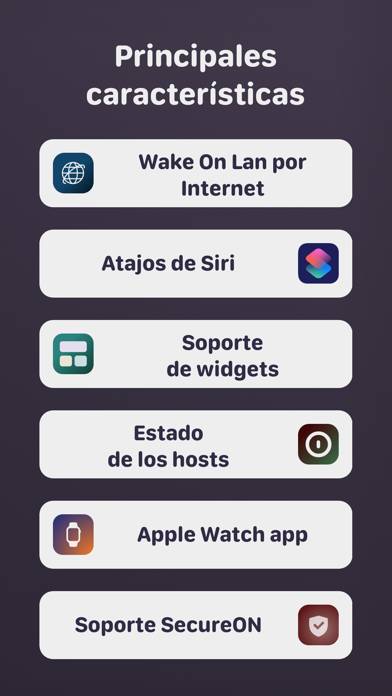
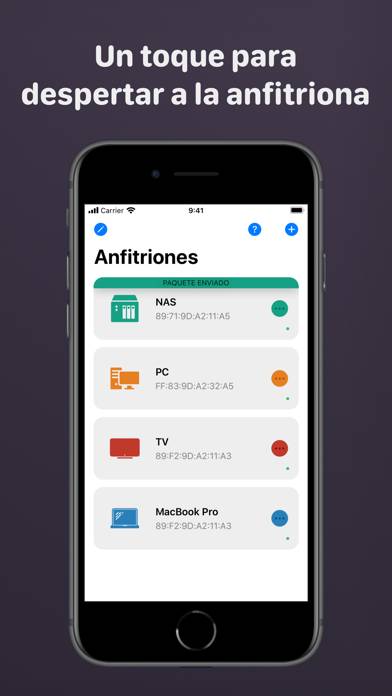
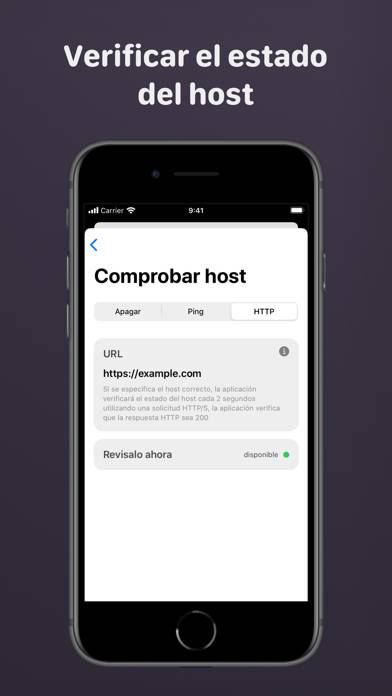
Magic Packet is user-friendly tool for turn on, shutdown and reboot your device over local network or Internet. USE CASES:
- Wake up the computer for connecting over TeamViewer/VNC/RDP
Want to enjoy Magic Packet - Wake On Lan WOL on your desktop? Download the latest APK (2.90, 12 MB) or choose your preferred version, and follow our Bluestacks emulator guide for easy installation on Windows or macOS. For any assistance with downloading or installing APK files, feel free to visit our forums!
User Reviews and Ratings
★★★★★It works
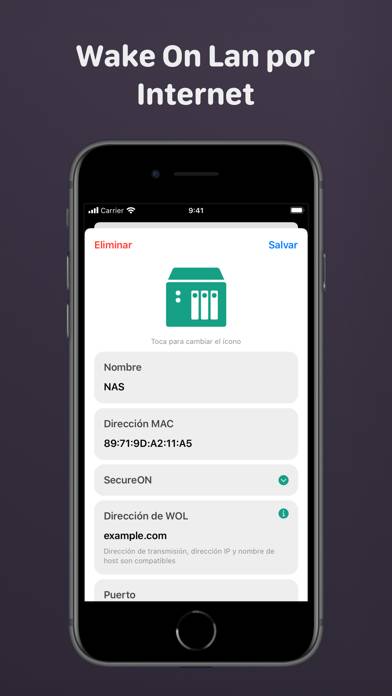
Everything works as intended. I can shut down, reboot, sleep, and wake up my computer from over the internet. Took some set up on my router to get it fully working (forwarding ports 9 & 5154, static IP to device, ARP binding, and Dynamic DNS)
★★★★☆5 stars, but update removed important feature
this has been my all time favorite magic packet app, and i've been looking forward to the changes made in the latest update, but the ability to disable the "shutdown" "sleep" and "restart" functions _seem_ to have been removed.
I loved that it was one button press to turn on a computer remotely, but now it's two and i don't need the other functions, and would rather have the old functionality back.
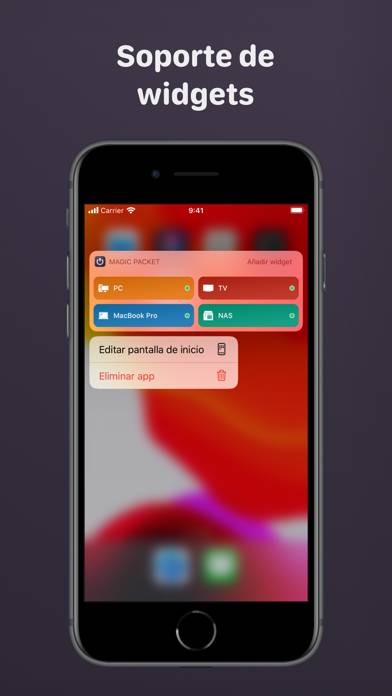
Amazing update though, having actions as widgets is incredible, i do wish the control center a
★★★★★Hello, I really like your app, but I’ve encountered some issues and would like to provide feedback.
Hello, my system is iOS 16. Why don’t the latest versions of apps have widgets on the main screen’s negative first screen?
★★★★★Excellent WOL App
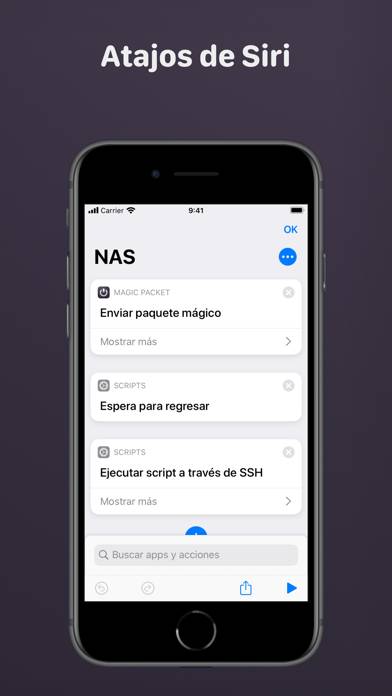
I have tried many wake on lan apps. This one is the best. Most intuitive GUI, frequent updates, works with Siri shortcuts. Highly recommend