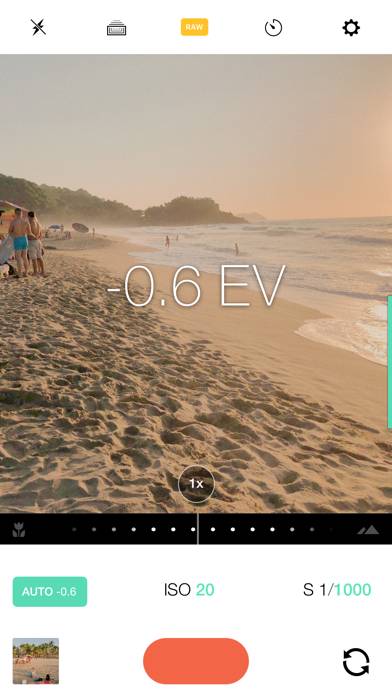
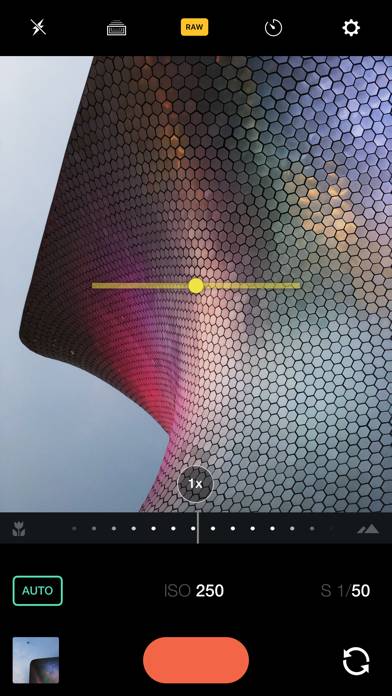
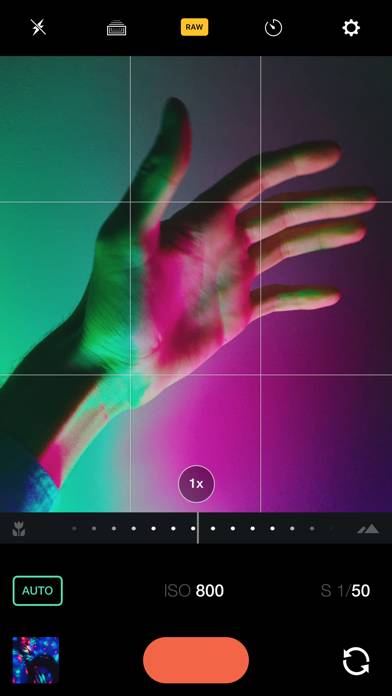
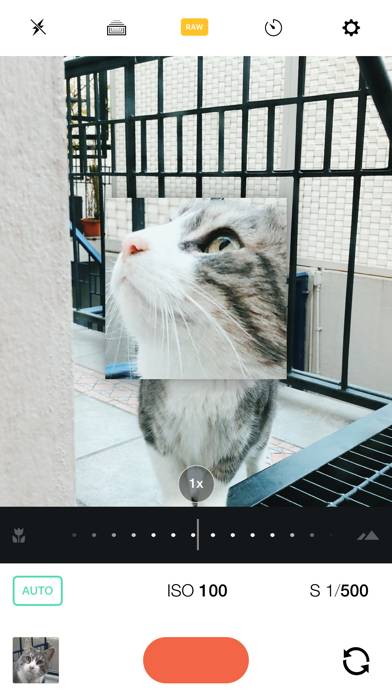
Manual – RAW Camera

Published by William Wilkinson on Sep 23, 2014

Manual – RAW Camera icon

Genre: Photo & Video

Ratings: 4.18

Version: 3.1

Updated: Jan 28, 2020

Downloads: 576

Manual – RAW Camera is a photo & video app developed by Will Global. Available for $3.99, it was updated to v3.10 on January 28, 2020, and currently holds a 4.18 out of 5 rating based on 262 reviews. Before downloading, make sure your device has at least 12 MB of free space and runs Android 10.4+ or iOS 11.4+.

Custom Exposure Camera
Video: Manual – RAW Camera Overview

Description

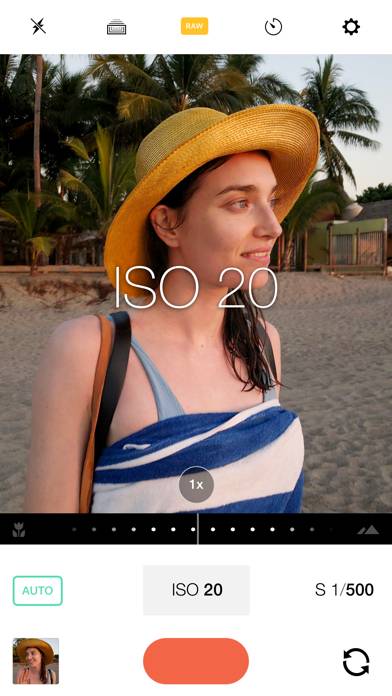
Custom exposure for your iPhone camera. A simple intuitive interface for powerful controls, saving images in the RAW DNG format to your camera roll.
Show more

Available In-App Purchases

Tip 1

$0.99

Tip 2

$2.99

Tip 3

$5.99

Download Manual – RAW Camera

Scan to Get the App! QR code for Manual – RAW Camera

Using Manual – RAW Camera on PC or Mac

Manual – RAW Camera can be played on Windows and macOS using Android emulators such as BlueStacks. Download an APK version and follow our BlueStacks installation guide to get started. For help with downloading or installing APK files, visit our forums.

User Reviews and Ratings

★★☆☆☆ Color temp is gone
Please take back color temperature. It’s very important to any serious photographer.
★★★☆☆ Terrible Tutorial
The tutorial completely takes over when you first launch the app, is confusing, and you can’t quit it. Terrible design.
★★★★★ Great app
Bought it on day 1 of its release on the App Store, and it has been on every iPhone I’ve owned since. It’s use declined a bit as I started using LR but I still use manual from time to time. While it’s simple but powerful I do however feel it’s UI was more intuitive back in the day. In more recent updates it seems the iso and shutter speed are a bit more less than intuitive to use than earlier days and pinpointing a specific setting can be difficult as swiping back and forth they move quickly. I
★★☆☆☆ This was once a good app
Manual was my go-to photo app on iOS, until I stupidly installed the new version. No more white balance or precise focus controls. Very sad. Goodbye Manual.
★★★☆☆ Great but recent UI is clunky
Not sure what has changed but the sliders for SS/ISO take way longer to change now compared to a few years ago.
Read all reviews

Similar Photo & Video Apps

Pixtr screenshot
Pixtr
Colourtone screenshot
Colourtone
PowerCam™ screenshot
PowerCam™
Loopsie: Foto 3D Parallax screenshot
Loopsie: Foto 3D Parallax
DuoCam Multicam Video Camera screenshot
DuoCam Multicam Video Camera
Print to Size screenshot
Print to Size