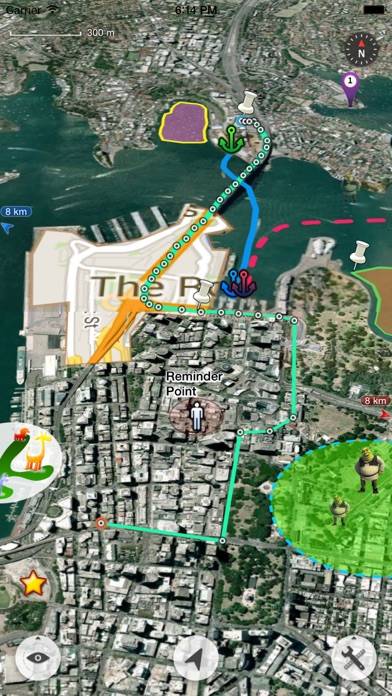
Map Plus

Published by Miocool Inc. on May 27, 2011

Map Plus icon

Genre: Navigation

Ratings: 4.61

Version: 2.9.0

Updated: Apr 16, 2024

Downloads: 1,814

Map Plus is a navigation app developed by Miocool. Available as a free download, it was updated to v2.90 on April 16, 2024, and currently holds a 4.61 out of 5 rating based on 577 reviews. Before downloading, make sure your device has at least 39 MB of free space and runs Android 11+ or iOS 12.0+.

A Powerful Map and GIS tool
Video: Map Plus Overview

Description

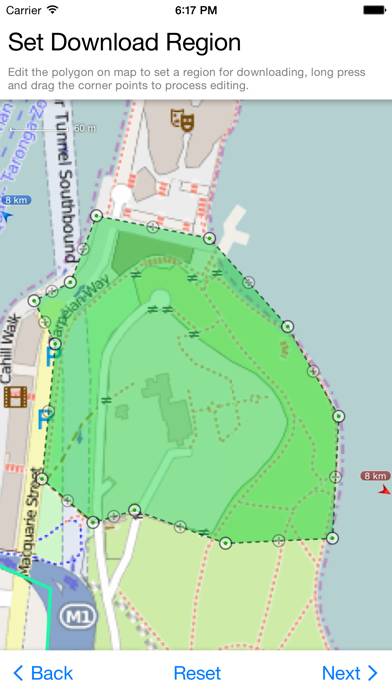
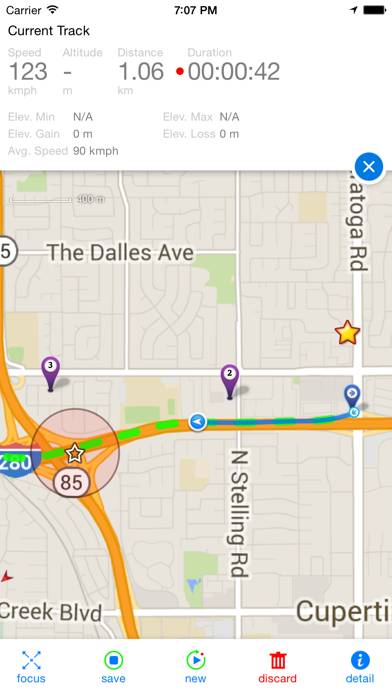
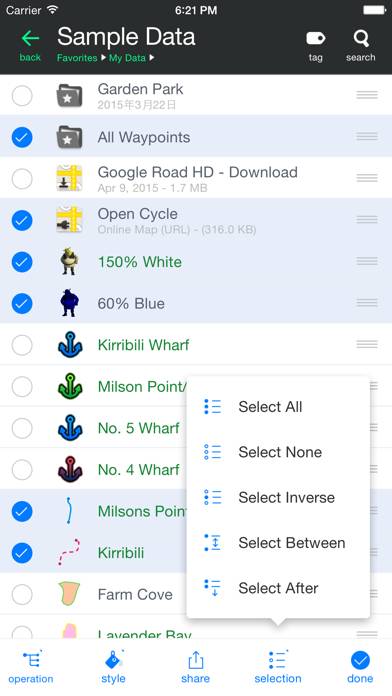
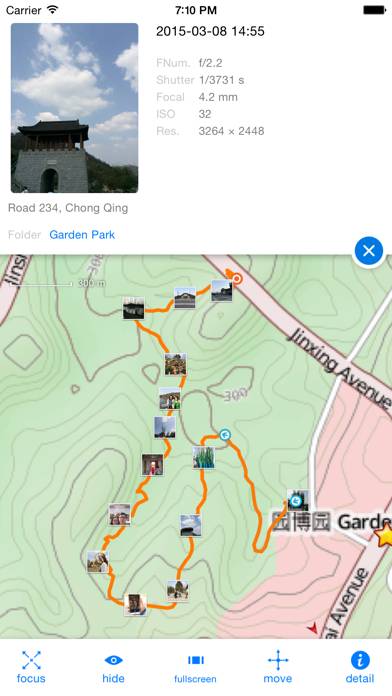
The most powerful and versatile tool for viewing and editing custom maps, surveying, editing or managing mass of your geography data.
Show more

Available In-App Purchases

Donate

$1.99

Enhanced Editing

$5.99

Enhanced Format

$2.99

Enhanced GIS

$4.99

Enhanced Map

$0.99

Enhanced Photo

$8.99

Download Map Plus

Scan to Get the App! QR code for Map Plus

Using Map Plus on PC or Mac

Map Plus can be played on Windows and macOS using Android emulators such as BlueStacks. Download an APK version and follow our BlueStacks installation guide to get started. For help with downloading or installing APK files, visit our forums.

User Reviews and Ratings

★★★★★ Great app
Love it. Have used for several years. I imported an accurate map of our riding area obtained from US forestry service. Now all of my friends want to use my phone to see where we are on the forestry map. J D
★★★★★ The app is like no other.
All Apple Apps should perform like this.
★★★★★ We like it
We like it. Works great on the H&M Trails with the Bob T trails downloaded on our Apple IPad
★★★★★ Powerful App
I little confusing at first but this app is powerful. I use it regularly as a pilot.
★★★★★ Great app
Excelent app for mapping outside wihtout service
Read all reviews

Similar Navigation Apps

WeHunt screenshot
WeHunt
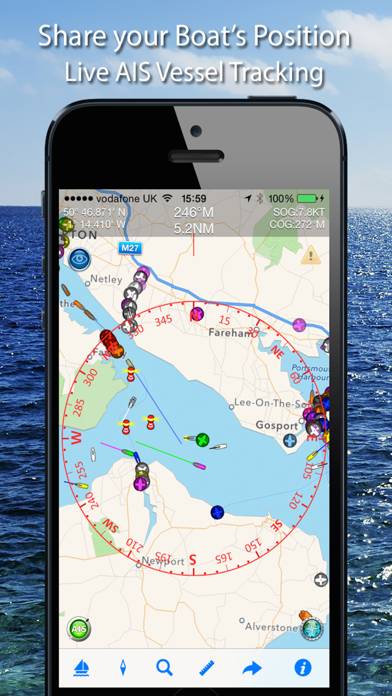
Boat Beacon screenshot
Boat Beacon
Top #31 in Navigation Apps
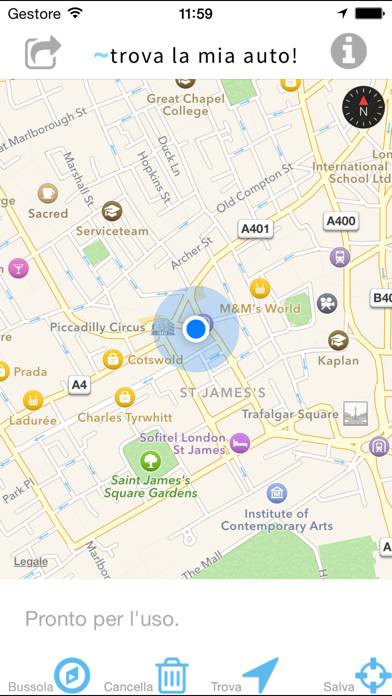
Trova la mia auto!! screenshot
Trova la mia auto!!
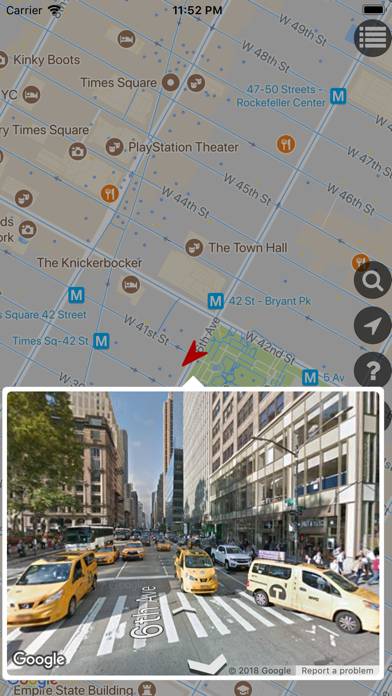
GSVExplorer for Google Maps™ screenshot
GSVExplorer for Google Maps™
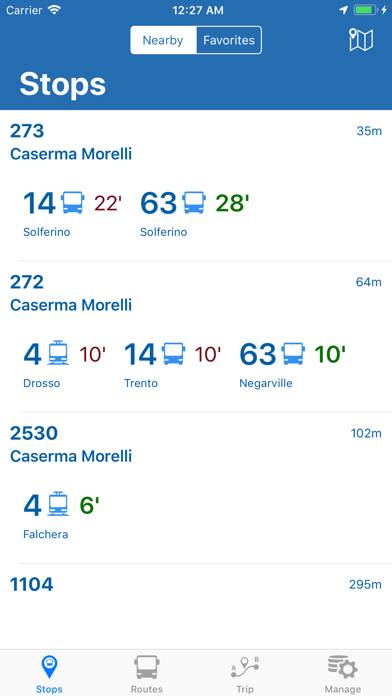
Bus Torino screenshot
Bus Torino
MetroVLC screenshot
MetroVLC