Published by Marshall Group AB (publ) on Sep 27, 2018
Genre: Music
Ratings: 1.63
Version: 2.8.8724
Updated: Sep 27, 2020
Downloads: 482
Marshall Voice is a music app developed by Marshall Group AB publ. Available as a free download, it was updated to v2.80 on September 27, 2020, and currently holds a 1.63 out of 5 rating based on 73 reviews. Before downloading, make sure your device has at least 202 MB of free space and runs Android 9+ or iOS 10.0+.
Video: Marshall Voice Overview
Description
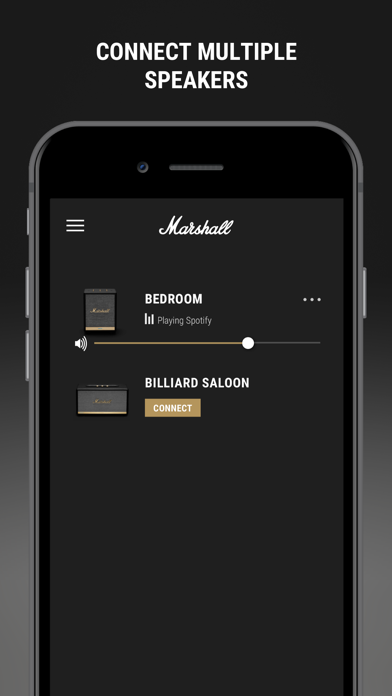
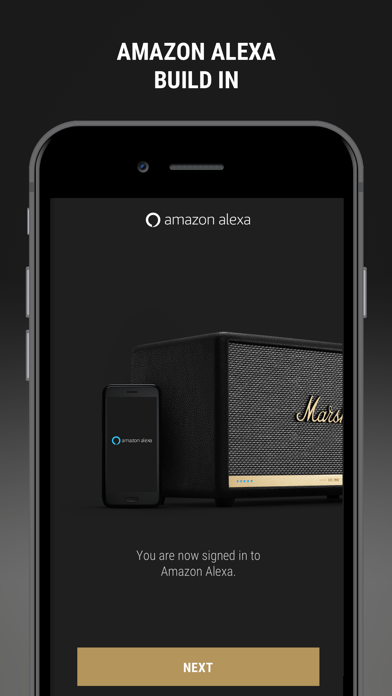
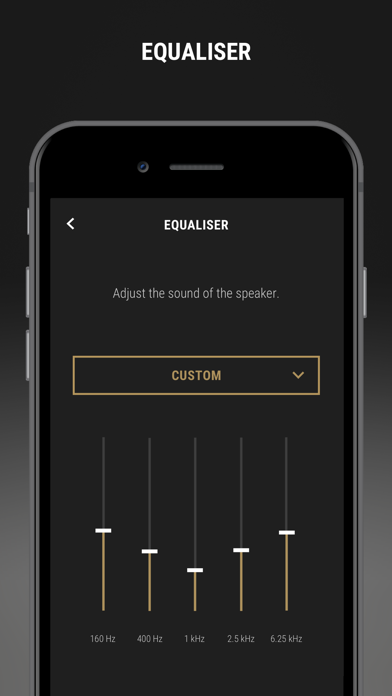
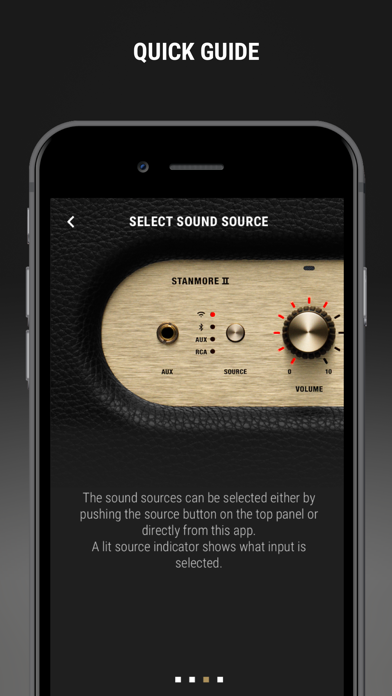
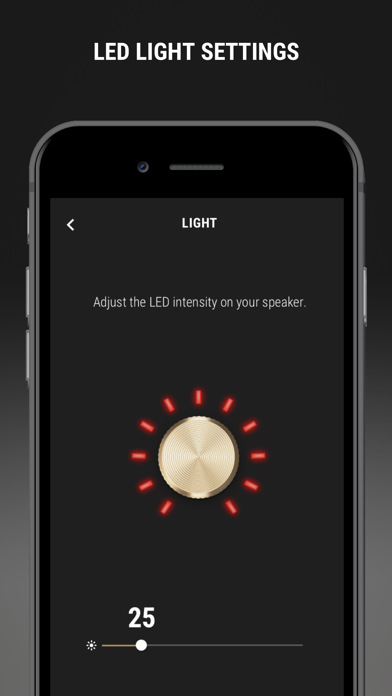
Use this app for quick and easy setup of your Marshall Voice with Amazon Alexa speaker. Customise the sound, rename your device, access user manuals, receive software updates and more.
Marshall Voice may be playable on Windows and macOS using Android emulators such as BlueStacks. Follow our BlueStacks installation guide to get started. Looking for Marshall Voice APK? Visit our forums for help finding authorized downloads, installing APK files, and troubleshooting installation issues.
User Reviews and Ratings
★★☆☆☆App issues
I had this speaker for 4 years. It worked great. Sound was good. But then I got a new phone and tried to switch over. The speaker won’t connect to Amazon Alexa. I reached out to support. They responded with some steps to try. Followed the steps without success. I believe the issue is within the app, as the app doesn’t respond when trying to log into my Amazon account. Almost considered buying a replacement speaker. But that seems pointless as the new speaker would use the same old app. Good luck
★★★★☆Wish There Was One App to Rule Them All!
App worked as it says, updated firmware and connected to Wi-Fi relatively quickly. It would be best to have just 1 Marshall app, instead segmenting this functionality out to a separate app. A couple of suggestions, more frequent app updates, iPad and Apple Watch compatibility, so we can adjust EQ went when the iPhone is not around.
★★☆☆☆Doesn’t work on iOS version 17.1.1
I am not sure if this is iOS version issue, but app doesn’t work on my iPhone 14 Pro with iOS 17.1.1. It just shows No connection and there’s nothing I could do.
I was able to use my iPad which was iOS 16 to connect with no problem.