Medium: Read & Write Stories is a news app developed by A Medium Corporation. Available as a free download, it was updated to v4.22 on September 20, 2024, and currently holds a 4.82 out of 5 rating based on 139.9K reviews. Before downloading, make sure your device has at least 181 MB of free space and runs Android 15+ or iOS 16.0+.
News, Tech, Business, Design
Video: Medium: Read & Write Stories Overview
Description
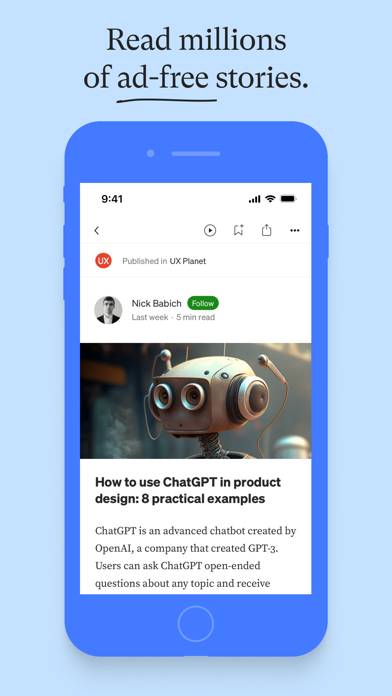
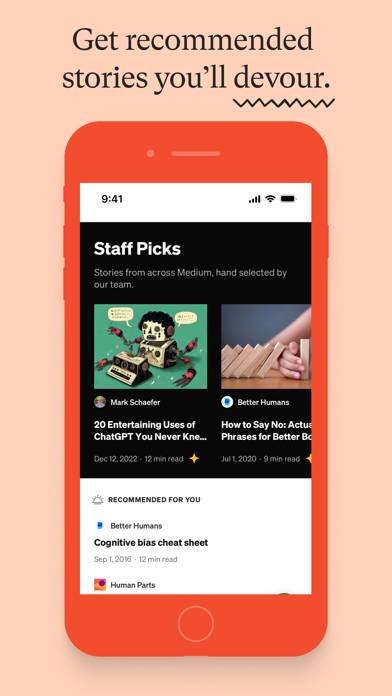
Medium is the internet’s encyclopedia of expertise. Read millions of long-form stories from insiders and thought leaders, deepen your knowledge of the subjects that matter most to you, and harness the power of the written word to spark new ideas, answer big questions, and fuel bold ambitions.
Medium: Read & Write Stories can be played on Windows and macOS using Android emulators such as BlueStacks. Download an APK version and follow our BlueStacks installation guide to get started. For help with downloading or installing APK files, visit our forums.
User Reviews and Ratings
★★★★★XhistoricalSTOCKpersonalpublickprivateMArketManagable et Transfert option
Word Gets Good to Premier CAMcurrencyadjustmentmanouverability CLAUSE suit
★★★★★Underrrated news source
I normally don’t like to pay for news or publications but this is an invaluable resource. One of a handful of reviews I’ve made on the App Store because this is worth the price. I use it to follow experts in various job industries to stay on top of how to Think, approach problems, and stay ahead of the curve.
★★★★★Writers playground
I worked professionally as a writer for umpteen years. I benefited greatly from editors copy editors art directors and the entire show biz. Now on the medium I get to do it all. Play all parts. All I have to do is wait for the inspiration and I have no dearth of that. Love the medium. Break a leg!
★★★★★A Rare Space for Depth, Reflection, and Intelligent Conversation
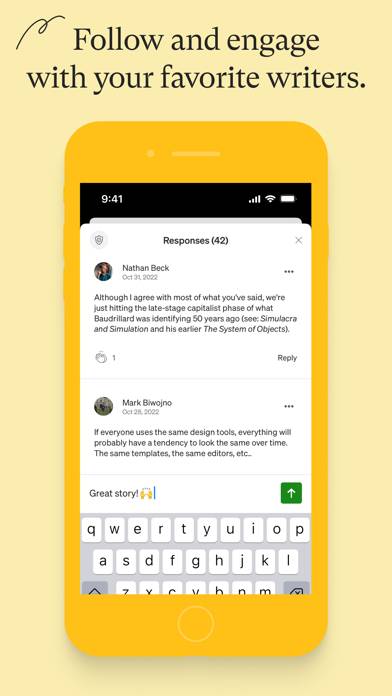
Medium is one of the few places online where thoughtful writing still matters. The platform encourages depth, reflection, and meaningful dialogue. It connects writers and readers who care about truth, learning, and growth. Clean design, strong community, and real intellectual engagement.
— DBC 🪷
While editing, if I need to leave the app and jump right back in, I run into a problem where a paragraph - prior to the last paragraph I worked on - is duplicated and in place of the most recently edited paragraph. If I close the article, and reopen it, the duplicates are gone, and the most recently edited paragraph is back in the right place, but this is annoying because the workaround is to close the article and reopen it. And it can make things confusing. Please fix this.