mimiCopy - Slow Down Player
Published by ART Teknika, Inc. on Dec 16, 2010
Genre: Music
Ratings: 4.20
Version: 1.7.2
Updated: Nov 17, 2020
Downloads: 394
MimiCopy - Slow Down Player is a music app developed by ART Teknika. Available for $4.99, it was updated to v1.70 on November 17, 2020, and currently holds a 4.2 out of 5 rating based on 10 reviews. Before downloading, make sure your device has at least 6 MB of free space and runs Android 7+ or iOS 8.0+.
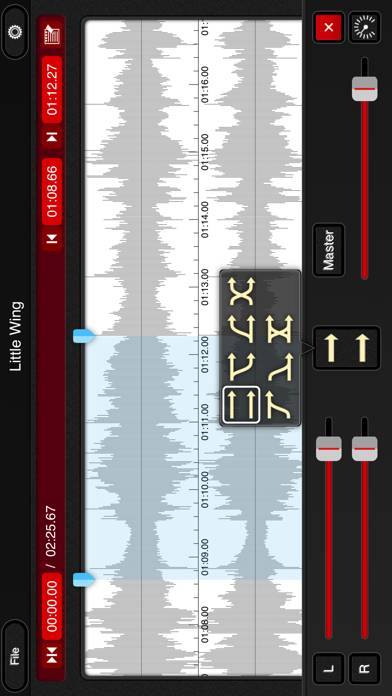
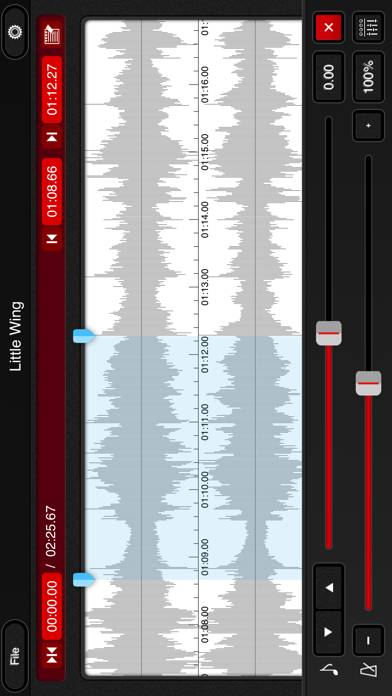
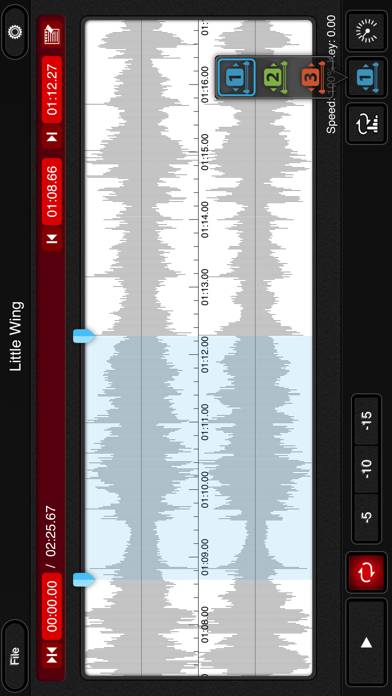
Video: MimiCopy Overview
Description
**If you can not access the music library on iOS10, check that mimiCopy is ON in "Settings" in "Privacy" -> "Media Library".
Show more
Available In-App Purchases
Upgrade to Pro version
$4.99
Download MimiCopy
Scan to Get the App!

Using MimiCopy on PC or Mac
MimiCopy - Slow Down Player can be played on Windows and macOS using Android emulators such as BlueStacks. Download an APK version and follow our BlueStacks installation guide to get started. For help with downloading or installing APK files, visit our forums.
User Reviews and Ratings
★★★☆☆ No Export Function
This app is pretty darn good. It has a great interface and everything. The options to change the key as well as the tempo is a great tool that comes with this app. However there aren't any exporting functions available. I would like to have a file of the music I have altered and be able to put it on cd for karaoke purposes.
★★★★☆ Help
Love the app. But after upgrading to iOS 7 I am unable to load new songs into player.
★★★★★ Excellent tool
25 years ago I paid hundreds of dollars to get a tape machine that slowed to half speed. This app is amazing, has really great and useful features and is absolutely worth way more than the price. I have used it a great deal. It has been a huge help to students of mine working on transcriptions. An amazing tool.
★★★★★ Great for learning new tunes
Changes tempo and/or pitch independently.
★★★★★ Indispensable
Read all reviews
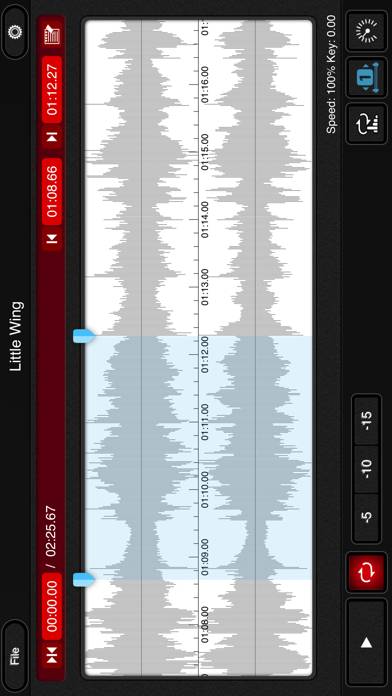
This is my go-to app for band practice. I just plug my iPad into the mixer and everyone can hear. By far the easiest tool to quickly zip between parts of a song or loop a section. Just look at the waveform and you pretty much know where you are. Easy to change pitch and speed.