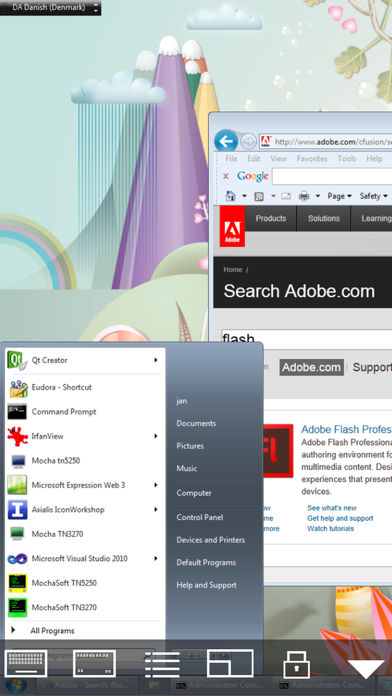
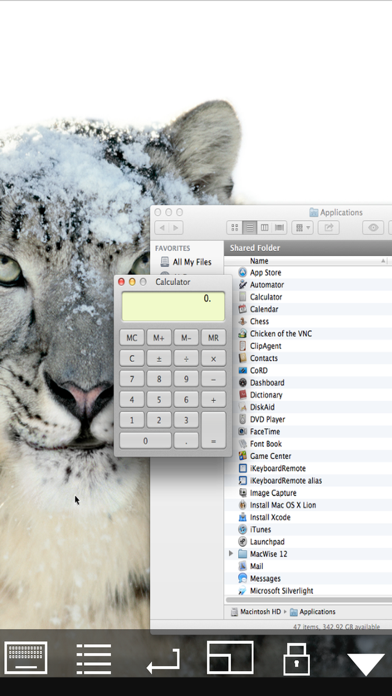
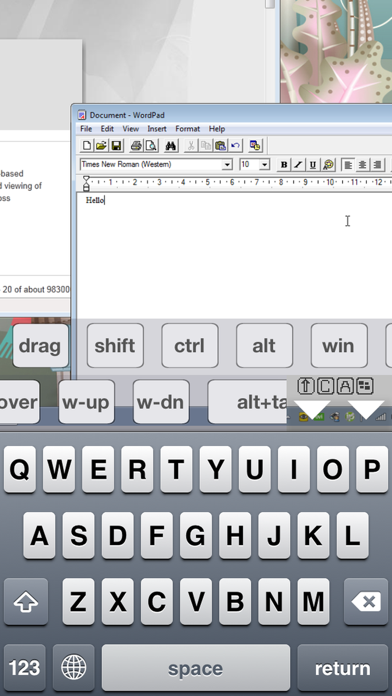
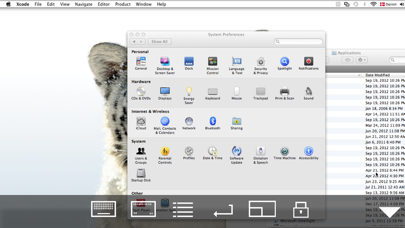
Mocha VNC is a business app developed by MochaSoft. Available for $5.99, it was updated to v6.10 on September 14, 2024, and currently holds a 4.14 out of 5 rating based on 14 reviews. Before downloading, make sure your device has at least 2 MB of free space and runs Android 12+ or iOS 13.0+.
Access any app on your Mac/PC
Video: Mocha VNC Overview
Description
Using your iPhone or iPad, you can connect to a Mac or Windows PC, and see the files, programs, and resources exactly as you would if you were sitting at your desk, just on a smaller screen.
Mocha VNC may be playable on Windows and macOS using Android emulators such as BlueStacks. Follow our BlueStacks installation guide to get started. Looking for Mocha VNC APK? Visit our forums for help finding authorized downloads, installing APK files, and troubleshooting installation issues.
User Reviews and Ratings
★★★★★works great !
configurable for my needs, worked first time.
able save different configs & works with blue-tooth keyboard,
Specifically use for occasional connect to industrial HMI(PC based) that has no published iOS solution without their expensive server frontend.
This app works locally and via remote access by 3rd party M2M client that can expose port 5900.
★★★★★My most useful network tool
Probably the most sophisticated, stable, useful, fast, and well-supported network maintenance tool on my iPhone and iPad. Loaded with cleverly designed shortcuts and key codes which make quickly and easily accessing any remote Windows or Mac server a breeze. Highly recommended.
★★☆☆☆Won't update - won't work
I've been using this app for years now including on my iPhone 6. Went to update it several days ago, along with several unrelated apps. The others updated fine. Mocha VNC stopped part way through. Won't finish updating, can't use, and can't even delete it from my phone!
★★★★★Works great for me!
Excellent resource. I use it to manage the Macs on my home network. Has a few kinks in terms of UI, but what app from a small dev’ doesn’t?
★★★★★Not bad so far
Tried out the lite version to test if it will connect with my macs and it does(while many other vnc apps wouldn’t). Refresh rate isn’t the greatest but what can u really expect on an iPhone 7 over cellular data...
My main use is to access my Mac and run terminal commands on it remotely. Works like a charm. Keyboard and mouse gestures could be better but once u find out where the up/down arrows etc. are u can accomplish what u need.
Will update this review once/if I find any critical issues.