Morster is a utility app developed by Sunshine Valley Systems. Available for $3.99, it was updated to v1.60 on March 05, 2019, and currently holds a 3.6 out of 5 rating based on 5 reviews. Before downloading, make sure your device has at least 78 MB of free space and runs Android 7+ or iOS 8.0+.
Morse Code Encoder and Decoder
Video: Morster Overview
Description
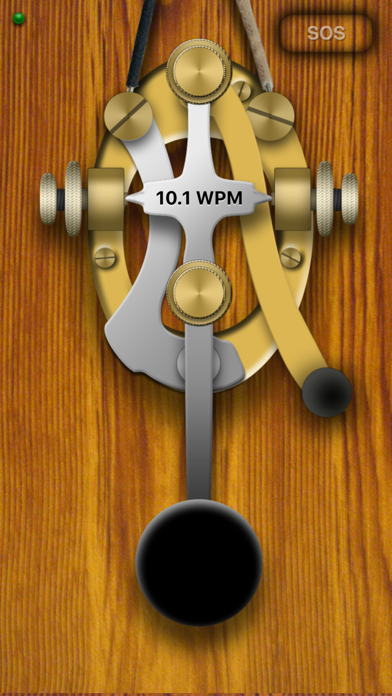
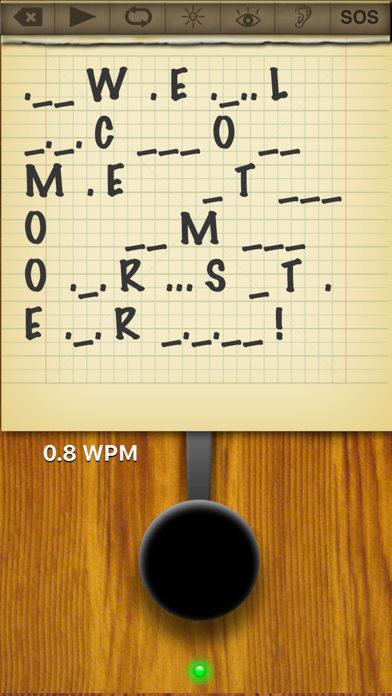
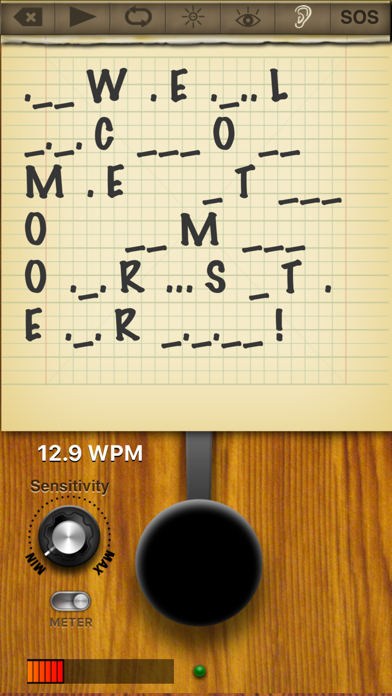
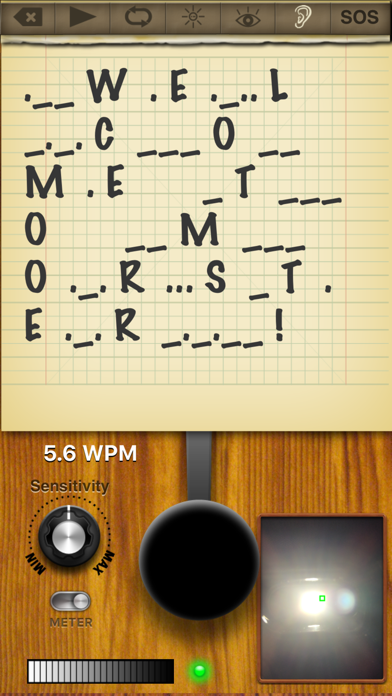
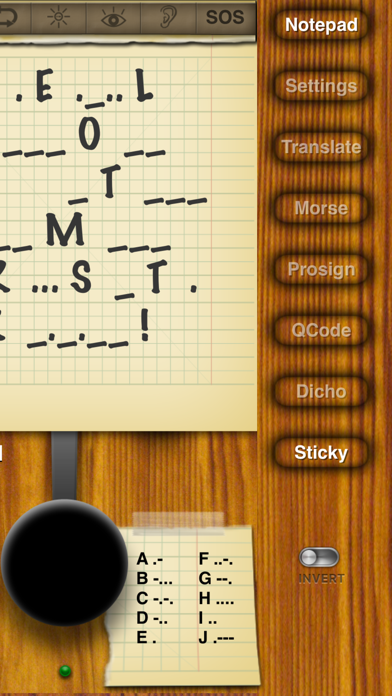
Morster is the ultimate morse code tool for iOS devices. Morster can interpret morse code that is created using the key, light from the camera or sounds from the microphone.
Morster may be playable on Windows and macOS using Android emulators such as BlueStacks. Follow our BlueStacks installation guide to get started. Looking for Morster APK? Visit our forums for help finding authorized downloads, installing APK files, and troubleshooting installation issues.
User Reviews and Ratings
★★★★★Awesome!!!
This app has so many useful features and has a really nice interface! Finally a morse code app that I can morse to my dad who lives far away thanks to game center. :)
★★★★★Amazing!
I've been an amateur radio operator since 1990. I downloaded this app just because I was curious to see how helpful a morse code app could be for training using the iPhone or iPad. But the moment I downloaded it, my two kids, aged 12 and 10, saw it and were immediately very impressed. Now, two hours later, I'm still waiting for "my turn" to try it! 73, de IK2TYL
★★☆☆☆Decoder
Audio decoder will not activate. Really liked this app at first.
★★★★☆It is great app, but here the the solution to the other mentioned issues
I understand what may be frustrating in some of the other reviews. The note pad appears not to be working when the app first starts. This problem is easily solved. The app allows you to configure the font and point size for the notepad feature. When first installed this defaults to zero, so it looks as if nothing I sapping on the note pads. Just press options then, swipe up on the screen to scroll to the font options and enlarge the font. Hit options again to exit and save the setting. Pr
★★★★★Works well
The people having problems with this app probably didn't take the time to read the very in depth set of instructions that come with it. For the notepad to function you need to set the font features. As far as the spaces between each letter you need to send a few a's and b's and the like as the program will adjust to your sending speed and as you improve it will speed up to match your speed.