MusicMatch: Listen Anywhere is a music app developed by Timeless. The last update, v2.30, released on September 25, 2023, and it’s rated 4.07 out of 5 based on the latest 111 reviews. MusicMatch: Listen Anywhere is FREE and requires iOS 16.0+ and Android 15 or newer to download.
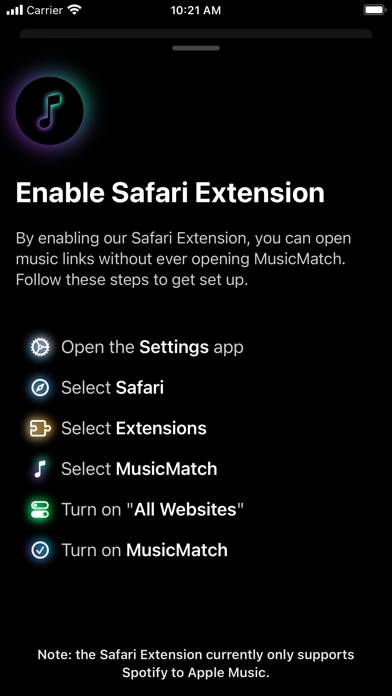
Open music links in any app
Description
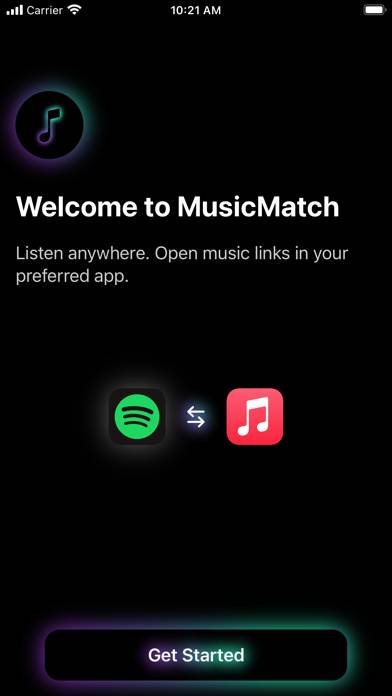
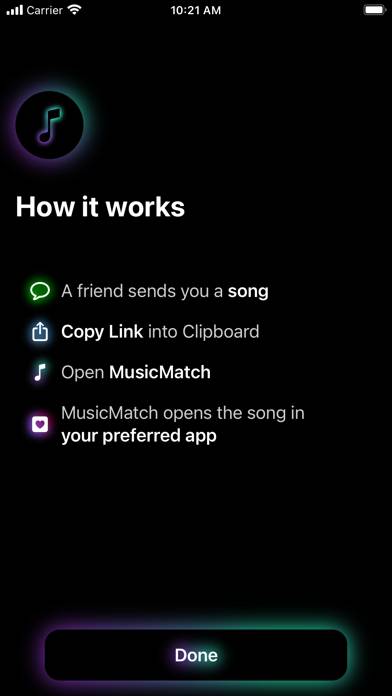
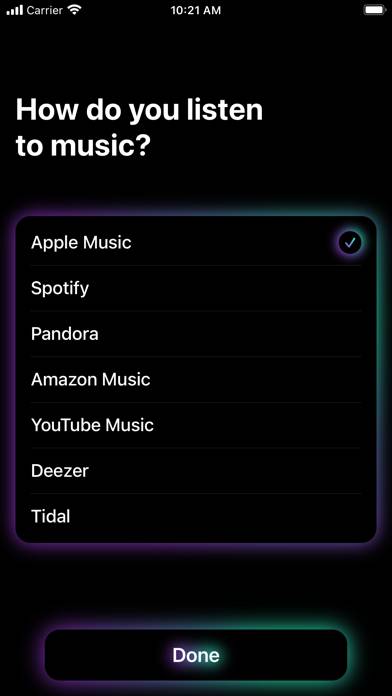
Music is best when shared. With MusicMatch, friends can share and open music links even if they use different streaming services, like Spotify and Apple Music. HOW IT WORKS
1.
How to Use MusicMatch: Listen Anywhere on Your PC or Mac
Want to enjoy MusicMatch: Listen Anywhere on your desktop? Download the latest APK (2.30, 3 MB) or choose your preferred version, and follow our Bluestacks emulator guide for easy installation on Windows or macOS. For any assistance with downloading or installing APK files, feel free to visit our forums!
User Reviews and Ratings
★★★☆☆PLAYLISTS PLEASE
I am a bit annoyed I spent my $2 on this app. I thought playlists would be included but upon further review… nope. If playlists could be done, I would be 10/10 beyond happy. For now, I am meh.
★★★★☆Awesome app, still improvable
I love this app, I can share music with friends no matter which platform we are using.
As suggestion it would be great if you implemented share sheet to open directly a link from Spotify or Apple Music into the app, instead of having a middle step of copying the link and then search for the app, and paste. It would be way easier and faster to share links.
Again, great app, super handy, haven’t find anything alike or better.
★★★★★Elegant + solves a problem
An elegant solution to a common problem. I use Spotify and always have friends sending me Apple Music links. Problem solved. Brilliant interface and really smooth experience. Looking forward to addition of other services. Bravo! 🥁🎸🎼
★★★★★Be Friends with Your Apple Music Friends Again
This app saved a friendship. Bestie uses Apple Music; I use Spotify. Sharing music links was a standoff of who would look up the track on the other person’s service or send from their own.
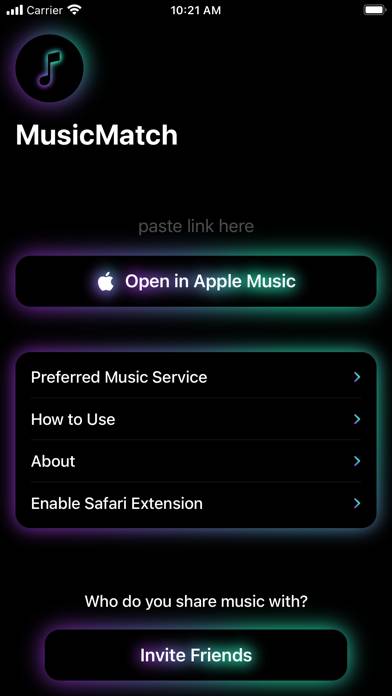
Now: Share Copy -> Share Universal Link -> Allow Paste -> Copy Link: Music Matchmaking Restored.
Pro Tip: After you paste your link, wait a min til the album art loads before sending it to someone. That’ll make sure the album art preview appears in iMessage when you send it.