My Secret Notes
Published by Marco Petrucci on May 20, 2011
Genre: Productivity
Ratings: 1.80
Version: 2.0.4
Updated: Dec 08, 2021
Downloads: 728
My Secret Notes is a productivity app developed by Marco Petrucci. Available as a free download, it was updated to v2.00 on December 08, 2021, and currently holds a 1.8 out of 5 rating based on 5 reviews. Before downloading, make sure your device has at least 4 MB of free space and runs Android 11.4+ or iOS 12.4+.
Video: My Secret Notes Overview
Description
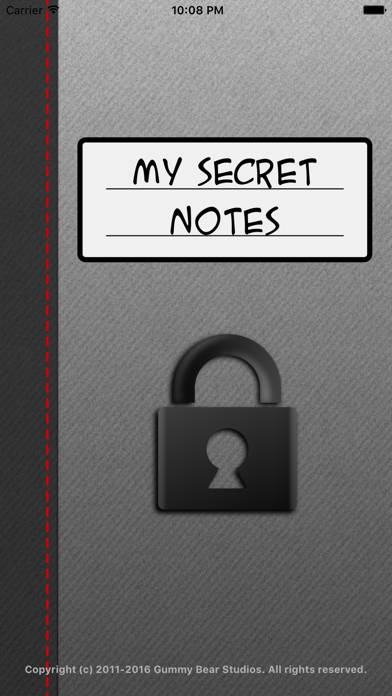
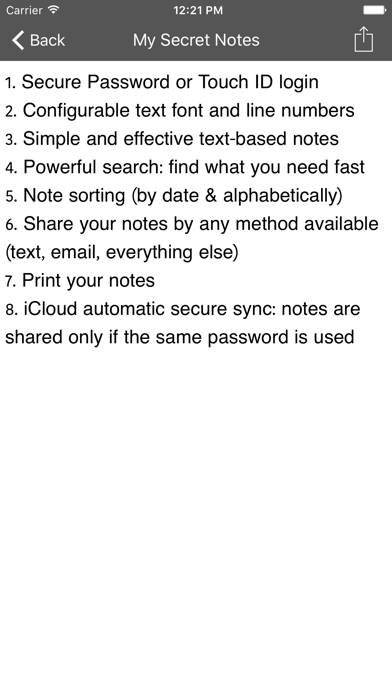
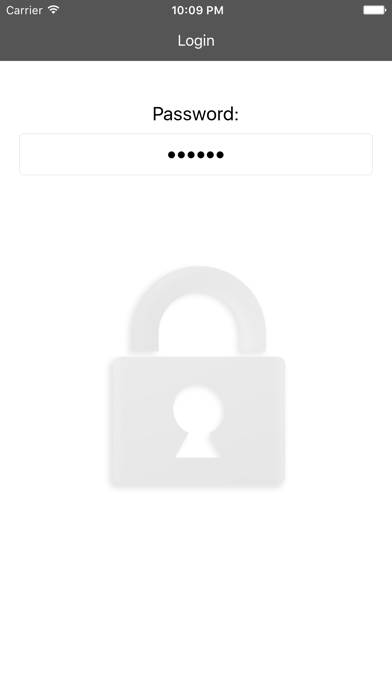
My Secret Notes lets you keep all your notes, projects, diary pages and ideas safe, protecting them with a password (and if you want you can use TouchID/FaceID).
Show more
Download My Secret Notes
Scan to Get the App!

Using My Secret Notes on PC or Mac
My Secret Notes can be played on Windows and macOS using Android emulators such as BlueStacks. Download an APK version and follow our BlueStacks installation guide to get started. For help with downloading or installing APK files, visit our forums.
User Reviews and Ratings
★★☆☆☆ Entries overlapping
There are several places where my notes overlap one another, making both entries unreadable. Since I use this app for passwords , this is a real problem. I would not enjoy moving all my passwords to another app, but may have to unless this issue is rectified.
Also, sign in to my secret notes by face recognition would be very helpful. Banks and financial institutions have face recognition, why not my secret notes??
★★☆☆☆ Don't like it
I don't like the fact that there's no font or color choice. Also u can't insert pics or clip arts at all. So boring.,. Mayb ok for older ppl but not young ppl. Or ppl who like to decorate. I will delete it. Waste my 99cents
★★★★★ Thank you for fixing our problems!
Thank you for figuring out a temporary fix and then for following thru with an update. I'm still having an issue with my cloud but that's minor to me. This is a great program. I keep a lot of important information in this app. Now, however, I make sure to email myself a copy, just in case, after all, anything can happen!! Keep up the good work and thanks for a very useful app.
★★☆☆☆ Don't Like It
No font changes available.
The keyboard won't get out of the way.
You must name each note (I like the selection screen to just show me the first line of my note).
★★★☆☆ OK - but needs work
Read all reviews
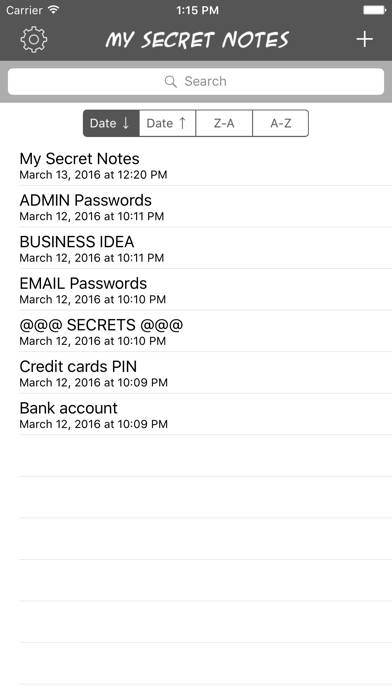
The edit button only gives the ability to delete, but, I can find no way to organize notes other than by date of creation. When you have multiple notes the ability to sort by name, reorder the list and/or search the body of the text is essential.
Similar Productivity Apps

Cloud Mail.ru:photo,video,docs

Link to Windows
Top #33 in Productivity Apps
Power Analysis
Sign Up by SignUp.com
Top #94 in Productivity Apps
Släkten

My Optimum
Top #90 in Productivity Apps