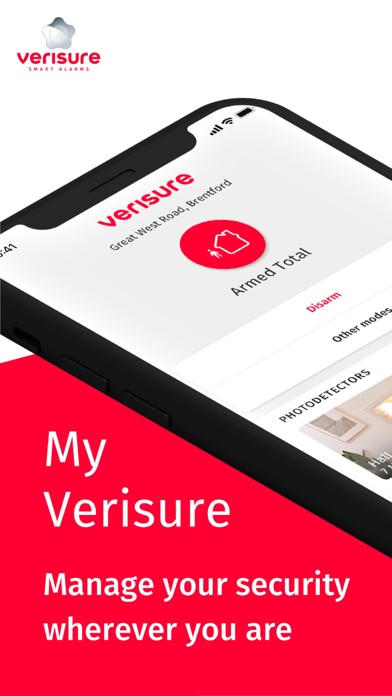
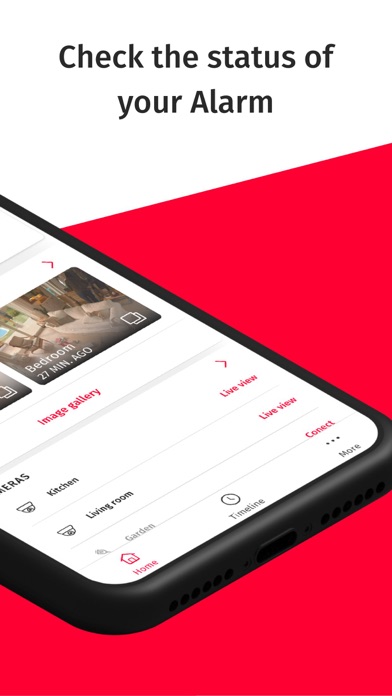
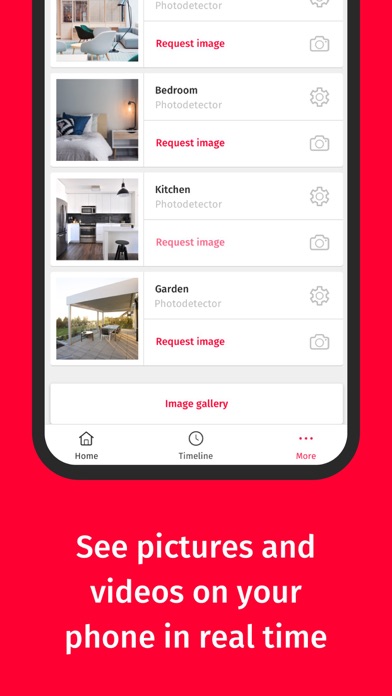
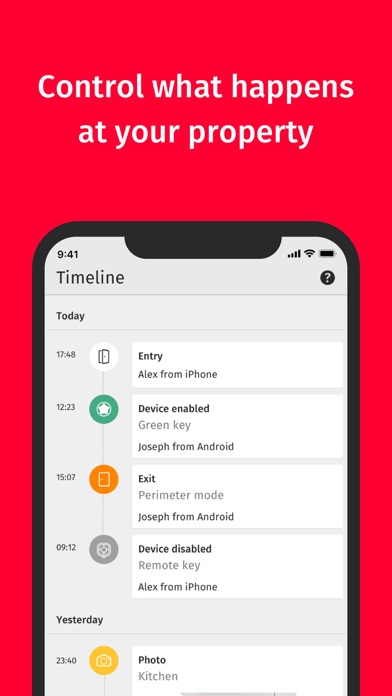
My Verisure is a utility app developed by Securitas Direct. Available as a free download, it was updated to v10.13 on September 11, 2024, and currently holds a 4.72 out of 5 rating based on 372 reviews. Before downloading, make sure your device has at least 79 MB of free space and runs Android 11+ or iOS 12.0+.
Verisure Smart Alarms
Video: My Verisure Overview
Description
Notes:
-If you are a customer of Verisure and you have a Verisure Smart Alarm installed, you will only have to download and install the application.
My Verisure may be playable on Windows and macOS using Android emulators such as BlueStacks. Follow our BlueStacks installation guide to get started. Looking for My Verisure APK? Visit our forums for help finding authorized downloads, installing APK files, and troubleshooting installation issues.
User Reviews and Ratings
★★☆☆☆Check out notice
Have been trying without success to to activate this process. It worked when I had my iPhone 12 but now I have iPhone 14 it no longer works. So annoying. Have countless times tried to log out and log in but it won’t recognise my new device. I have all my old devices listed but can’t see to delete them to save any confusion in the hope that perhaps I had too many devices listed. Contacted Securitas but they say it’s the apps issue! Please resolve. Also when you click on the app page the app suppo
★★★★★gatitos y actividad
puedo vigila mi casa desde lejos
★★★★☆Good app, but needs improvements
The Securitas app works fine overall, but there are a couple of areas that could be improved:
1. Smart lock logs – It would be very useful if the app showed which specific user opened or closed the smart lock, regardless of whether the alarm was armed or not. Right now, this information is missing, which limits the usefulness of the activity report.
2. Screen rendering on iPhone 13 Pro – The interface doesn’t seem fully optimized for the iPhone 13 Pro. The screen looks slightly short and not wel