Nav Trainer Pro
Published by FLEMINGER MEDIA LLC on Mar 28, 2011
Genre: Navigation
Ratings: 3.89
Version: 3.5.0
Updated: Mar 27, 2024
Downloads: 1,273
Nav Trainer Pro is a navigation app developed by FLEMINGER MEDIA LLC. Available for $8.99, it was updated to v3.50 on March 27, 2024, and currently holds a 3.89 out of 5 rating based on 36 reviews. Before downloading, make sure your device has at least 13 MB of free space and runs Android 10+ or iOS 11.0+.
IFR Navigation Trainer
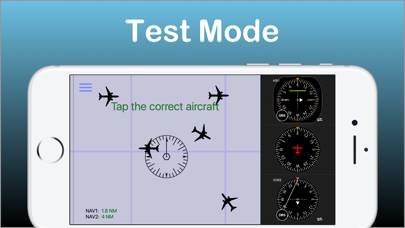
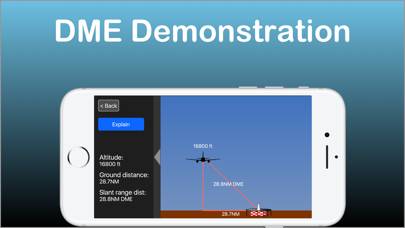
Description
Selected by AOPA.org readers as number one of five aviation apps you can't live without! *
***** Reached No. 4 in the Navigation category of the U.S.
Show more
Download Nav Trainer Pro
Scan to Get the App!

Using Nav Trainer Pro on PC or Mac
Nav Trainer Pro can be played on Windows and macOS using Android emulators such as BlueStacks. Download an APK version and follow our BlueStacks installation guide to get started. For help with downloading or installing APK files, visit our forums.
User Reviews and Ratings
★★★★★ Just what the doctor ordered
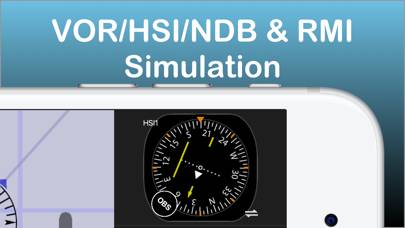
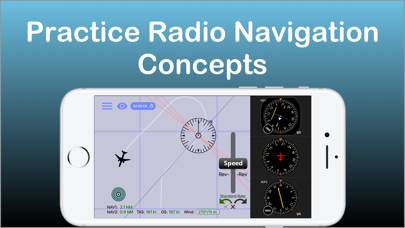
This is a tremendously simple, intuitive, and powerful app for those of us who get a little spatially confused by abstract geometry represented by a static image. The user can easily toggle among 1 or 2 navigation devices including VOR, HSI, ADF, and RMI and drag a plane around. This is not a flight simulator but a great Navaid simulator. Worth every penny and a great study partner for the FAA knowledge exams.
★★★★★ Nicely done!
Well put together; really gives good visual interpretation of what your nav indicators are showing you, including wind effects. Only suggestion would be to make OBS and DG a little less sensitive so that changes could be more precisely set. Test feature is great - really makes you think about what you're seeing on the DG & OBS. About to get an iPad; hope this is set up to run on the iPad, too, with a larger display.
★★★★★ Great Training tool
This app is simple yet does an excellent job of helping you visualize the relationship between what the gauges show and the plane's actual position. I agree-OBS scrolling could stand to be a little less sensitive. Useful tool for ground school.
★★★★★ Feature for next update
I think you should add a clock/timer feature for practicing holds. Besides that app is great.
★★★★★ The best app
Read all reviews
This app is the best i ever used. It is very user friendly, helps you understand and create navigation scenarios and even use it to demonstrate and explain about the navigation instruments to your student !
Similar Navigation Apps
Grand Tour Switzerland
TripRoad Pro
Top #49 in Navigation Apps
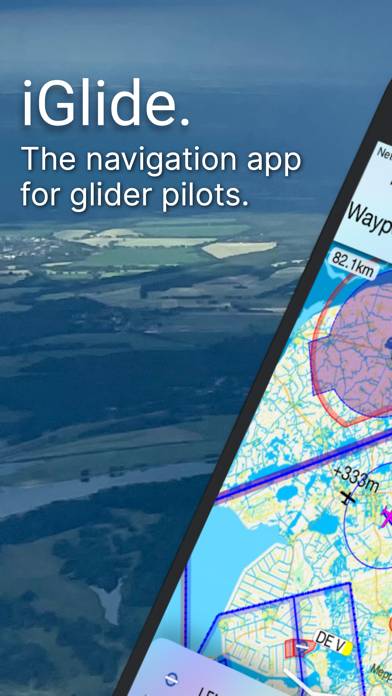
iGlide Pro
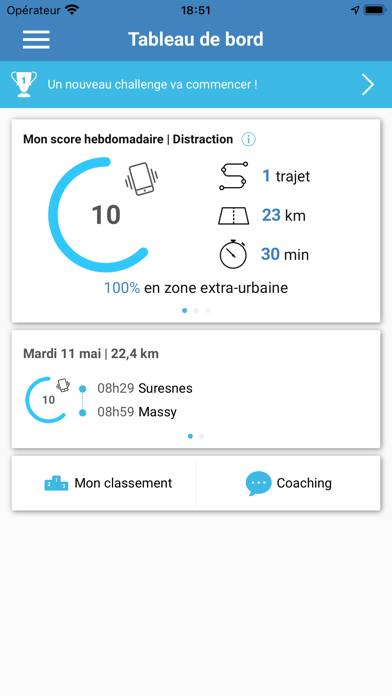
DrivMeUp’
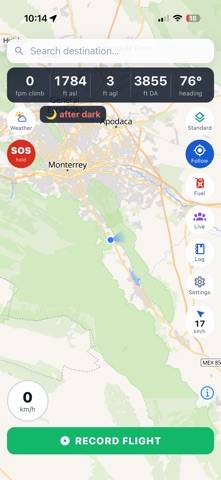
GoFlyn
Top #43 in Navigation Apps

Vélopop'