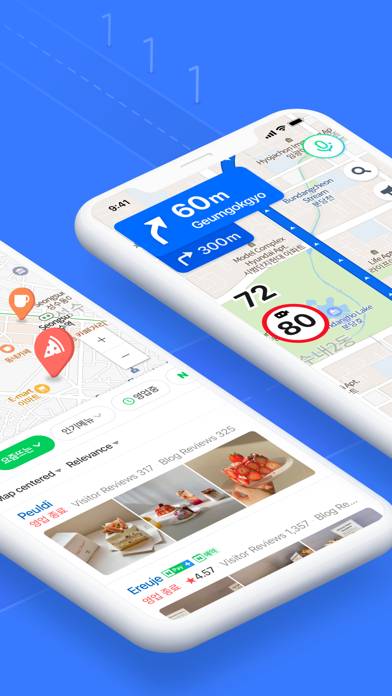
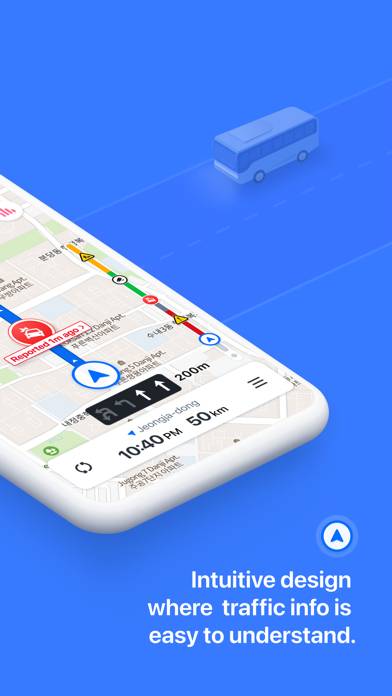
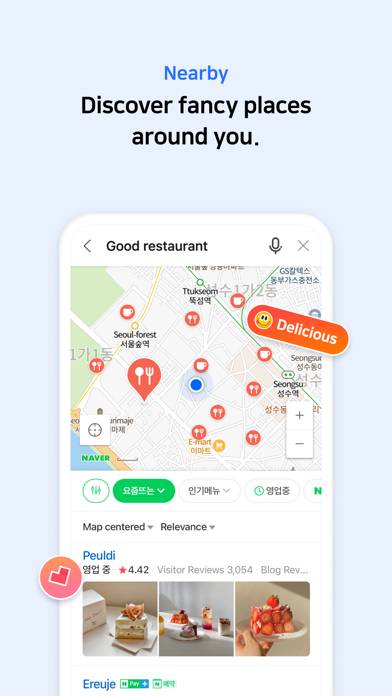
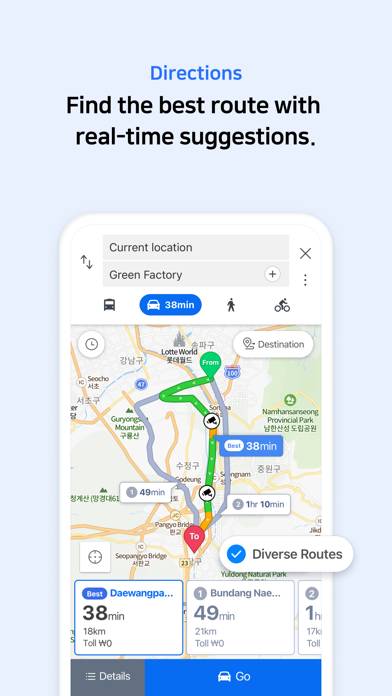
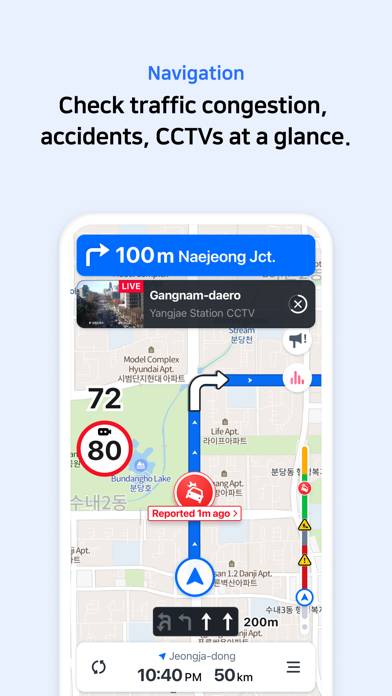
NAVER Map, Navigation is a navigation app developed by NAVER Corp. Available as a free download, it was updated to v5.29 on September 08, 2024, and currently holds a 2.2 out of 5 rating based on 585 reviews. Before downloading, make sure your device has at least 263 MB of free space and runs Android 14+ or iOS 15.0+.
Video: NAVER Map, Navigation Overview
Description
* Experience the completely new NAVER Map. [Key features]
- Menu tab for Map home
Quickly access and use Nearby, Bookmark, Transit, Navigation and the MY tab from the home screen.
NAVER Map, Navigation can be played on Windows and macOS using Android emulators such as BlueStacks. Download an APK version and follow our BlueStacks installation guide to get started. For help with downloading or installing APK files, visit our forums.
User Reviews and Ratings
★★★★★네이버지도 생긴 이후
처음 오는 동네에서 잘 할수 있을까 하면서 걱정을 많이 했는데 지도가 있으니까 넘 편해요. 사용법이 굉장히 쉽고 하다보니 익숙해져서 처음 와보는 동네에도 그렇게 큰 부담이 없었어요! 길 잃었을 때도 활용하기까지 매우 좋고요
★★★☆☆맥버전도 관리좀해줘요
맥 버전도 관리좀해줘욤
★★★★★Very helpful. Don’t mind the negative reviews!
I am absolutely confused why this app has received so many negative reviews. Maybe people are upset that this Korean app has some *gasp* Korean? Nonsense. This app showed us very accurate directions to places we needed to go. It showed us timetables of when the next train and bus was arriving, as well as accurate walking directions. There is a setting to change it to English (which is what we used), but some places (for example, restaurants) will not have an English translation and that’s okay.
★★★★☆First time in Seoul & NAVER has been helpful
Google Map doesn’t work well in Seoul. Kakao is the best & cab drivers uses it but navigation details is in Korean hence not useful for us (Can’t read Korean). Though NAVER is not on par with Kakao, if you work around its limitation, it’s usable & helpful for those of us who can’t read Korean.
★★★☆☆Still needs improvement
It remains a competent option to use in Korea, along with CarPlay support. However, only voice search is available in CarPlay — no on screen keyboard.