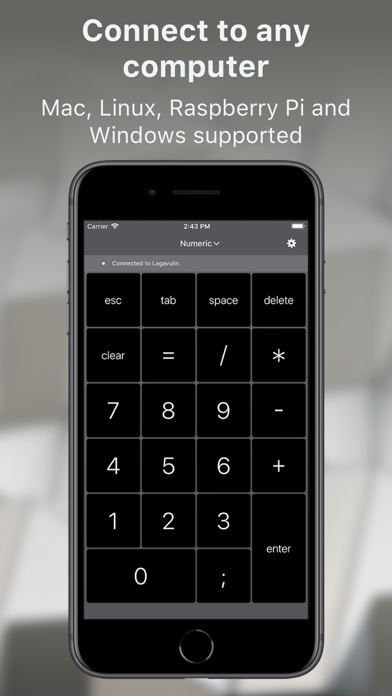
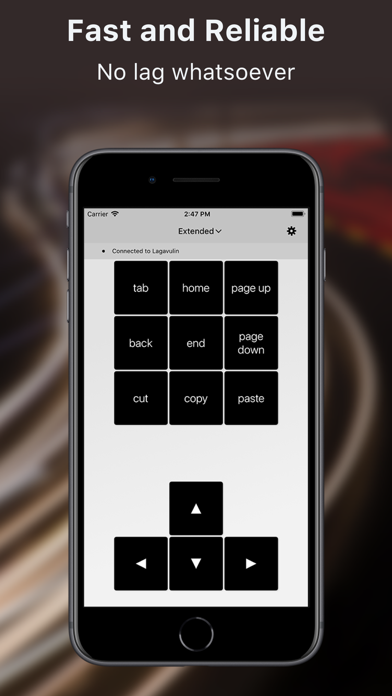
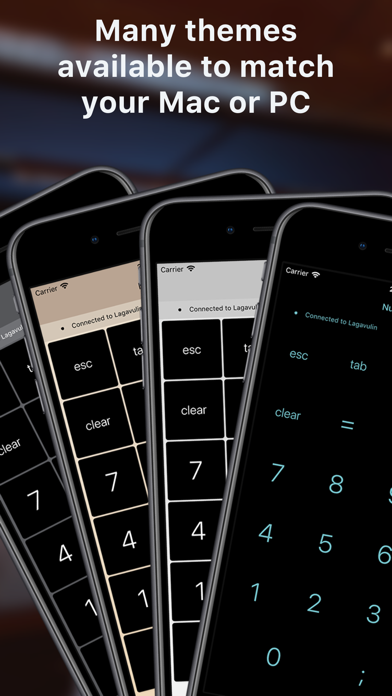
NumPad. is a utility app developed by Edovia. Available for $4.99, it was updated to v5.30 on November 01, 2018, and currently holds a 3.03 out of 5 rating based on 30 reviews. Before downloading, make sure your device has at least 28 MB of free space and runs Android 11+ or iOS 12.0+.
Mobile Numeric Keypad
Description
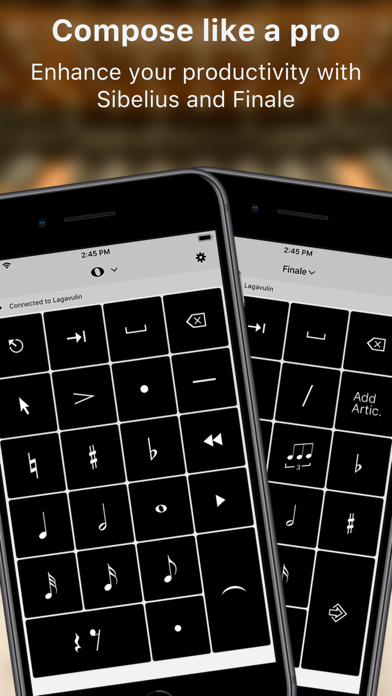
A full sized keyboard is only a tap away. Enjoy the luxury of an extended number pad to power through your spreadsheets at the coffee shop. Or compose a ditty on the beach using Simple Entry for Finale and Sibelius.
NumPad. may be playable on Windows and macOS using Android emulators such as BlueStacks. Follow our BlueStacks installation guide to get started. Looking for NumPad. APK? Visit our forums for help finding authorized downloads, installing APK files, and troubleshooting installation issues.
User Reviews and Ratings
★★★★★Works perfectly on both my iPhone and iPad Pro
This app works as advertised and let me input strings of numbers into an Excel spreadsheet from either my iPad Pro or my iPhone. I love it. Although you do have to read the help file in the instructions on how to get it to work with your MacBook. To do so go to Utilities and help and read how to hook it up. You need to turn on screen sharing on your Mac.
Finally if I could get this to work so that the numeric keypad was on my iPhone and I could enter numbers into Excel on my iPad Pro it would b
★★★★★Great ten key!
It does what it says. The input is super fast, as if it was a wired peripheral. Just make sure to read the help section in order to set it up, because it’s not intuitive!
★★★★★Talk about a productivity booster
Invaluable for getting a lot of data entered quickly and rapidly. Pro tool for people with billable work to get done.
★★★★★Don’t even want a regular keypad now
I wasn’t about to pay $4 for a wireless keypad app, I’d sooner spend $50 on a real one. But as soon as I saw it’s adaptive for Sibelius I bought it without hesitation. I’m happy to say that it works, although it was a little tricky to hook up to my MacBook.
But the fact that I can look at my phone to see the notes instead of having to look at the computer screen and hit the corresponding key is wonderful. I no longer have to have that ugly keypad on my screen.
I haven’t tested the app without