NumWorks Graphing Calculator is an education app developed by NumWorks. Available as a free download, it was updated to v23.20 on July 10, 2024, and currently holds a 4.33 out of 5 rating based on 79 reviews. Before downloading, make sure your device has at least 12 MB of free space and runs Android 7+ or iOS 8.0+.
Video: NumWorks Graphing Calculator Overview
Description
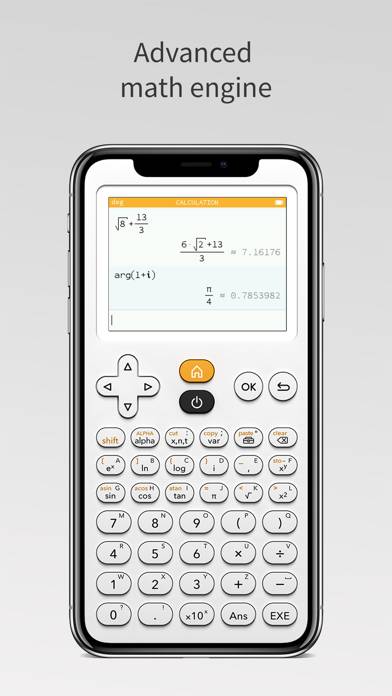
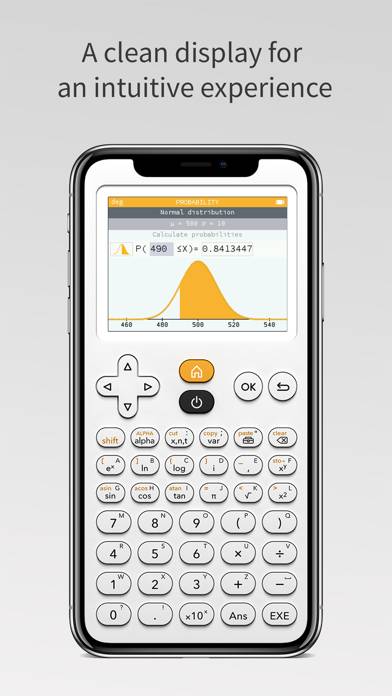
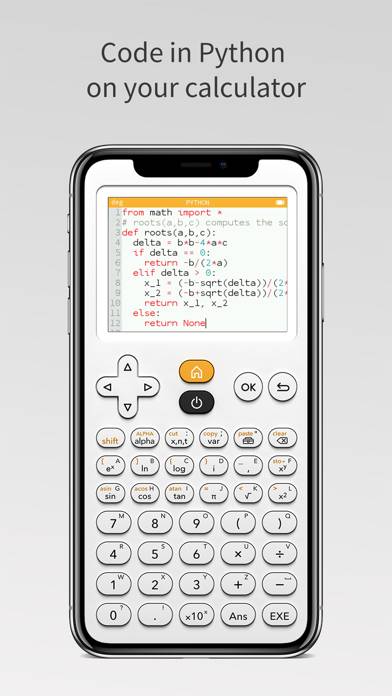
NumWorks designed an intuitive and evolutive graphing calculator to make learning math easier. You'd like to discover the NumWorks calculator? You don't have your NumWorks calculator handy? Download the free NumWorks app to use your calculator directly on your iPhone or iPad!
NumWorks Graphing Calculator can be played on Windows and macOS using Android emulators such as BlueStacks. Download an APK version and follow our BlueStacks installation guide to get started. For help with downloading or installing APK files, visit our forums.
User Reviews and Ratings
★★★★☆Enjoyed it, however…
I have thoroughly enjoyed the consumption of this mathematical device, however there appears to be an error with the preservation of previous calculations that have been submitted into the application. Whenever I attempt to change the angle measurements, or any setting for that matter, the application appears to reset them back to default settings once I’ve halted my use of said application. Please in the near future, discuss the matter of the issue, and work to fix it. In short, the application
★★★★☆Can’t save progress
It’s a cool emulator but it’s like those Casio scientific calculators that every time they reboot you lose your progress.
Please fix this.
★★☆☆☆Looks nice but extremely bad
This is a nice looking calculator that reminds me of having a physical device with buttons. What I wish for the love of god please have button input on key up instead of key down. Jesus. Try and switch between this calculator and other apps without pressing the x10^ key or the ans key. Impossible.
★★★★★Works for want I need
Takes a while to get used to, since I use either hp or ti, but once you get the hang of it, it’s pretty cool.
★★★★☆lack vibrate feedback
Really nice app,it will be great if we can get vibrate feedback when press button.