Obscura Pro Camera is a photo & video app developed by Ben McCarthy. Available as a free download, it was updated to v2,024.60 on September 19, 2024, and currently holds a 4.05 out of 5 rating based on 180 reviews. Before downloading, make sure your device has at least 73 MB of free space and runs Android 15+ or iOS 16.0+.
Manual Controls, ProRAW, Video
Video: Obscura Pro Camera Overview
Description
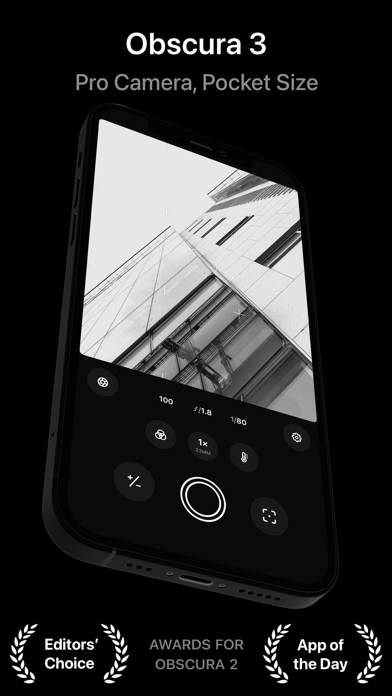
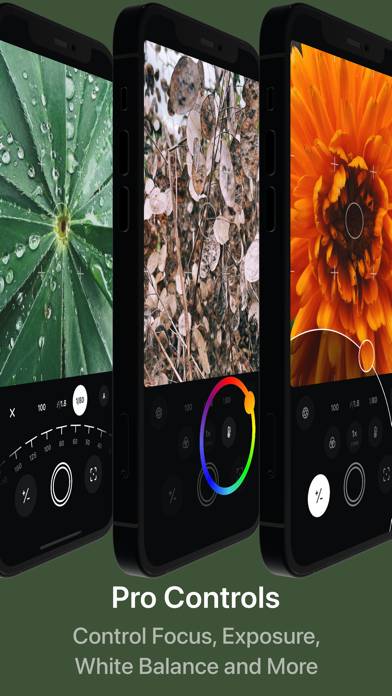
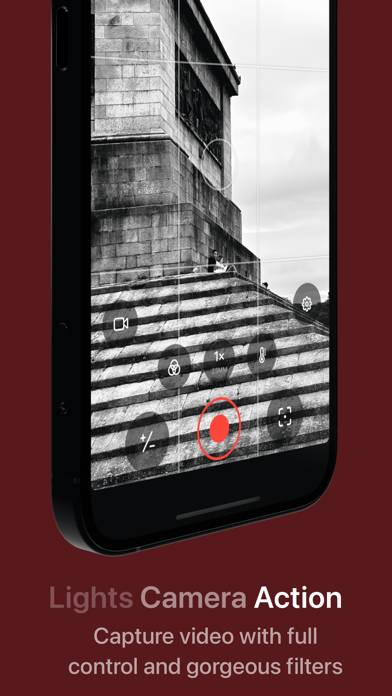
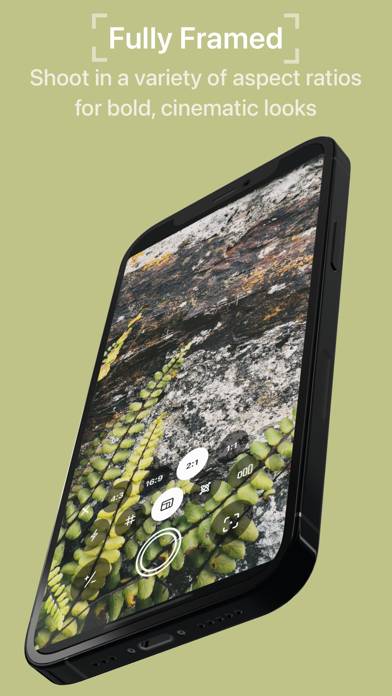
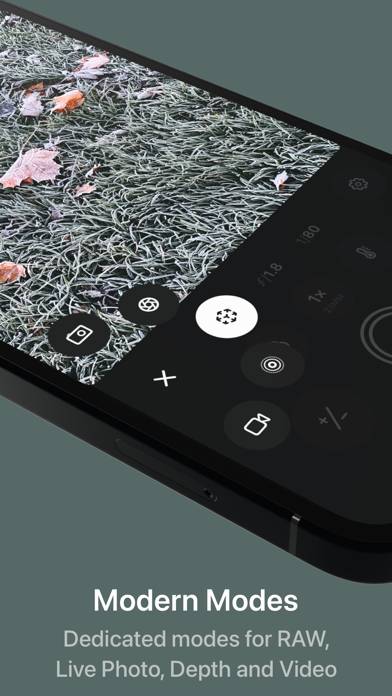
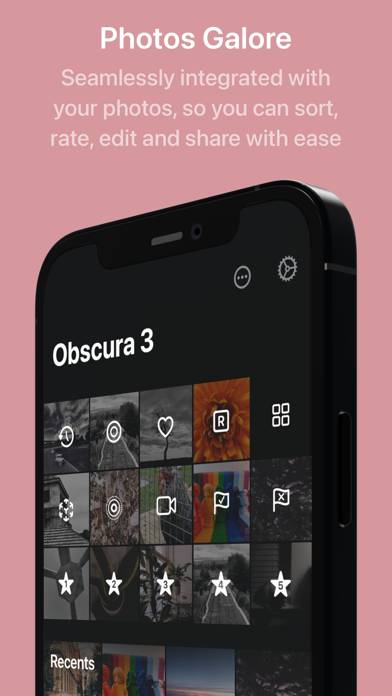
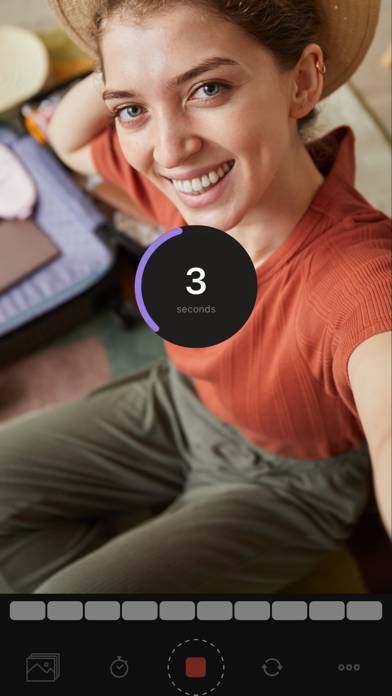
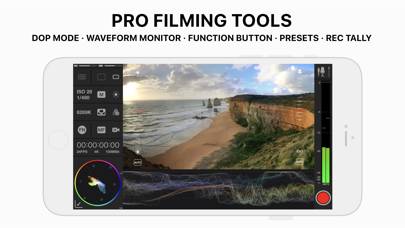
Obscura 4 is a camera app packed full of features to help you take incredible photos. Obscura pairs a stunning design with intuitive controls that make taking photos a delight.
Obscura Pro Camera can be played on Windows and macOS using Android emulators such as BlueStacks. Download an APK version and follow our BlueStacks installation guide to get started. For help with downloading or installing APK files, visit our forums.
User Reviews and Ratings
★★★★★Incredible App - Must Get
This is an amazing app for taking photos and videos as you would on a DSLR. The support team and developer are so helpful and are truly great people. HIGHLY RECOMMEND.
★★★★★1st impression.
in 1 word: wow…
i love the zoom dial, everything is so smooth & easy to use, the grid/crosshairs & the gyroscope are a nice touch. very well made app. i can’t wait to see the bonus features…
★★★☆☆Cost and questionable behavior
I like the app but there’s no way I can justify the cost. (Free version is useless without aspect ratios). Also, when you use aspect ratios, it’s not clear what to expect from image processing. I’m sure there are reasons everything. Back to Apple camera with its buried aspect ratio setting.
★★★★★Love it
Not only is all the camera controls from any dslr camera but they make them to where they can be tweaked just how you like them. Personalize your appearance, and they have not only a pride theme but a trans theme too which I was excited about. All in all I love the app. Best bang for buck
★★★★★Excellent Camera App ( with some improvements suggestions)
This is a really full featured app with plenty of advanced control to enable a photographer to really take good photos instead of just good looking snapshots (although this also possible when using the basic “Camera” function. The one area of improvement for a future version is: “allow the user to choose the compression level for JPEG and HEIC format files, up to 100% ( no loss) quality. Also, the precision when moving exposure reticle must be improved (the finger should be over or very close to