oneSafe+ password manager

Published by Lunabee Pte. Ltd. on Feb 02, 2017

oneSafe+ password manager icon

Genre: Productivity

Ratings: 4.79

Version: 5.2.9

Updated: Sep 21, 2024

Downloads: 850

OneSafe plus password manager is a productivity app developed by Lunabee Pte. Available for $4.99, it was updated to v5.20 on September 21, 2024, and currently holds a 4.79 out of 5 rating based on 4.2K reviews. Before downloading, make sure your device has at least 172 MB of free space and runs Android 15.4+ or iOS 16.4+.

Fort Knox in your pocket‪!‬

Description

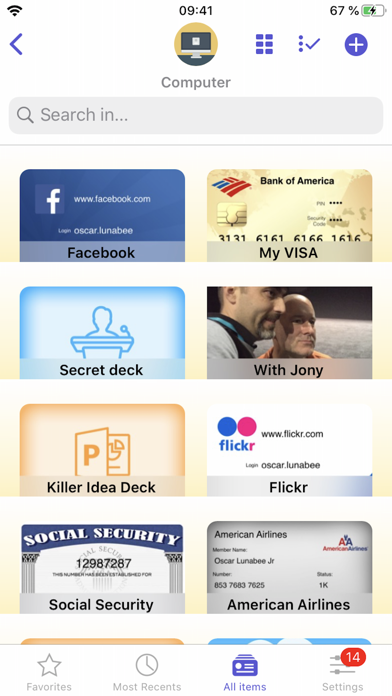
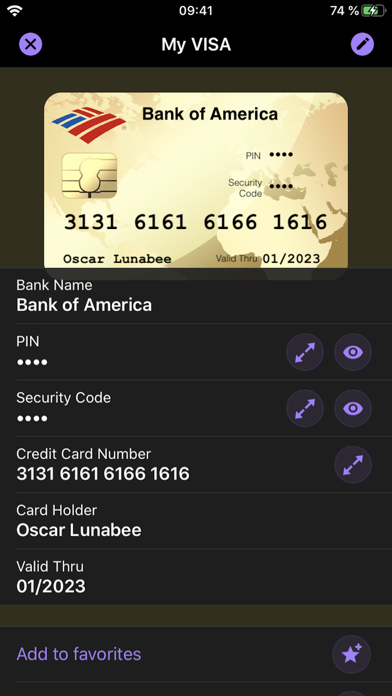
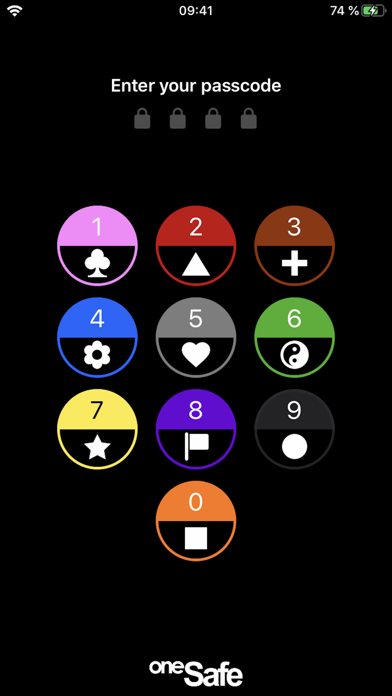
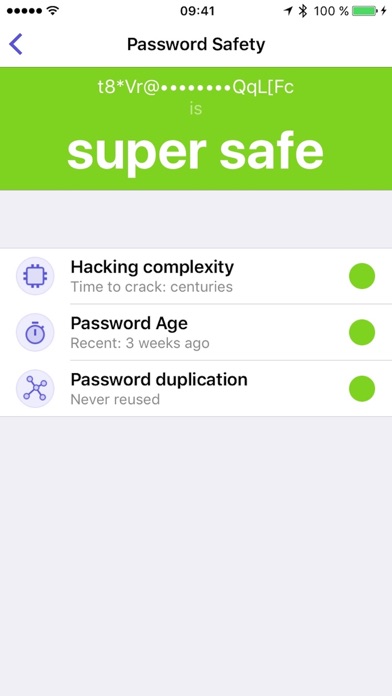
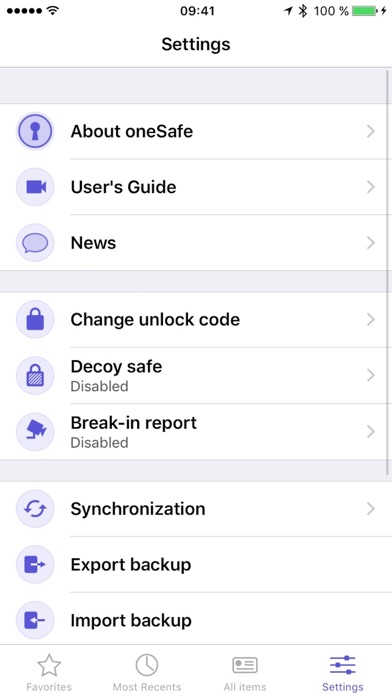
oneSafe provides advanced security for your passwords with features like Touch and Face ID, auto-lock, decoy safe, intrusion detection, self-destruct mode and double protection for your most sensitive data. NEW!
Show more

Download OneSafe plus password manager

Scan to Get the App! QR code for OneSafe plus password manager

Using OneSafe plus password manager on PC or Mac

OneSafe plus password manager may be playable on Windows and macOS using Android emulators such as BlueStacks. Follow our BlueStacks installation guide to get started. Looking for OneSafe plus password manager APK? Visit our forums for help finding authorized downloads, installing APK files, and troubleshooting installation issues.

User Reviews and Ratings

★★★★★ OneSafe 5 awesome!
OneSafe 5 is great love graphics and ease of use
★★★★★ Great App
I’ve been using this app for years and I don’t know what I’d do without it. Easy to use and a reliablereliable app.
★★★★★ So easy to use!
Love how easy is to use it.
★★★★★ Base Manager
Very helpful and easy to work with!
★★★★★ Perfect lock box!
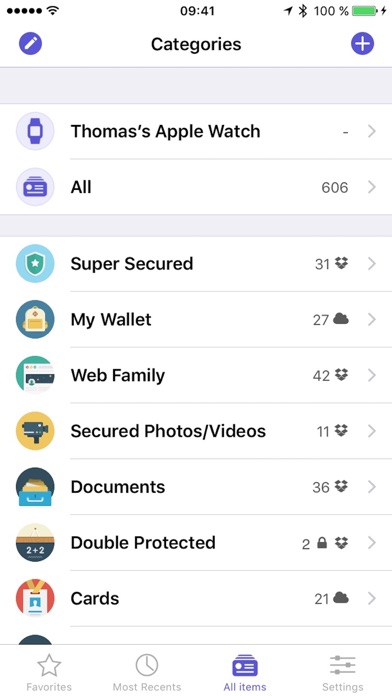
I’ve used one safe for years! Love having a place to securely save not only passwords but pictures of passports, social security numbers and other important things all in one place!
Read all reviews

Similar Productivity Apps

SP Voice Recorder screenshot
SP Voice Recorder
VPN screenshot
VPN
VPN Proxy Master - Super VPN screenshot
VPN Proxy Master - Super VPN
Top #77 in Productivity Apps
MailBuzzr HD screenshot
MailBuzzr HD
Unplug Screentime screenshot
Unplug Screentime