OpenTerm
Published by 逸鸣 赵 on Dec 15, 2019
Genre: Developer Tools
Ratings: 4.23
Version: 1.7
Updated: Apr 05, 2023
Downloads: 1,180
OpenTerm is a developer tools app developed by 逸鸣 赵. Available for $4.99, it was updated to v1.70 on April 05, 2023, and currently holds a 4.23 out of 5 rating based on 170 reviews. Before downloading, make sure your device has at least 6 MB of free space and runs Android 11+ or iOS 12.0+.
Terminal emulator
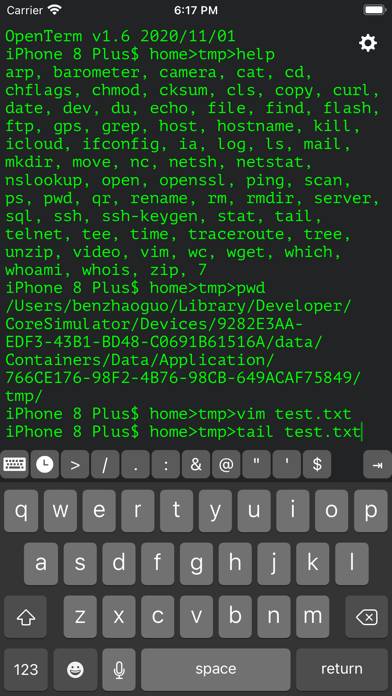
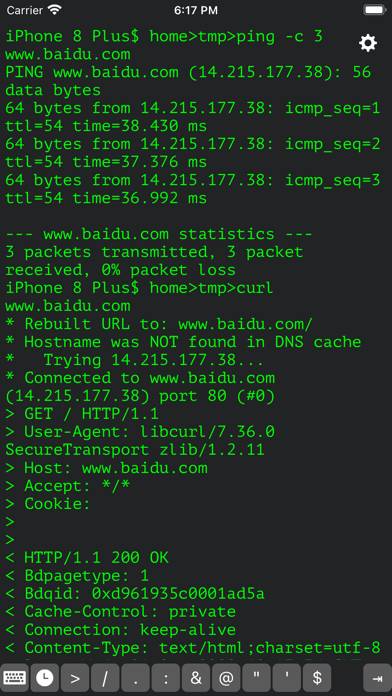
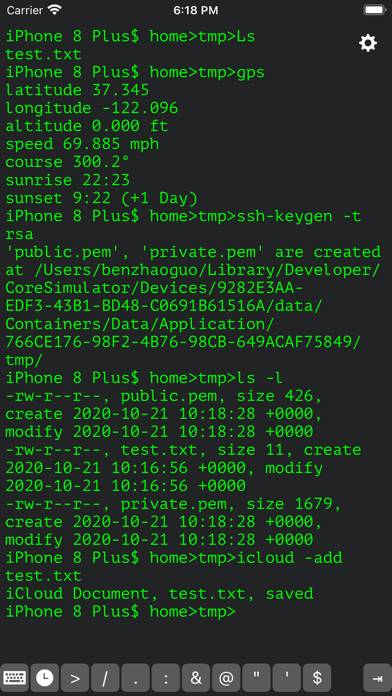
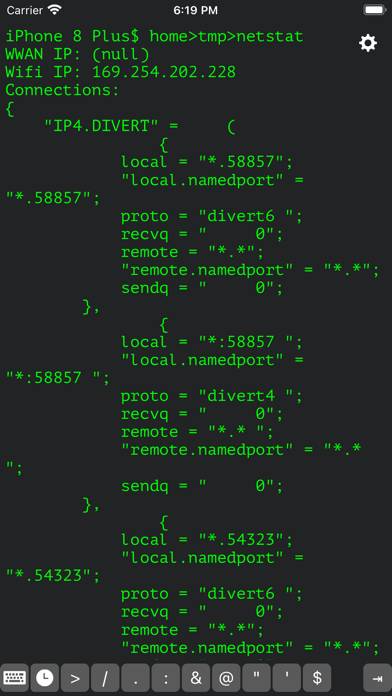
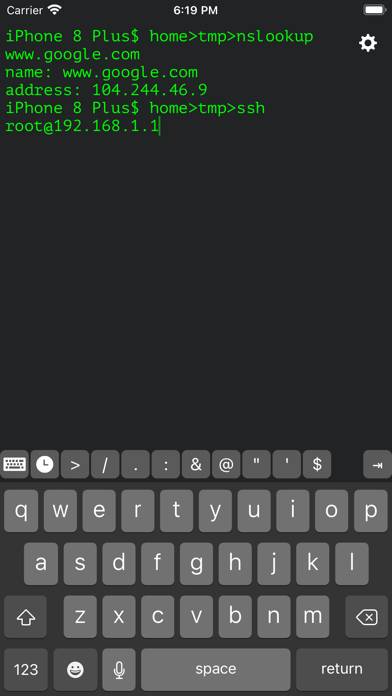
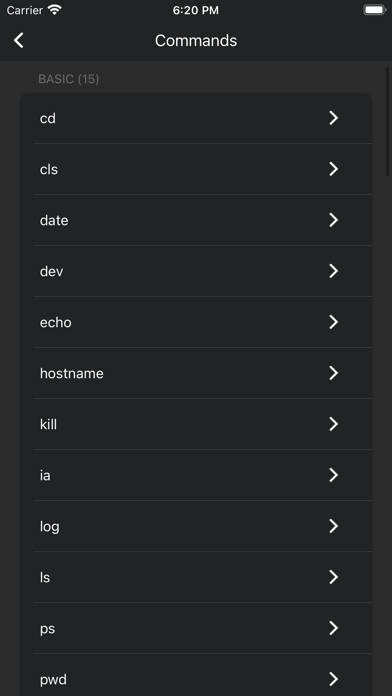
Video: OpenTerm Overview
Description
OpenTerm is a sandboxed command line interface for iOS. It is the most popular terminal emulator and SSH/FTP client. Commands included:
awk cat cd chflags
chksum clear compress cp
Show more
Download OpenTerm
Scan to Get the App!

Using OpenTerm on PC or Mac
OpenTerm can be played on Windows and macOS using Android emulators such as BlueStacks. Download an APK version and follow our BlueStacks installation guide to get started. For help with downloading or installing APK files, visit our forums.
User Reviews and Ratings
★★★☆☆ App confused by iPad floating keyboard on startup
I am using an iPad Air 4 2020 running iPadOS 14.2, and strongly prefer the floating keyboard to the full size one.
Started app with floating keyboard in landscape, and app buttons were at the top of the screen and no text was visible, but still received input from keyboard.
★★☆☆☆ ssh is really bad
Not worth it
I tried to use ssh, is get connected but i cant run the command
for example when i type pwd
it print pwd instead of the path and it stopped responding !
★★☆☆☆ Screen printing bad
No matter what command I try to use, if they have to print output on the terminal (ls, cat...) I can only see the very first line. If there is more info but it's longer than one line, it just doesn't show up. Could you please fix this or at least give money back. I thought if it was a paid app the minimum would be working. I have an iphoneSE second generation (iOS 15.4.1)
★★★★★ Good for Linux users-Initial review
Honestly pretty good for its price, I like the customizations and the shortcuts with typing and the file shortcut
I personally use Linux so this app is really good and easy to use imo than most terminal apps
★★★★★ Confused after upgrading to premium
Read all reviews
I just ugraded to premium and now when I select options from the settings menu it opens the wrong one, e.g. I wasn't planning on leaving this review, I wanted to change the size of the font and when I clicked the option to change the font size it brought me here...-____- UPDATE: After relaunching the app everything seems normal
Similar Developer Tools Apps
Netdata server monitoring
Source 3
Text Editor - Document Editor

介绍图工厂-应用上架截图美化助手
MQTT Terminal Pro
MongoLime - manage databases