Published by OxGames Kamil Wdowczyk on May 08, 2024
Genre: Puzzle
Ratings: 4.82
Version: 1.0.13
Updated: Jun 10, 2024
Downloads: 474
Oxytone is a puzzle strategy game developed by OxGames Kamil Wdowczyk. Available as a free download, it was updated to v1.00 on June 10, 2024, and currently holds a 4.82 out of 5 rating based on 22 reviews. Before downloading, make sure your device has at least 154 MB of free space and runs Android 11+ or iOS 12.0+.
Relaxing puzzle game
Oxytone Gameplay Overview
Description
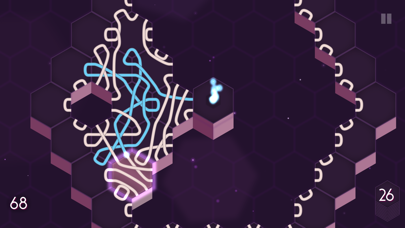
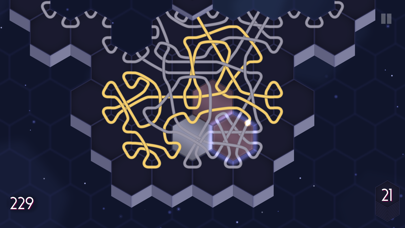
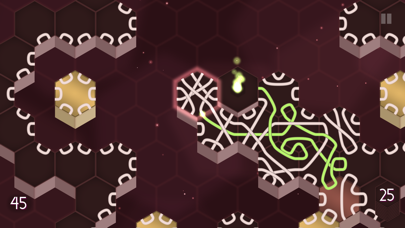
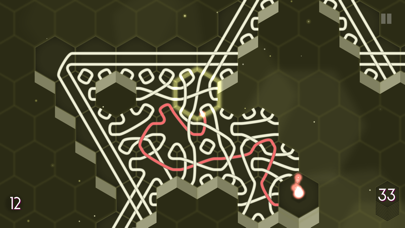
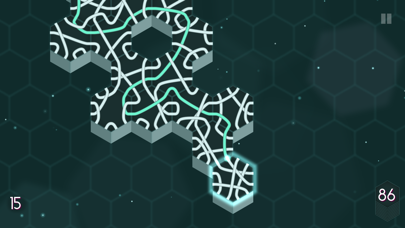
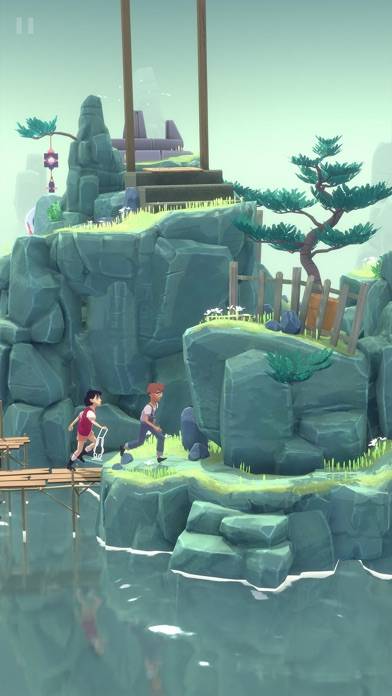
Are you ready for a unique adventure like no other? Oxytone invites you to explore the depths of your mind while offering a tranquil escape from the hustle and bustle of everyday life for those seeking relaxation.
Oxytone may be playable on Windows and macOS using Android emulators such as BlueStacks. Follow our BlueStacks installation guide to get started. Looking for Oxytone APK? Visit our forums for help finding authorized downloads, installing APK files, and troubleshooting installation issues.
User Reviews and Ratings
★★★★★Perfect game
I like different games for different situations. This one is fun and relaxing, engaging enough to be interesting, but also playable while, for instance, listening to a podcast.
★★★★☆Bug
I got the achievement for 99,999 total points to unlock Quick Mode, but it won’t unlock.
★★★★★11/10
1,000,000,000% recommend, it’s a perfect idle game
★★★★★Love it
I love this game. I used to play a desktop game similar to this and always wished it’d had a mobile version. Honestly, this game way exceeds the old one. My only small gripe is that quick mode hasn’t unlocked for me even though I’ve hit the point requirement. Certainly not something that will stop me from playing but it’d be nice to have :) great work - from one software dev to another.
★★★★☆How to play / buy vs free?
Love the game, except I need to search the Internet to find out how to play. Some instructional videos besides the initial how to place tiles would help.
In the App Store, it doesn’t say what the difference is exactly between the free versus paid version. At least not that I’m saying unless I’m missing something.