ParseGreek - Greek Quizzing is an education app developed by Danny Zacharias. Available for $9.99, it was updated to v3.20 on October 24, 2024, and currently holds a 4.82 out of 5 rating based on 208 reviews. Before downloading, make sure your device has at least 22 MB of free space and runs Android 14+ or iOS 15.0+.
Parsing app for New Testament
Video: ParseGreek Overview
Description
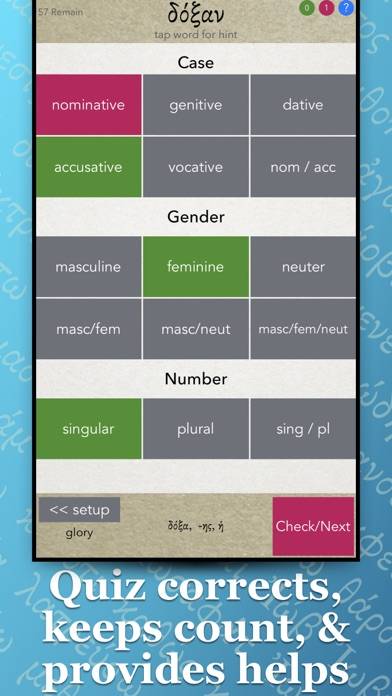
From the makers of FlαshGrεεk — ΠαrsεGrεεk is designed to help students of New Testament Greek by quizzing them on the parsing of verbs, nouns, adjectives, and pronouns.
ParseGreek - Greek Quizzing can be played on Windows and macOS using Android emulators such as BlueStacks. Download an APK version and follow our BlueStacks installation guide to get started. For help with downloading or installing APK files, visit our forums.
User Reviews and Ratings
★★★★★Good app
Helpful for staying fresh in Koine morphology.
User error or bug? When I click the ? (redirects to morphology charts), I can’t go back. Need to exit app and restart.
★★★★★ParseGreek & FlashGreek
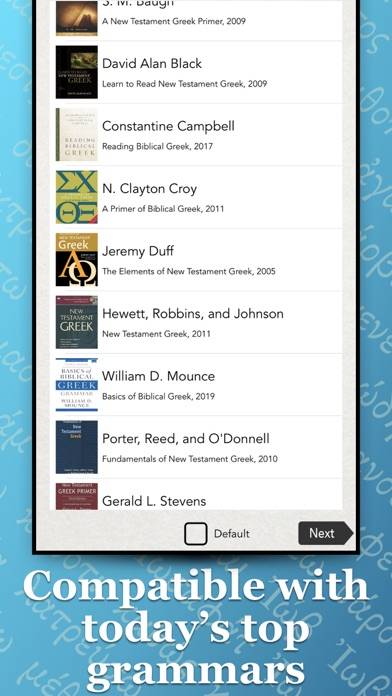
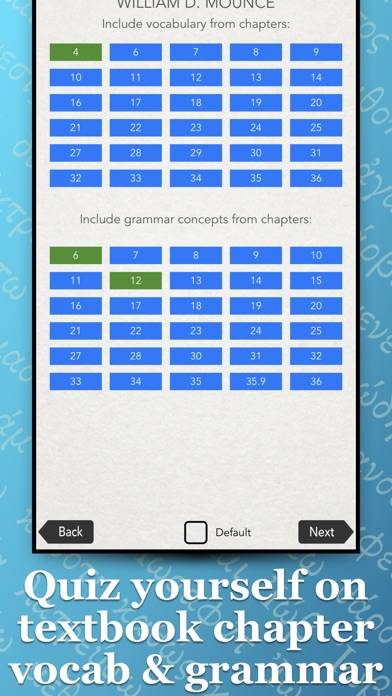
I have been using both these apps for about 9mos. I have found them a great help and a must for learning Greek Grammar. Buy the bundle so you get the biggest bang for the buck. These apps work with all the major grammars or as a stand alone app. Danny is always helpful if you have any questions.
★★★★★helpful study tool!
I used this app to help me memorize and identify Greek forms, and still use it to stay fresh
★★★★☆Good but…
On the famine nouns, ς is a possible ending for genitive singular and accusative plural, but there isn’t an option to mark it as either or. And it will mark the answer wrong even if you are technically correct. Their should be an either or answer like there is on master Greek.
★★★★★Needs to save progress!
This is an excellent app overall, and works with many different grammar books. However, it doesn’t save your progress when going through lists, which is extremely frustrating! Hopefully the developer will address this.
***
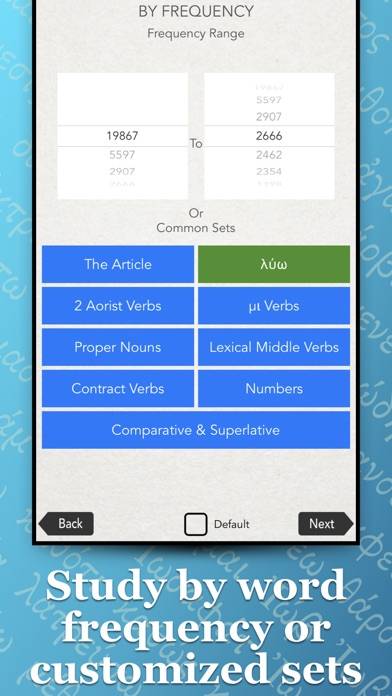
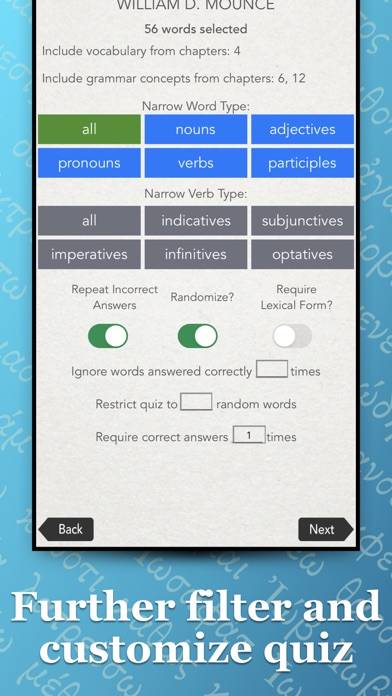
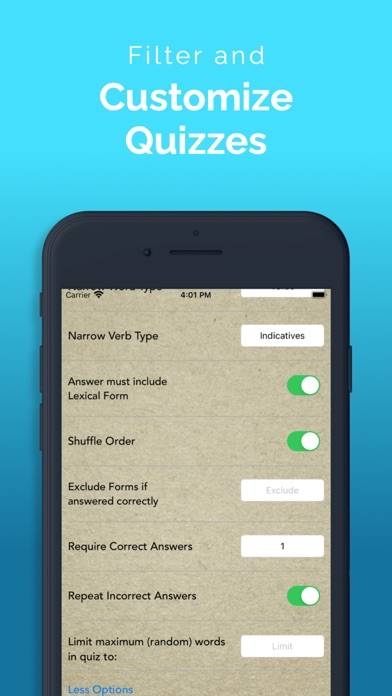
The developer let me know that you can use the filter to exclude certain words after getting them correct a user-defined number of times. In this way you can keep from having to do the same words over again if you can’t finish your current session. This works I suppose!