Pass2U Wallet - cards/coupons is a shopping app developed by MicroMacro Mobile. Available as a free download, it was updated to v3.20 on September 21, 2024, and currently holds a 4.28 out of 5 rating based on 2.7K reviews. Before downloading, make sure your device has at least 73 MB of free space and runs Android 11+ or iOS 12.0+.
No more plastic cards
Video: Pass2U Wallet Overview
Description
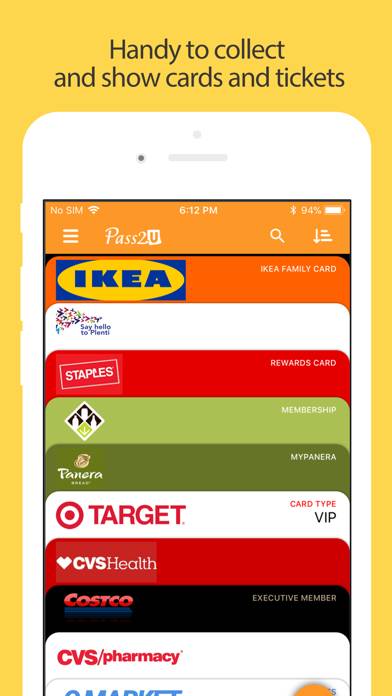
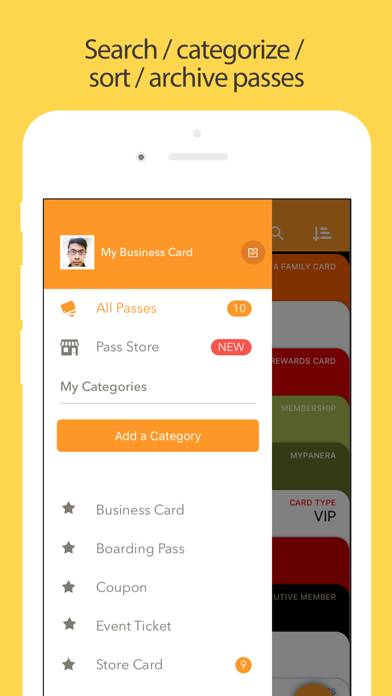
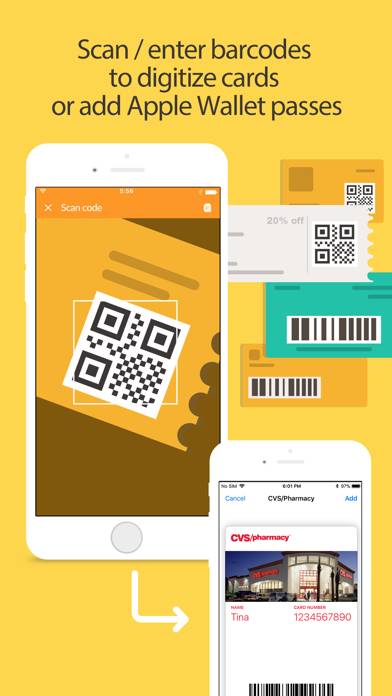
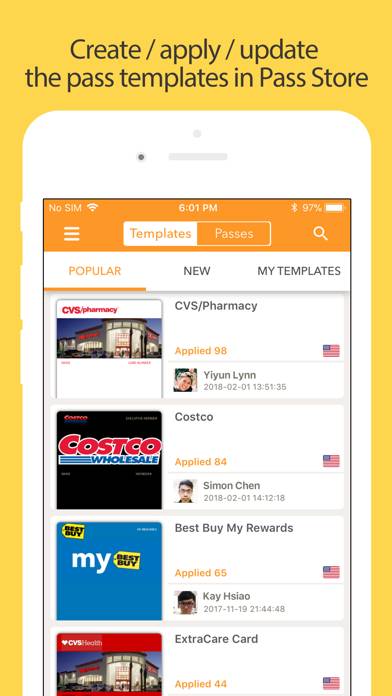
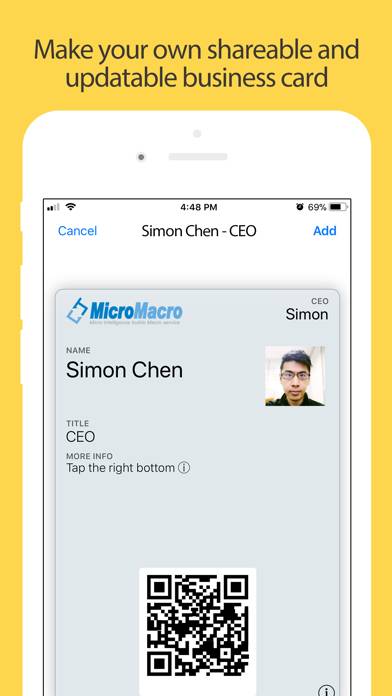
Pass2U Wallet makes you add and manage all of your plastic cards/paper tickets in Apple Wallet easily.
Pass2U Wallet - cards/coupons can be played on Windows and macOS using Android emulators such as BlueStacks. Download an APK version and follow our BlueStacks installation guide to get started. For help with downloading or installing APK files, visit our forums.
User Reviews and Ratings
★★★★★Missing WatchOS compatibility
Edit: Apple Watch feature was available—I just needed to restart my Apple Watch to refresh iCloud.
The Pro version works great for Apple wallet. I bought it to make myself an easily accessible gym membership pass to scan. It would work great for library cards, or anything with a barcode or QR code. But it does not have compatibility with Apple Watch. This is a missing feature I would love to see in the future.
★★★★★Better than my original library card
I lost my library card and this let me replace it. Someone even created a Hennepin county library template with my hold number. Better than the original card
★★★★☆Overwhelming flexibility, but in a good way
There’s a lot of options for designing your passes for Apple Wallet and the app gives you a solid platform for adding them to your mobile wallet. It’s a little confusing and takes some trial and error, but it’s a really neat way for me to add my own custom loyalty cards to my Wallet for stores/services that don’t support it natively
★★★★★Very Useful
This app let me add my library card to Apple wallet and it worked at the library! It lets you add any other card with a barcode as well.
★★★☆☆Frustrating
It’s not straightforward what each field means or how it’ll show up. I normally just make blank cards and scan the bar card in. It doesn’t work with most things I try but it works with my library cards which is a high priority for me. I wish it worked more consistently. I’ve used this app for ten years I would guess. I can’t remember not having it. I just keep hoping it’ll get better.