PDF Photos Scanner: JPG to PDF
Published by Engels Cybersecurity & Consulting GmbH on Dec 08, 2021
Genre: Productivity
Ratings: 4.62
Version: 4.0
Updated: Oct 31, 2022
Downloads: 562
PDF Photos Scanner: JPG to PDF is a productivity app developed by Engels Cybersecurity Consulting GmbH. Available as a free download, it was updated to v4.00 on October 31, 2022, and currently holds a 4.62 out of 5 rating based on 162 reviews. Before downloading, make sure your device has at least 103 MB of free space and runs Android 14+ or iOS 15.0+.
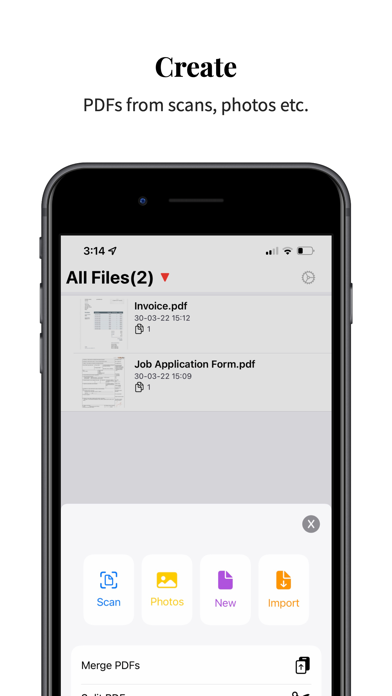
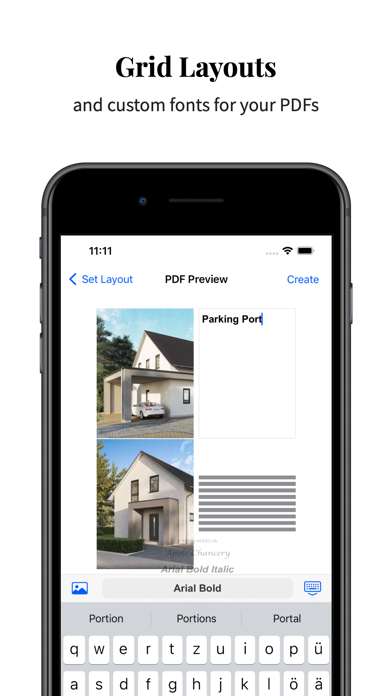
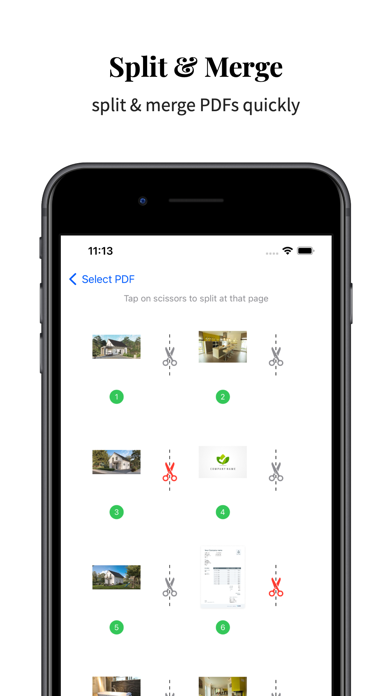
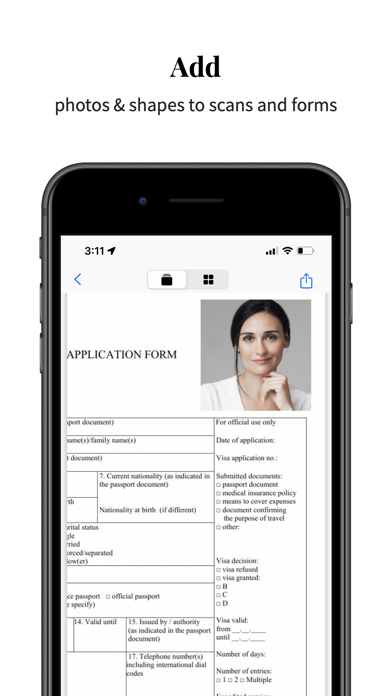
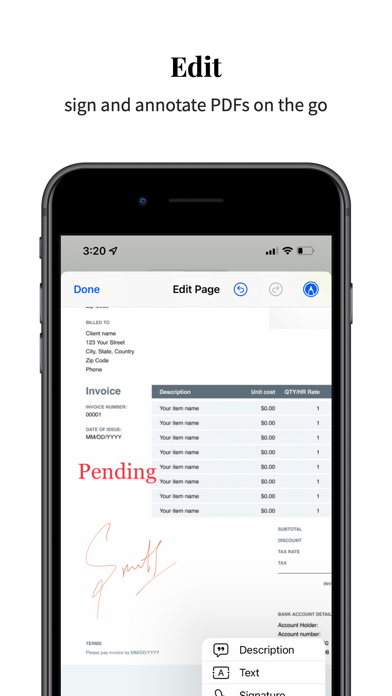
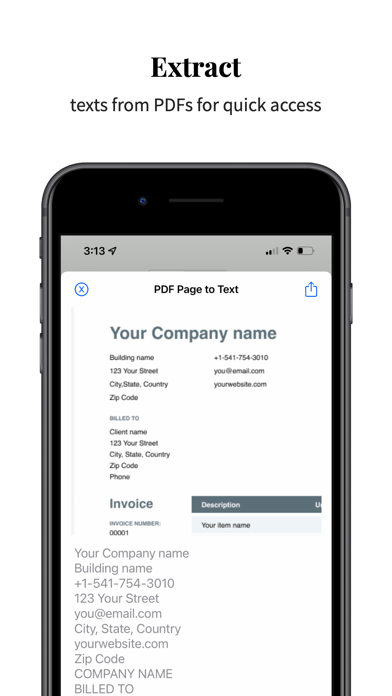
Convert PNG,JPEG,video to PDF
Video: PDF Photos Scanner: JPG to PDF Overview
Description
Available In-App Purchases
Buy Me A Coffee
$2.99
Unlock All Features
$3.99
Unlock All Features Life time
$19.99
Download PDF Photos Scanner: JPG to PDF

Using PDF Photos Scanner: JPG to PDF on PC or Mac
PDF Photos Scanner: JPG to PDF may be playable on Windows and macOS using Android emulators such as BlueStacks. Follow our BlueStacks installation guide to get started. Looking for PDF Photos Scanner: JPG to PDF APK? Visit our forums for help finding authorized downloads, installing APK files, and troubleshooting installation issues.
User Reviews and Ratings
Similar Productivity Apps