the pdf scanner аpp

Published by L E R GOLD LTD on Mar 11, 2022
the pdf scanner аpp icon

Genre: Productivity

Ratings: 4.84

Version: 2.3

Updated: Oct 20, 2023

Downloads: 520

The pdf scanner аpp is a productivity app developed by LERGOLD. Available as a free download, it was updated to v2.30 on October 20, 2023, and currently holds a 4.84 out of 5 rating based on 133 reviews. Before downloading, make sure your device has at least 39 MB of free space and runs Android 12+ or iOS 13.0+.

PDF Scanning, ID, OCR & Print

Video: The pdf scanner аpp Overview

Description

PDF Scanner app allows you to create high-quality multipage PDF files from photo library or camera. Editing Features: 1. Crop 2.
Show more

Available In-App Purchases

Document Scanner: Scan & Share

$12.49

Download The pdf scanner аpp

Scan to Get the App! QR code for The pdf scanner аpp

Using The pdf scanner аpp on PC or Mac

The pdf scanner аpp may be playable on Windows and macOS using Android emulators such as BlueStacks. Follow our BlueStacks installation guide to get started. Looking for The pdf scanner аpp APK? Visit our forums for help finding authorized downloads, installing APK files, and troubleshooting installation issues.

User Reviews and Ratings

★★★★★ PDF scanner
Was easy to use on my first time. Have lots to learn.
★★★★★ Great App (one-time use)
This app worked liked a charm for me!
★★☆☆☆ Eh
only lets you scan one page at at time without paying, but at least it lets you pull them out of the app so you can throw them into a different program to combine them. I’d understand paying for editing privileges, rearranging, signatures, etc, but bruh I used it for what I had to do, because it’ll work where others wouldn’t and I just want it done, but I’ll keep looking
Read all reviews

Similar Productivity Apps

VPN - Proxy Master screenshot
VPN - Proxy Master
Top #77 in Productivity Apps
La Fulvia screenshot
La Fulvia
Webmail App screenshot
Webmail App
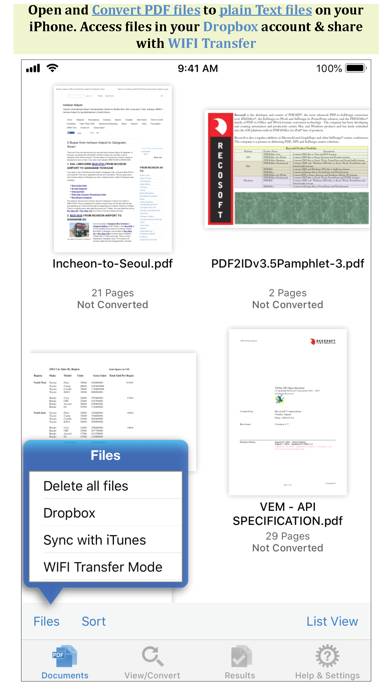
PDF to Text by PDF2Office screenshot
PDF to Text by PDF2Office
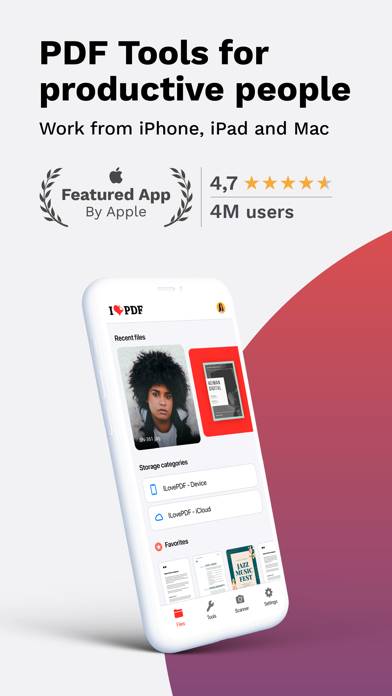
iLovePDF - PDF Editor & Scan screenshot
iLovePDF - PDF Editor & Scan