Picsew - Scrollshot & Collage is a productivity app developed by Yojio. Available as a free download, it was updated to v3.11 on September 21, 2024, and currently holds a 4.76 out of 5 rating based on 2.9K reviews. Before downloading, make sure your device has at least 58 MB of free space and runs Android 13+ or iOS 14.0+.
Indispensable stitching tool.
Video: Picsew Overview
Description
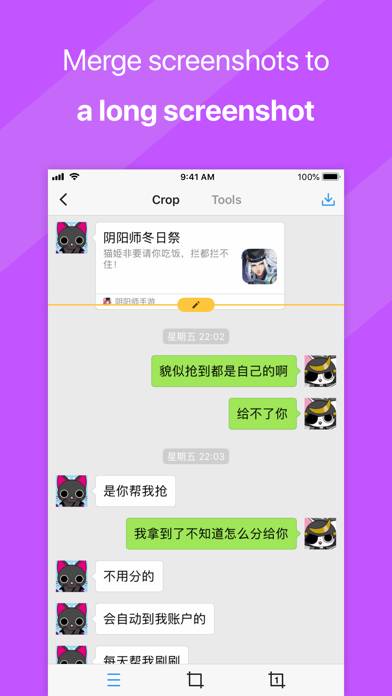
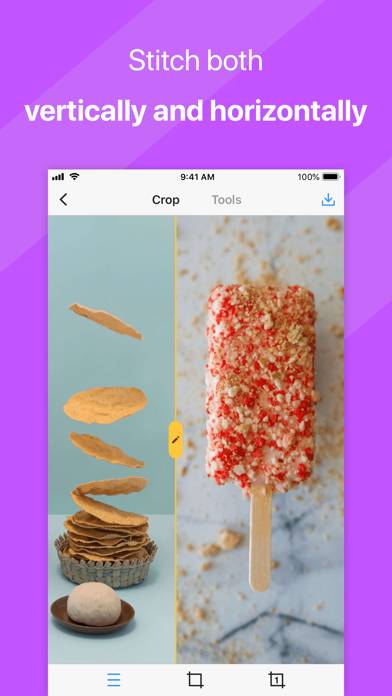
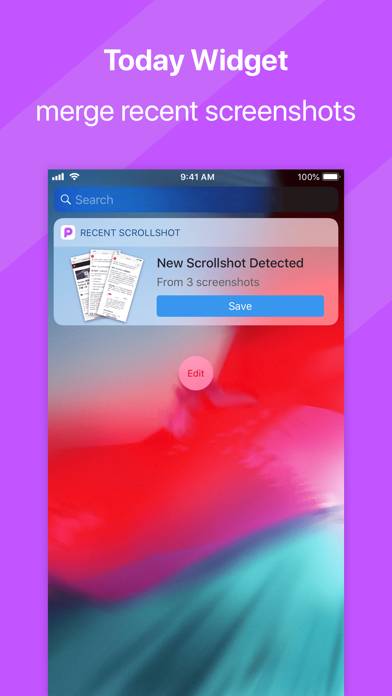
Make Screenshot Stitching Easy with Picsew! Picsew is an award-winning screenshot stitching tool, featured as App Store Editor’s Choice and Today’s App.
Picsew - Scrollshot & Collage can be played on Windows and macOS using Android emulators such as BlueStacks. Download an APK version and follow our BlueStacks installation guide to get started. For help with downloading or installing APK files, visit our forums.
User Reviews and Ratings
★★★★★Helpful tool with many uses
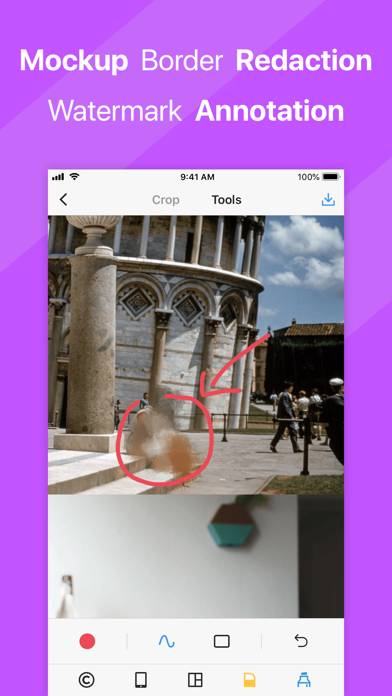
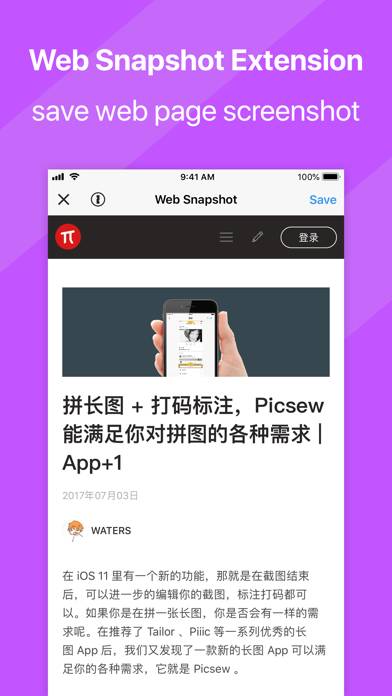
I’ve been using the app for a few years and it’s the first tool I consider when I need to stitch photos or screen shots. The ability to save in PDF (and to iCloud ) is a bonus on top. I don’t annotate often but the ability exists. The live screen shot function is a brilliant idea that I use particularly often since Safari can’t decide whether it will allow a full page capture.
★★★★★希望可以支持从文件app里导入图片进行编辑
希望可以支持从文件app里导入图片进行编辑
★★★★★THIS IS THE BEST APP EVER YO WHAAT
BRO
I ALWAYS WANTED AN APP WHERE YOU COULD LITERALLY SCREEN RECORD A WHOLE LONG LIKE ARTICLE OR TEXT CONVO, then itll stitch it into one giant image.
But all the other free apps that do this sucked, it would never be accurate.
But this one. It’s 100% accurate every time!!! I take the worst recordings too, literally going up and down, not smooth at all, and it somehow works
They even let you see a preview before making you pay only $2 for lifetime access. Bro I would pay that for each time!!
★★★★★It even works
It even worked to stitch the contents of a scrollable pop-up dialog in a game. Very cool! (The game content still visible around the (fully opaque) dialog was static or largely static, but I’m still impressed!)